Skip and the next generation of mobile user interfaces
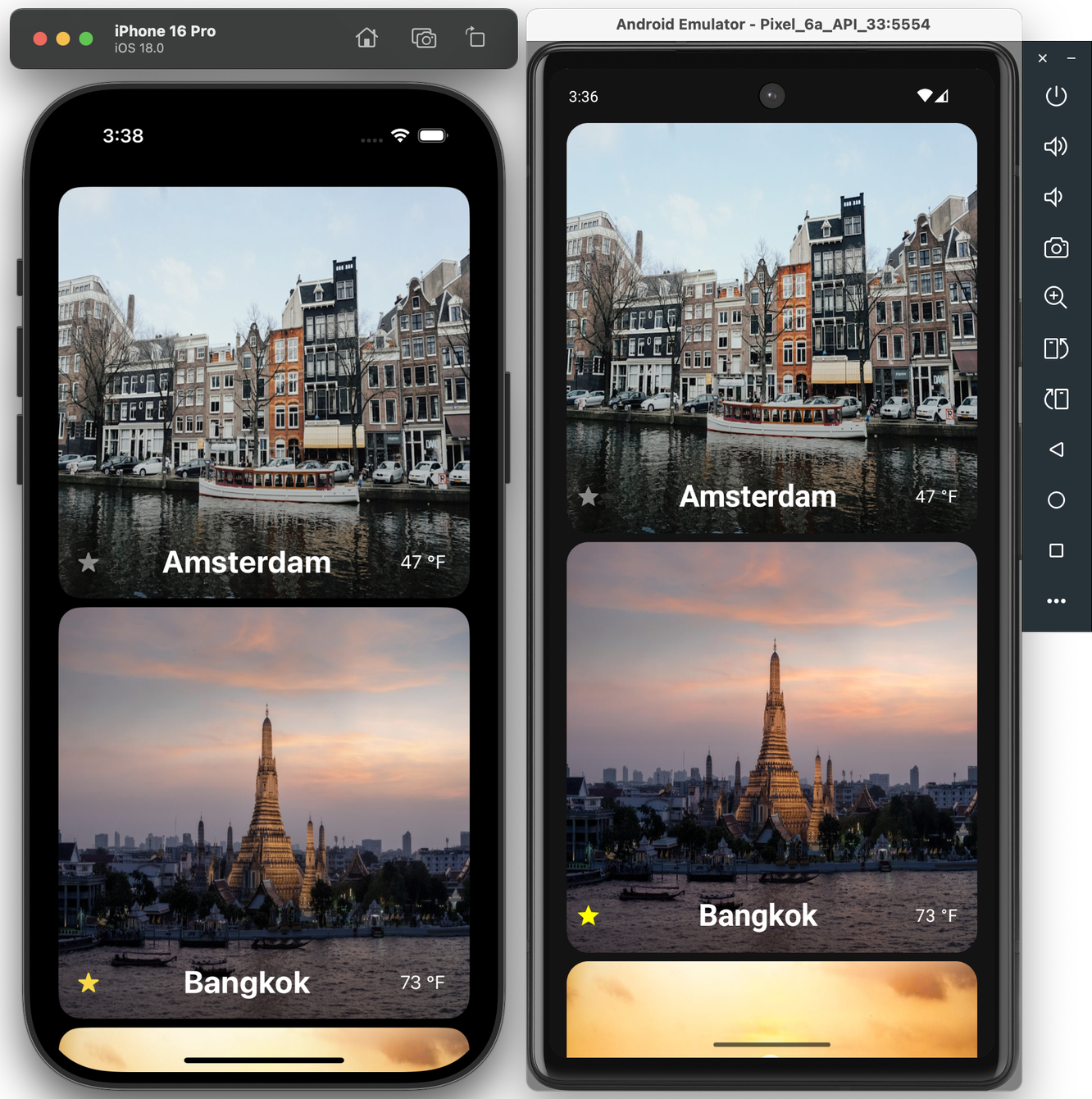
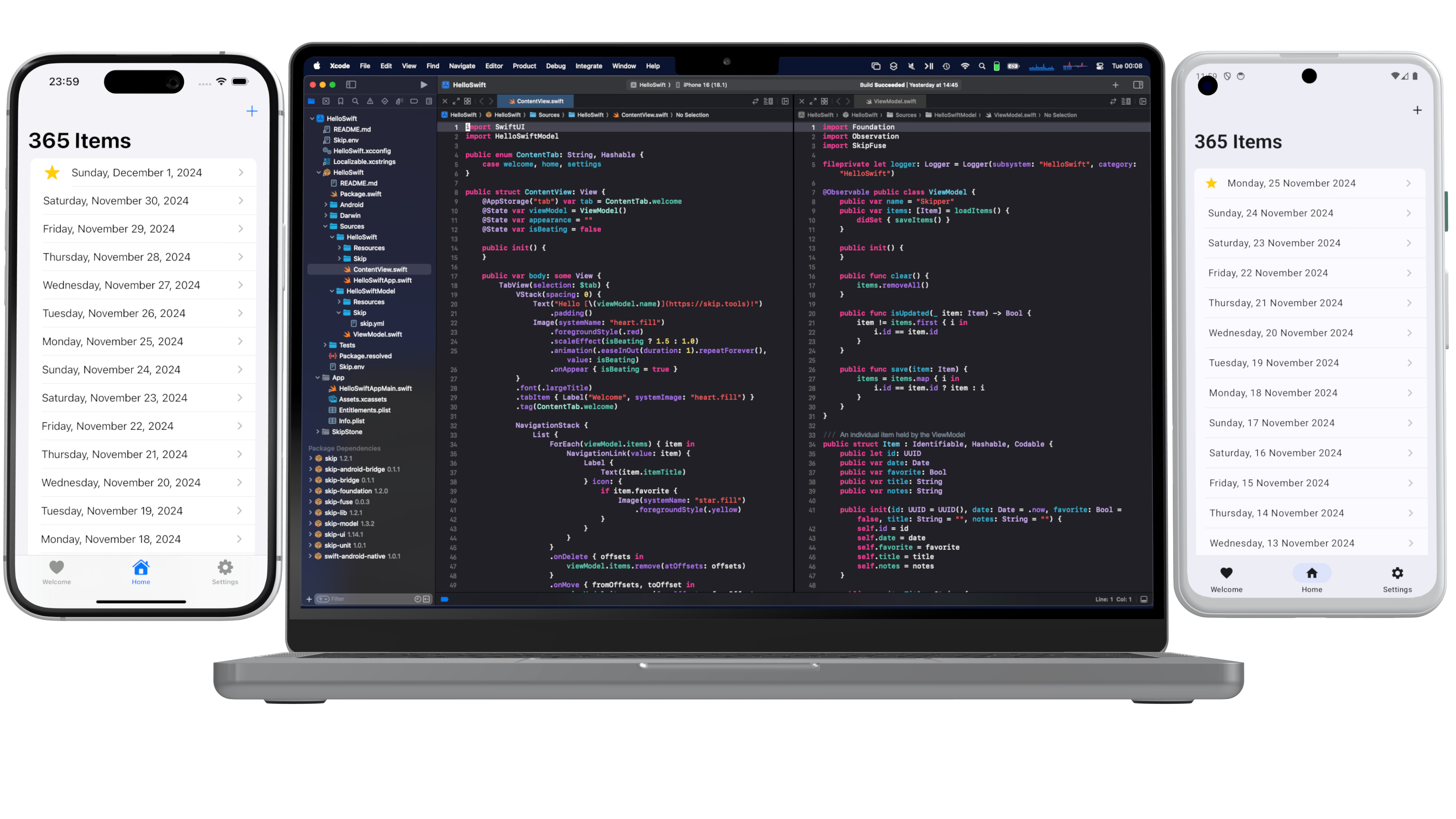
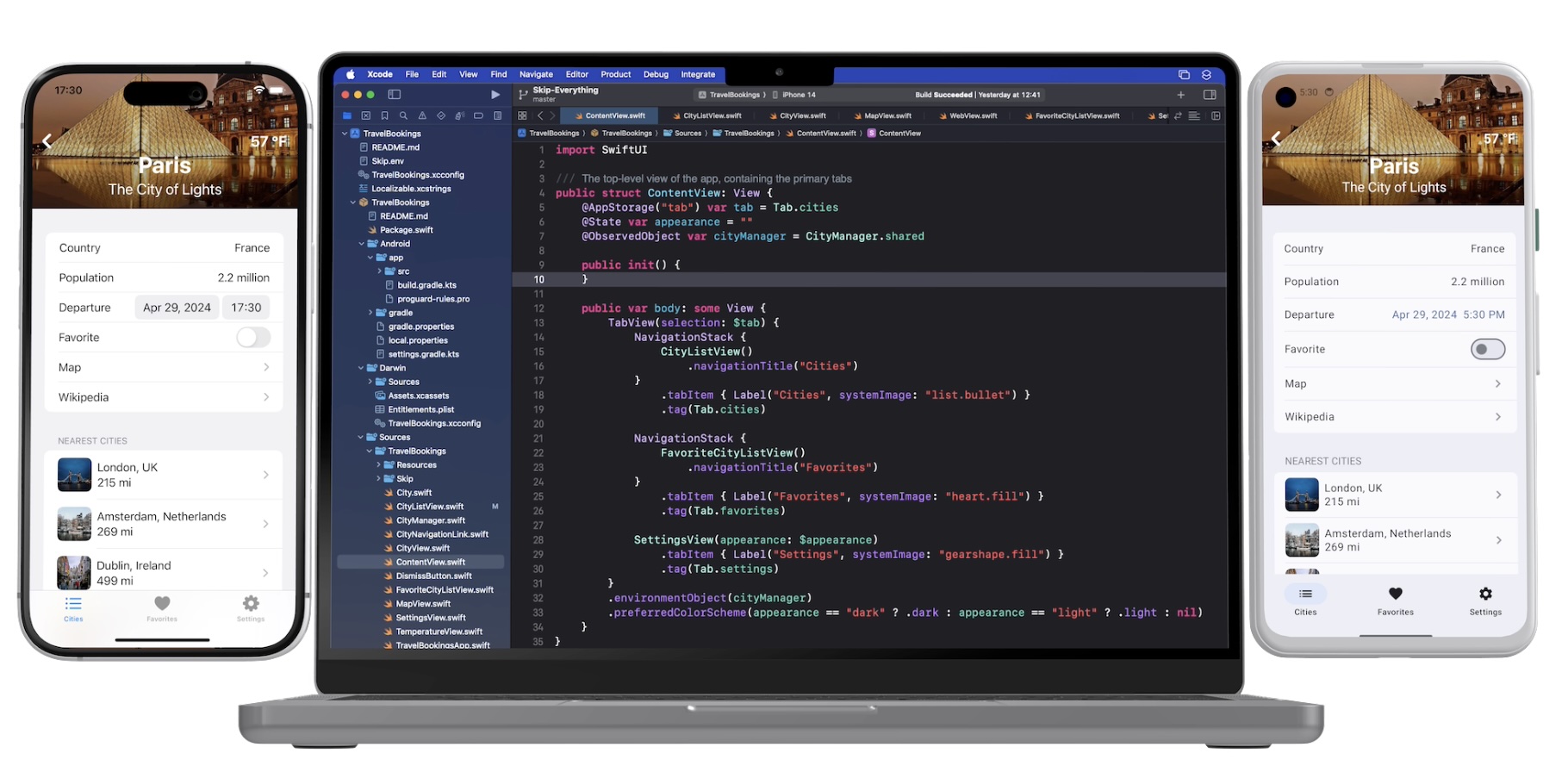
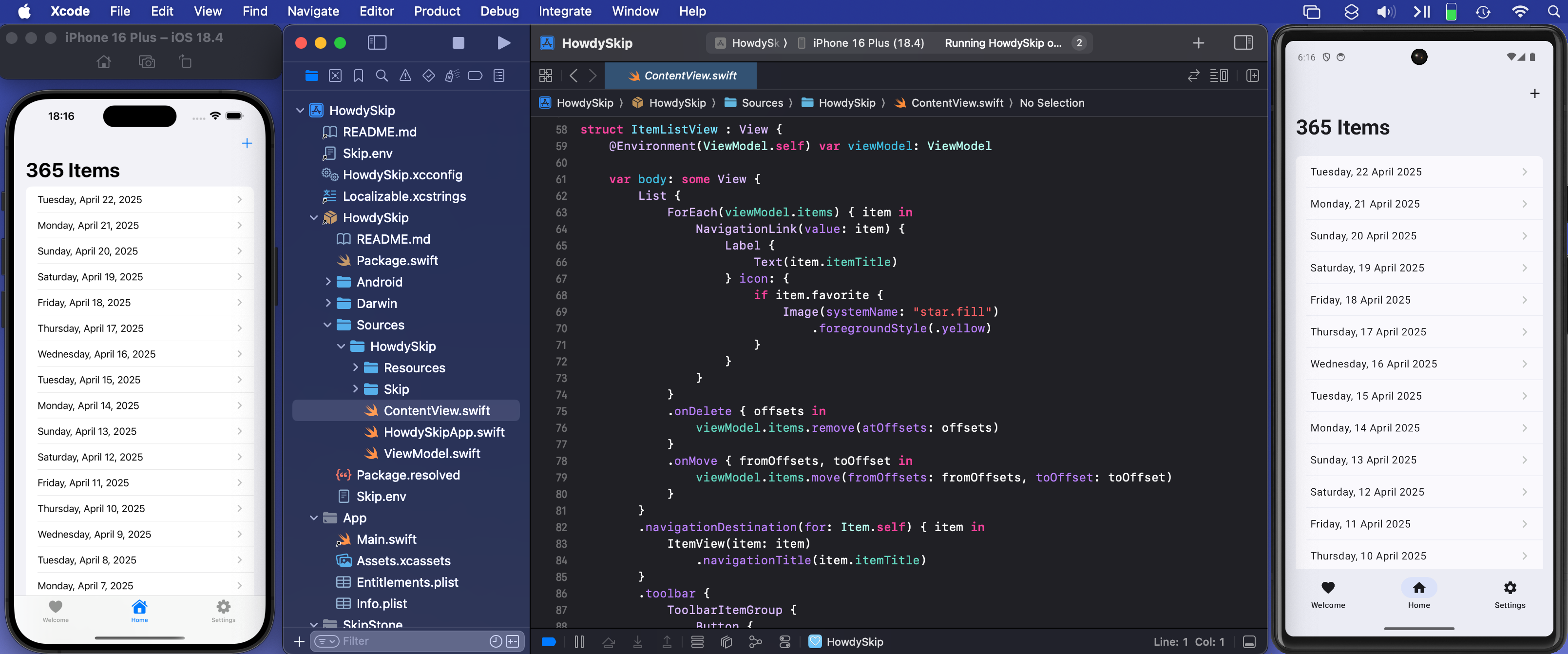
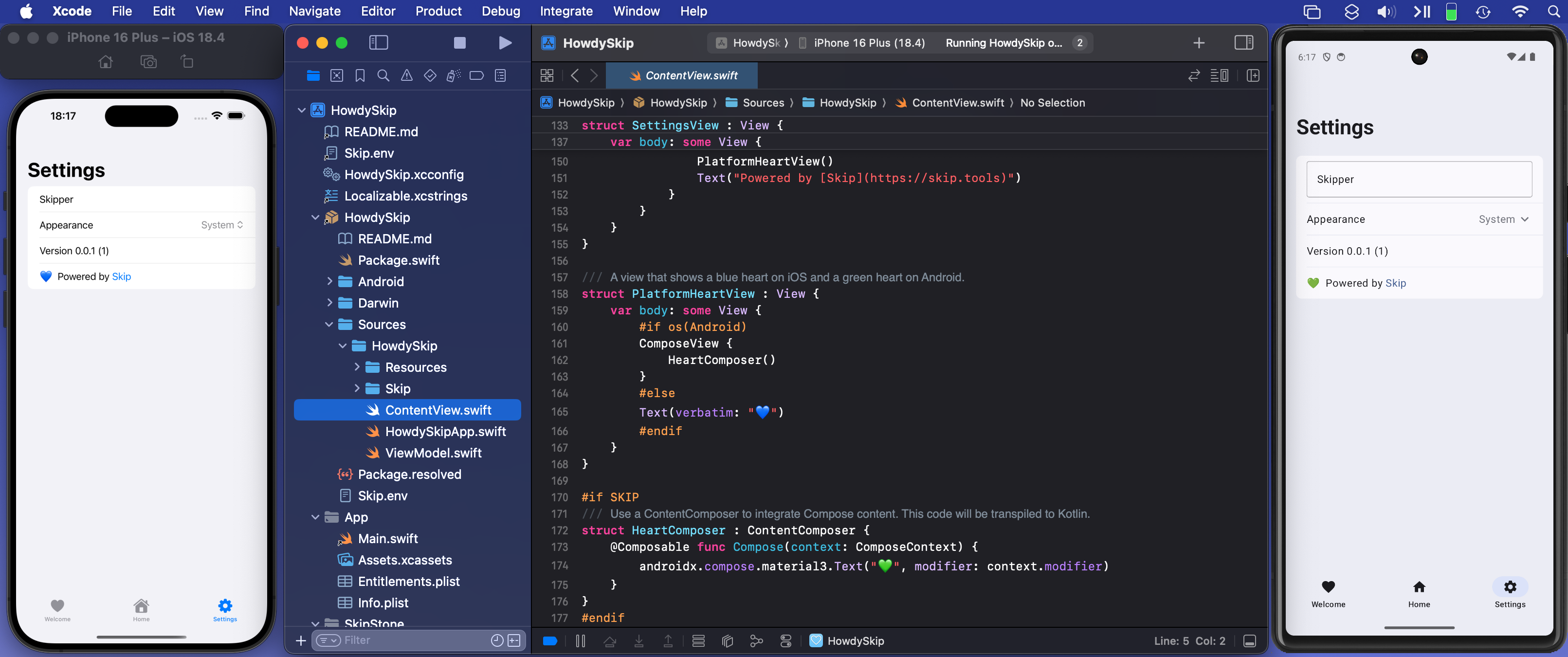
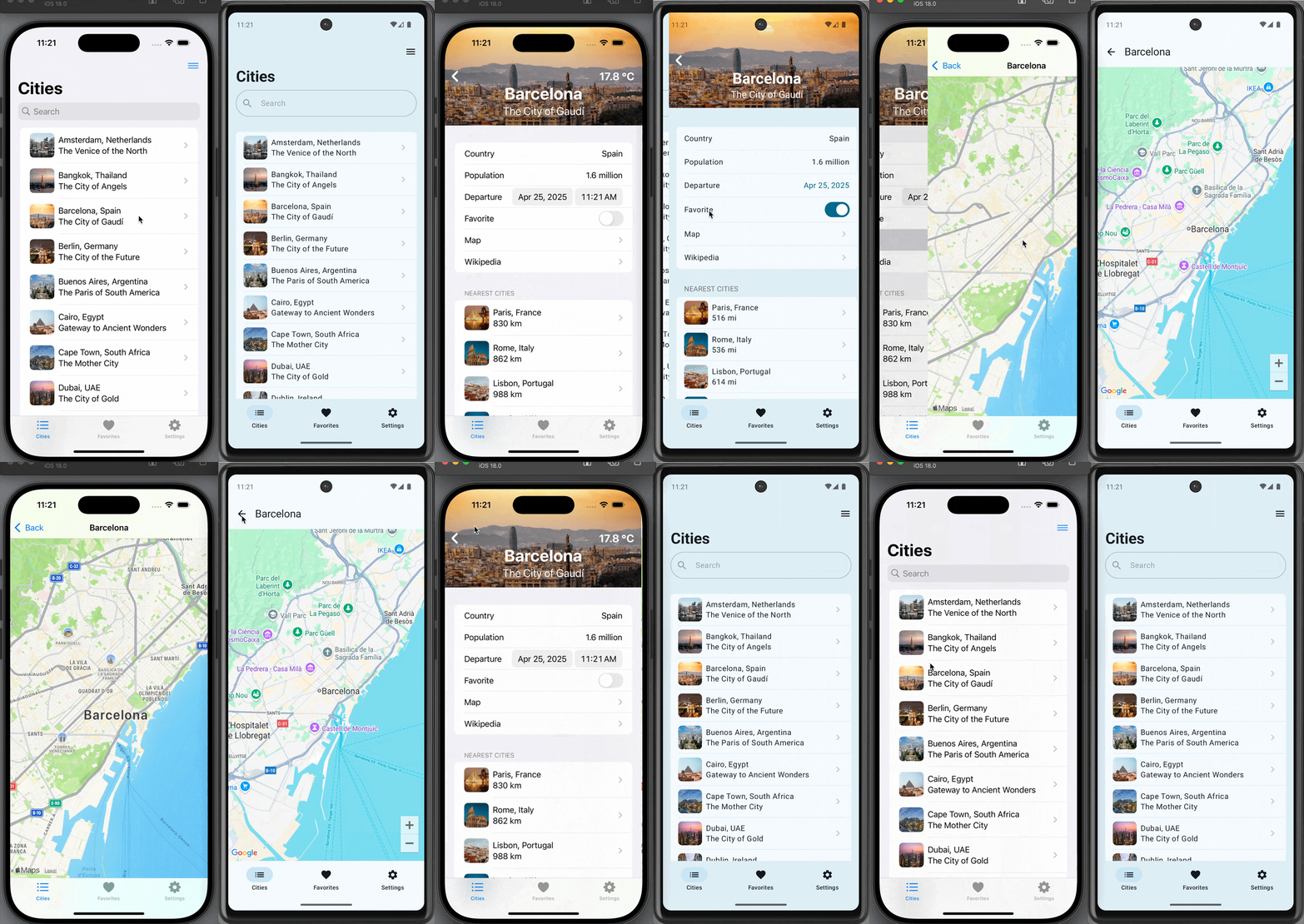
When you write dual-platform Swift and SwiftUI apps with Skip, the user interface of your app is always truly native to the platform - on both iOS and Android. This means that your app’s widgets and navigation idioms will feel truly “at home” to all of your users, and all the accessibility features of the underlying operating system will automatically work. This is true regardless of whether you are using Skip Lite’s transpiled mode or Skip Fuse’s more recent natively-compiled Swift.
A platform-native user interface matters, not just visually and for performance reasons, but also because it keeps up with system changes without needing to play “catch up” when the underlying system’s frameworks are updated. As a case in point, this week’s unveiling of iOS 26’s new “Liquid Glass” user interface at the Apple Worldwide Developer Conference (WWDC) was followed by this exhortation about the importance of using native frameworks1:
When you use Apple’s native frameworks, you can write better apps with less code. Some other frameworks promise the ability to write code once for Android and iOS.
And that may sound good, but by the time you’ve written custom code to adapt each platform’s conventions, connected to hardware with platform-specific APIs, implemented accessibility, and then filled in functionality gaps by adding additional logic and relying on a host of plugins, you’ve likely written a lot more code than you’d planned on.
And you are still left with an app that could be slower, look out of place, and can’t directly take advantage of features like Live Activities and widgets. Apple’s frameworks are uncompromisingly focused on helping you build the best apps.
We couldn’t agree more. Skip is uncompromisingly focused on helping you create the very best app experience using Apple’s frameworks on Apple devices, as well as the best experience using Android’s frameworks on Android devices. We describe Skip as a “dual-platform” technology rather than a “cross-platform” technology for a reason: we do not try to create our own lowest-common denominator imitation of the native experience. Rather, we let Apple be Apple and let Android be Android by embracing the platform-native interface and idioms that makes each operating system unique and beloved by their adherents.
This makes Skip unique among technologies that facilitate building universal apps from a single codebase. For example, shortly after the iOS interface redesign was previewed, an issue ↗ was filed in the Flutter project by a contributor:
With the introduction of iOS 26, Apple has begun rolling out the new Liquid Glass design language. This introduces significant changes to the visual styling and interaction behavior across native iOS apps. As a result, Flutter apps using the existing Cupertino widgets risk appearing visually outdated on the latest iOS devices, leading to a degraded user experience and a perception of apps being “non-native.”
For developers targeting iOS users who expect modern, fluid design aesthetics, this represents a significant challenge. There is currently no way to adopt these design changes through Flutter’s existing Cupertino widget set.
After some concerned discussion, the Flutter team issued a proclamation ↗:
As with Material 3 Expressive, we are not developing the new Apple’26 UI design features in the Cupertino library right now, and we will not be accepting contributions for these updates at this time.
And with that statement, the door is closed on Flutter apps ever feeling genuinely native on future versions of either iOS or Android. A similar fate awaits any other technology that relies on mimicry to simulate the platform’s native user interface on iOS, such as Compose Multiplatform.
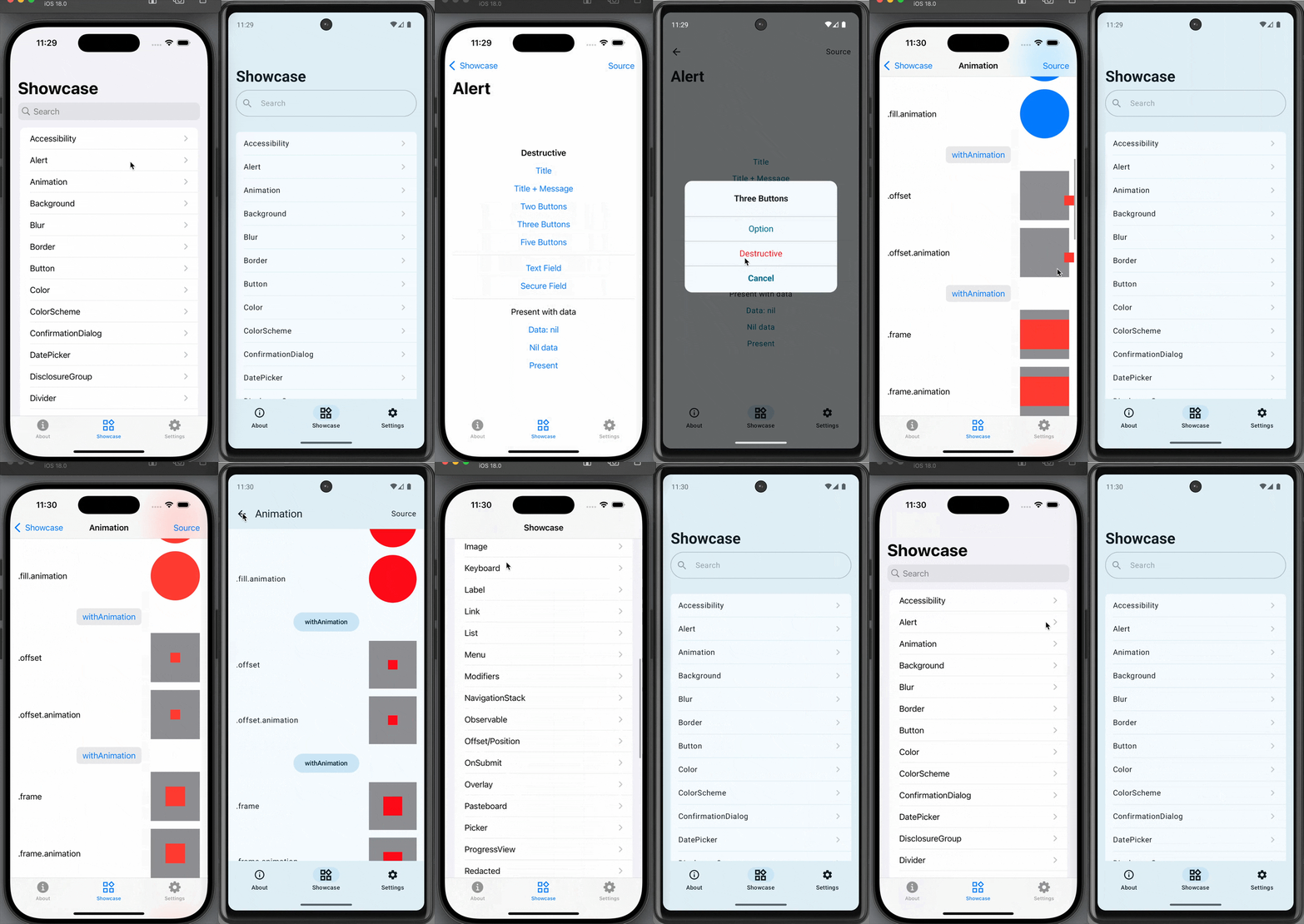
In contrast, Skip apps automatically work with the next generation of interface advances. Build and launch our sample Showcase app an iOS 26 device or simulator and you will be presented with the new “Liquid Glass” interface automatically.
Similarly, Skip will allow you to opt into Material 3’s Expressive redesign as it matures, giving your Android users the latest iteration of the Material design language. Skip achieves this by doing precisely nothing on iOS, and by bridging your shared Swift and SwiftUI to the recommended system frameworks on Android. The result is a universal app that uses the native toolkits for each platform: SwiftUI on iOS, and Jetpack Compose on Android.
Whether you are contemplating building a brand new app or considering your options for the future of your existing app(s), we encourage you to consider the advantages of Skip’s philosophy. We summarize the benefits of Skip compared to other multi-platform app building technology on our comparison page.
You can follow us on Mastodon at https://mas.to/@skiptools, and join in the Skip discussions at http://forums.skip.dev/. The Skip FAQ at /docs/faq/ is there to answer any questions, and be sure to check out the video tours at /tour/. And, as always, you can reach out directly to us on our Slack channel at /slack/.
Footnotes
Section titled “Footnotes”-
Matthew Firlik, Senior Director, Developer Relations at Platforms State of the Union ↗ (timecode 40:50) ↩





 {: style=“text-align: center; width: 200px; margin: auto;”}