
Showcase
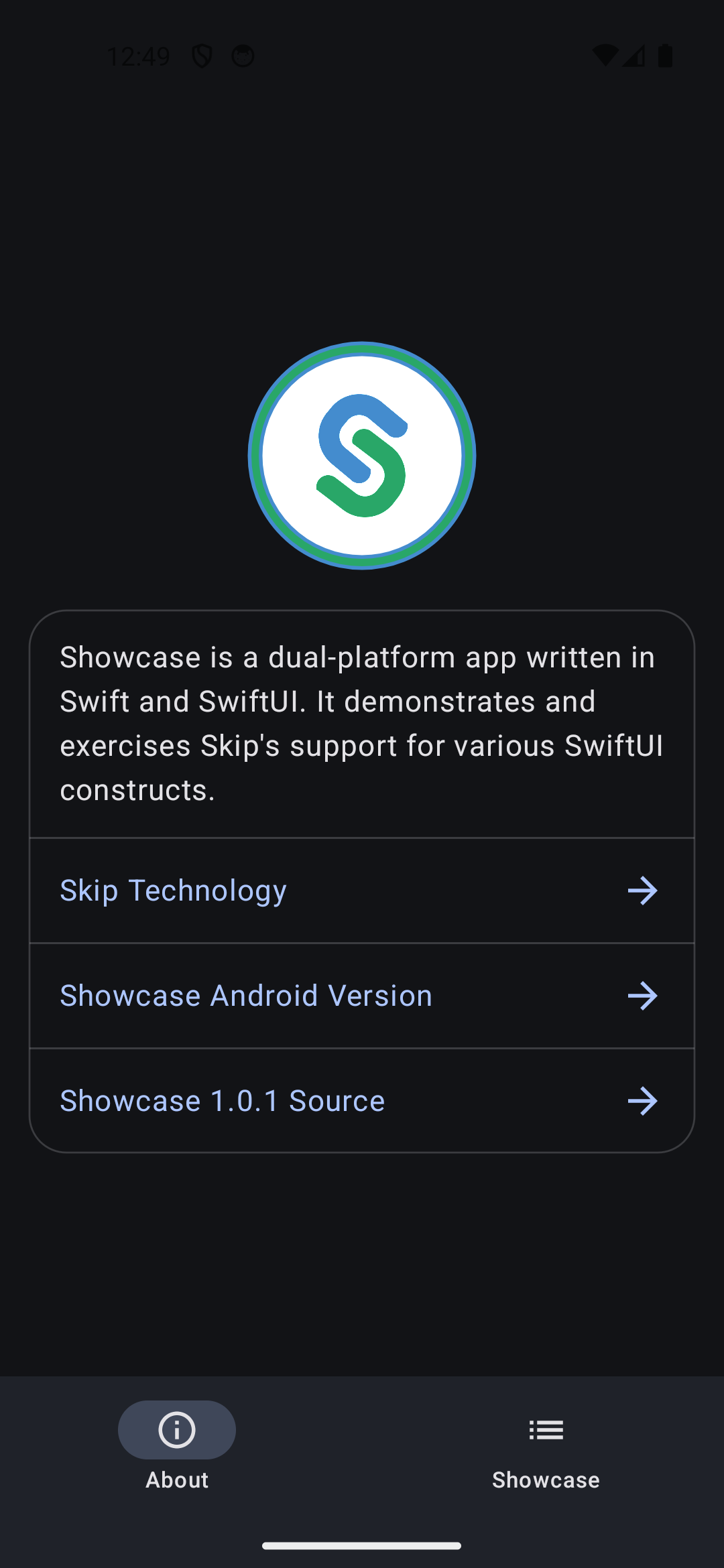
A comprehensive demonstration app for Skip, showcasing cross-platform SwiftUI development for iOS and Android. This is a combination Skip Lite and Skip Fuse app that can be condfigured to run in either transpiled or native mode.
The app contains 90+ interactive playgrounds, each demonstrating a specific SwiftUI component, layout technique, or framework integration. Every playground renders natively on both iOS and Android from the same Swift source code.


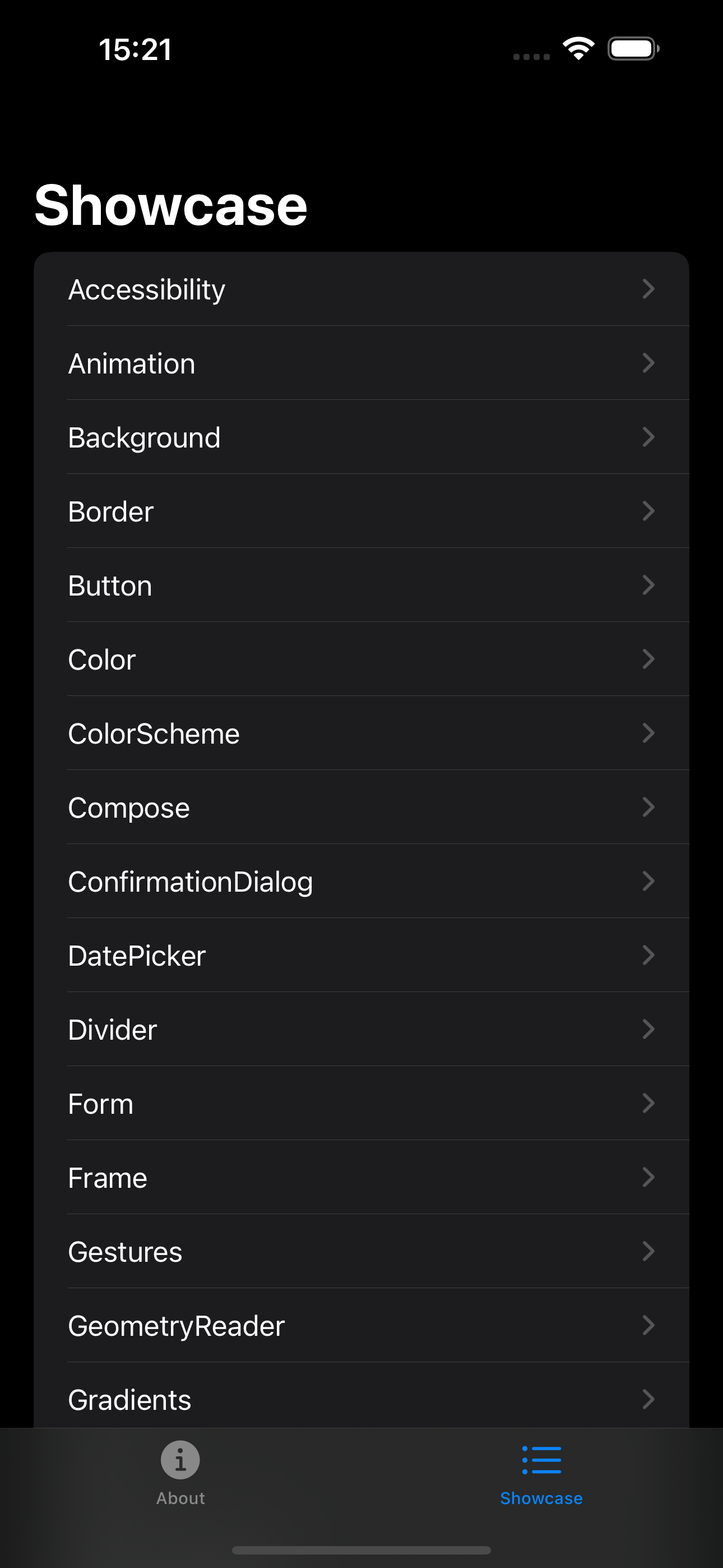
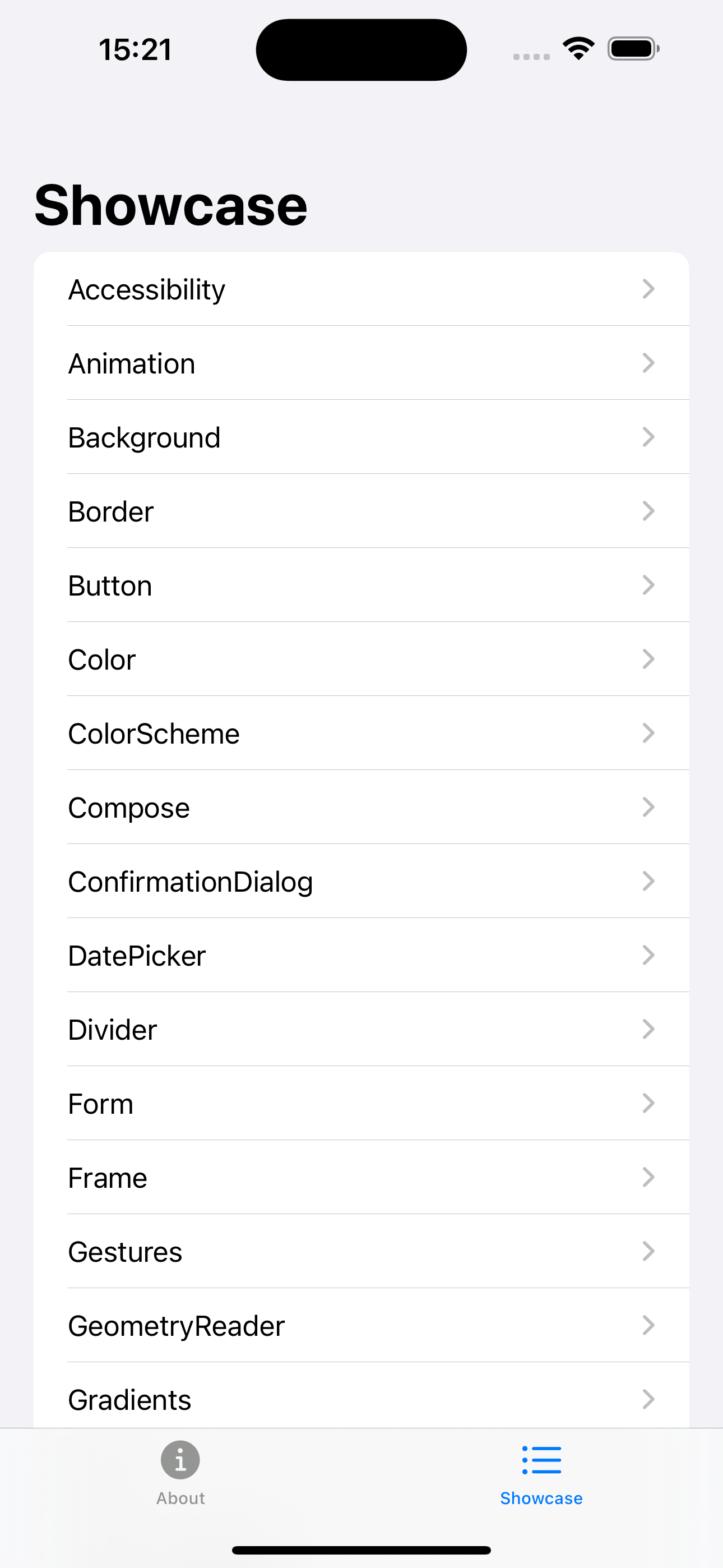
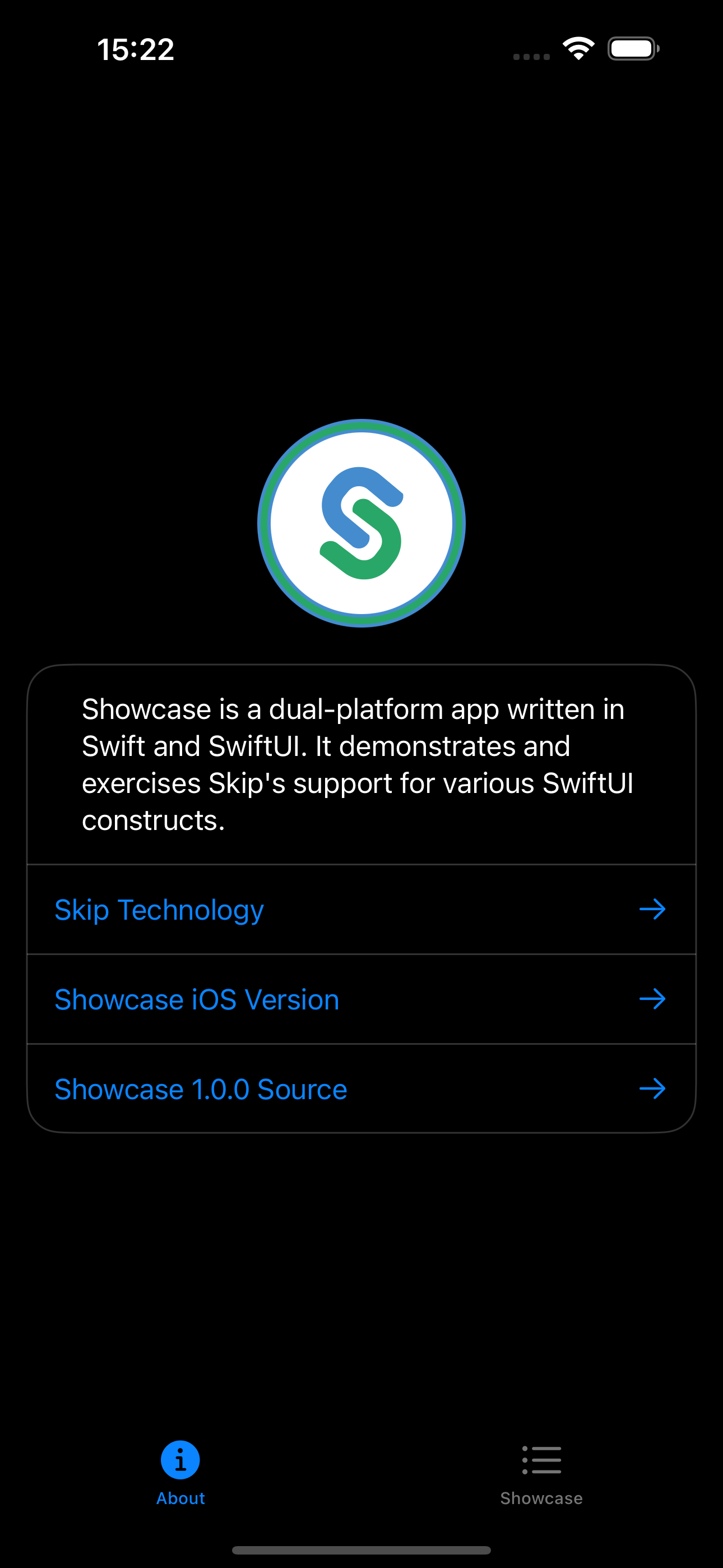
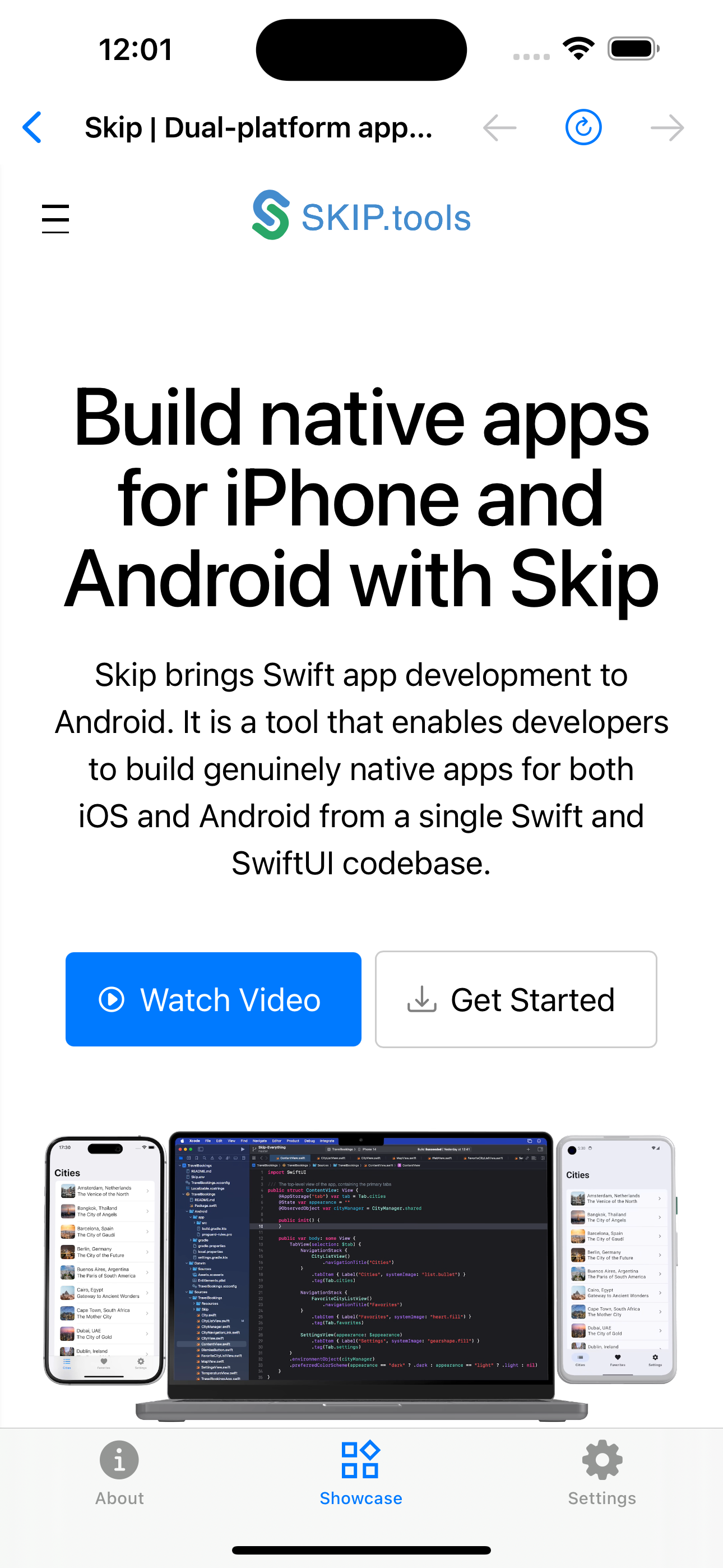
iPhone Screenshots
Section titled “iPhone Screenshots”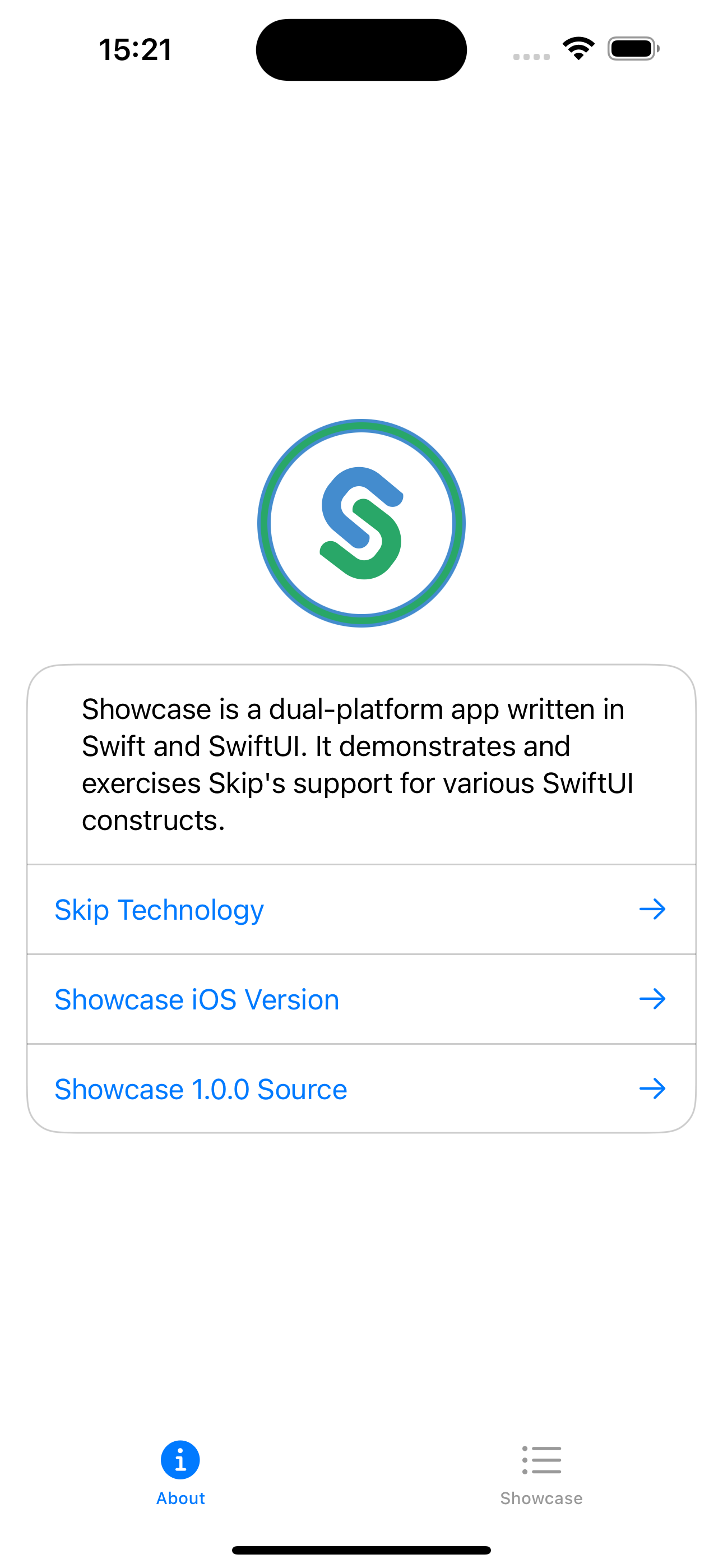
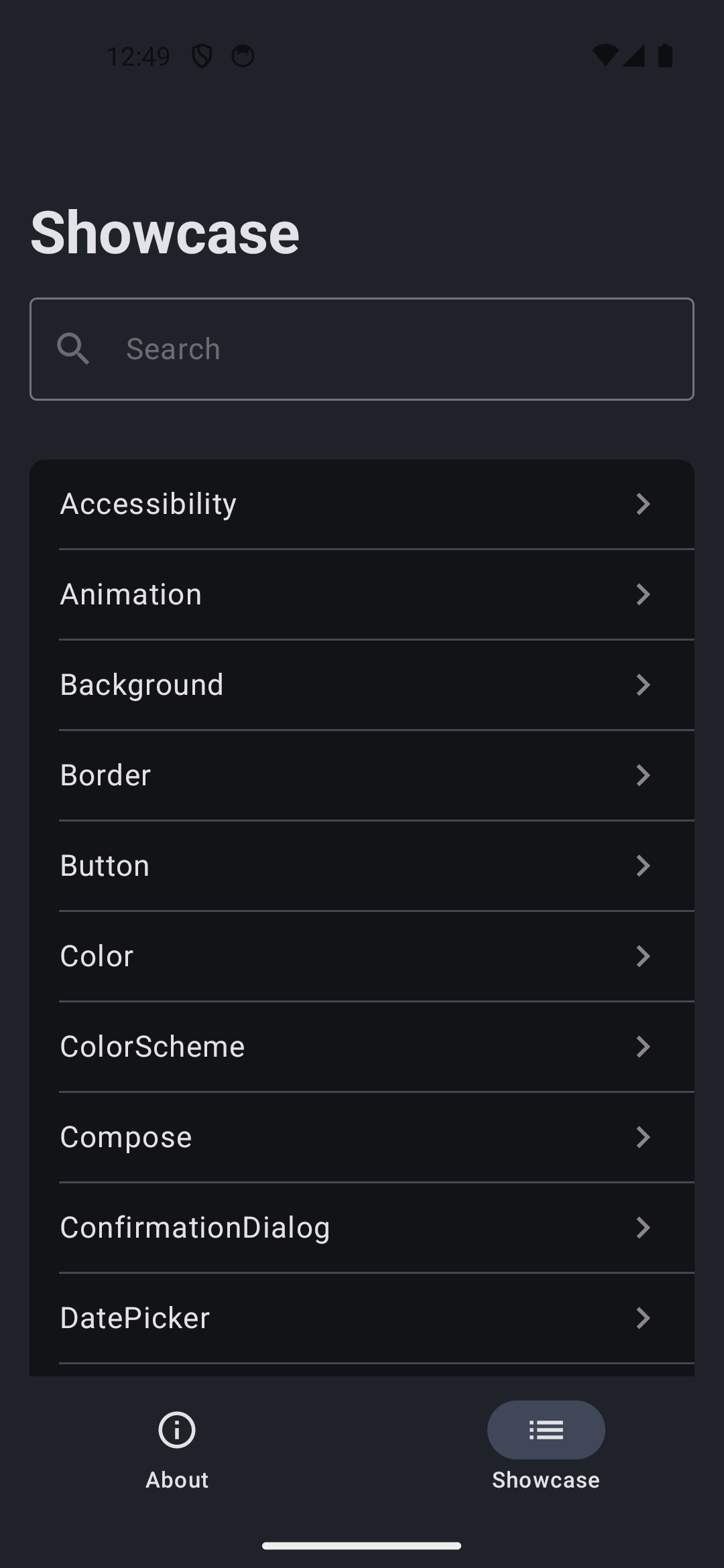
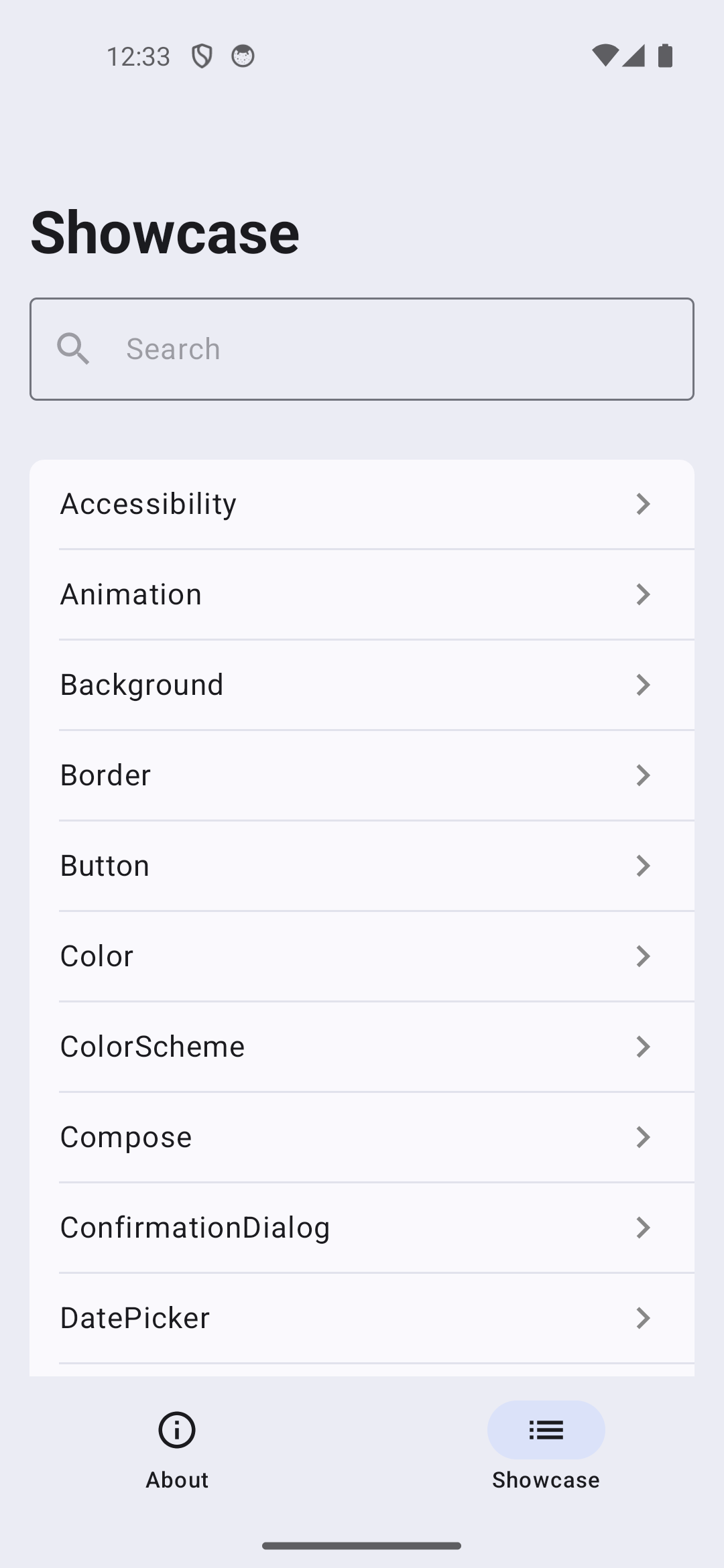
Android Screenshots
Section titled “Android Screenshots”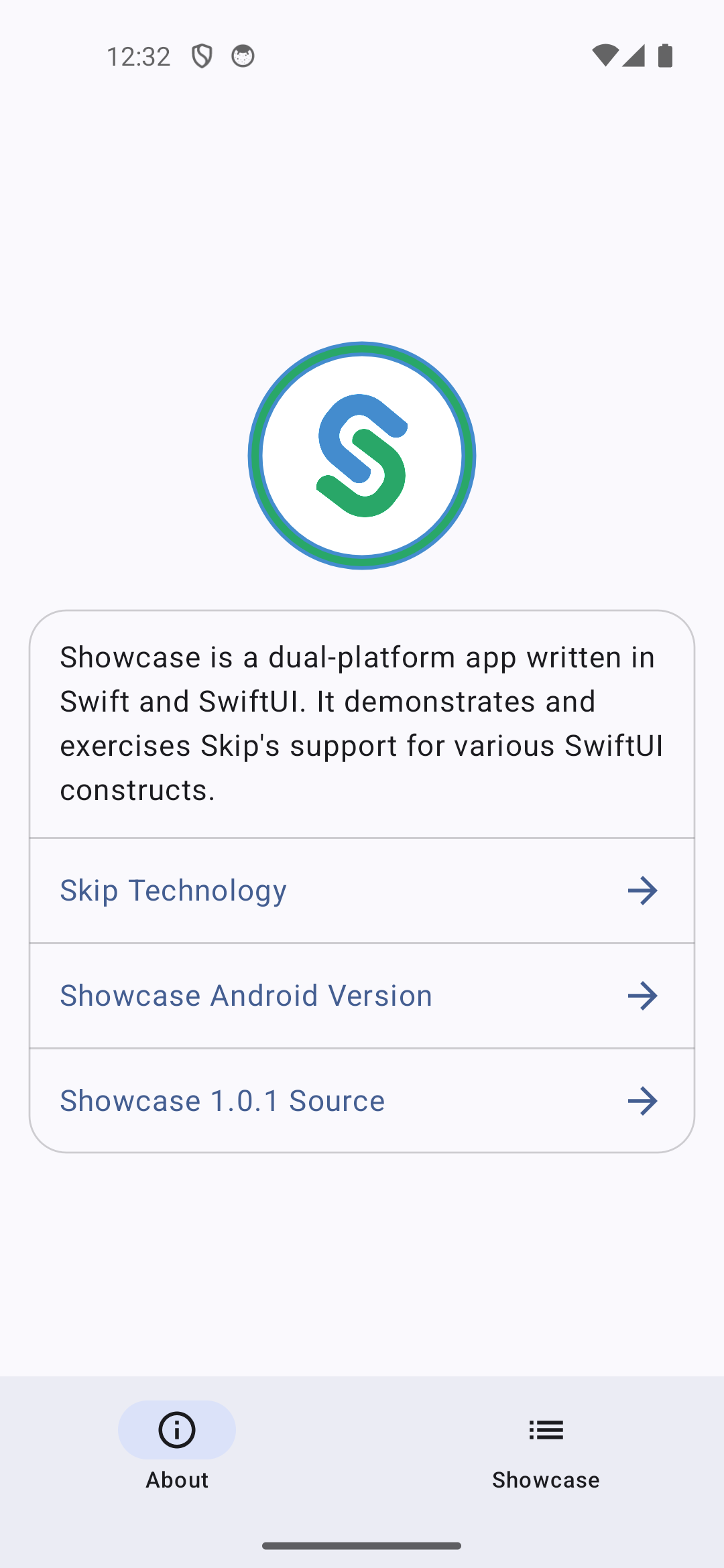
App Structure
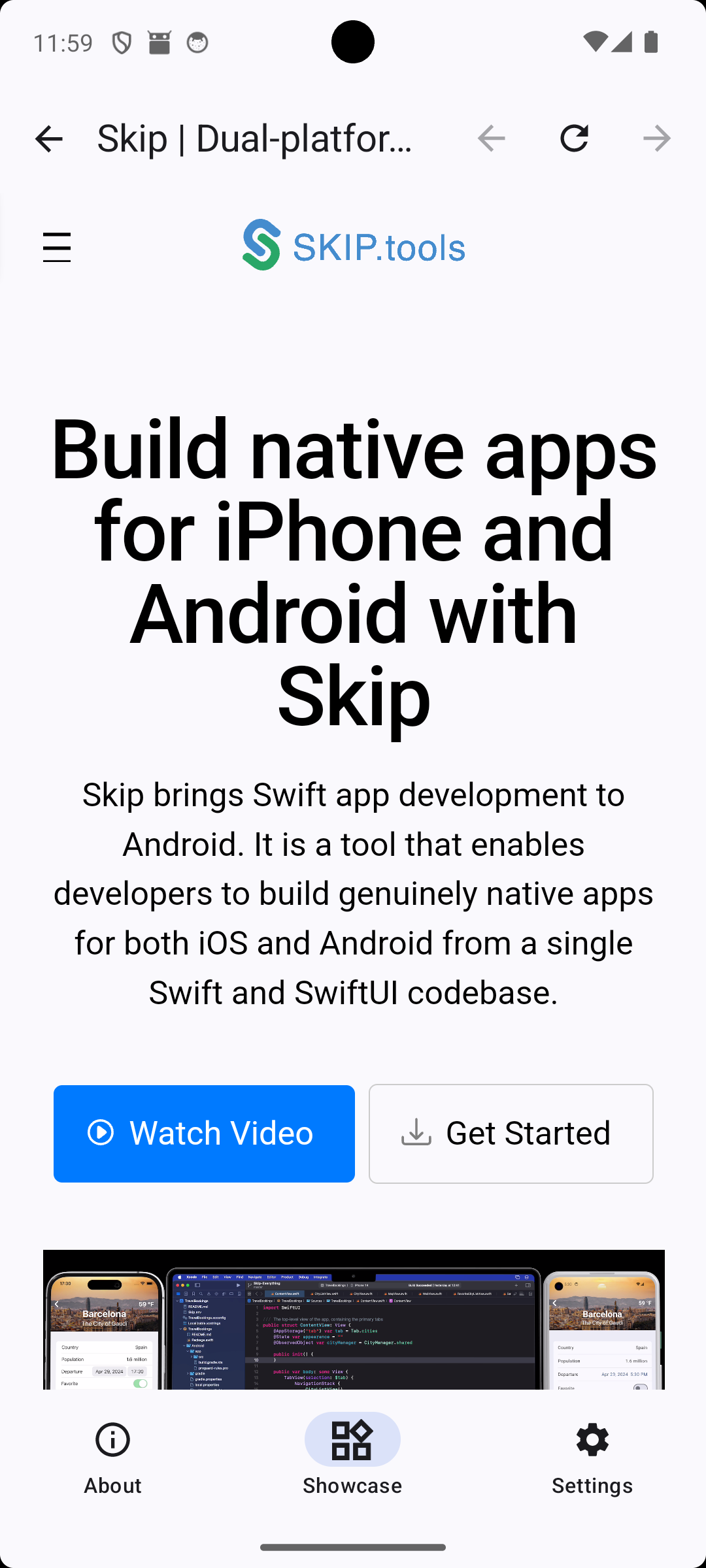
Section titled “App Structure”The app uses a three-tab layout defined in ContentView.swift ↗:
- About — App info and version details
- Showcase — Searchable list of all playgrounds (PlaygroundListView.swift ↗)
- Settings — Appearance and configuration
Each playground is registered as a case in the PlaygroundType enum, which provides the title and view. The list is searchable and navigable via NavigationStack.
Framework Dependencies
Section titled “Framework Dependencies”The showcase integrates 10 Skip framework libraries beyond the core SkipUI, demonstrating how optional frameworks can be composed into a single app:
| Framework | Repository | Purpose |
|---|---|---|
| SkipFuseUI | skip-fuse-ui | Core SwiftUI-to-Compose bridge for Fuse mode |
| SkipKit | skip-kit | Permissions, document/media pickers, haptics, device info |
| SkipAV | skip-av | Video playback (AVKit on iOS, ExoPlayer on Android) |
| SkipWeb | skip-web | Embedded web views (WKWebView / android.webkit.WebView) |
| SkipDevice | skip-device | Sensors (accelerometer, gyroscope, magnetometer, barometer) and location |
| SkipMotion | skip-motion | Lottie animations |
| SkipKeychain | skip-keychain | Keychain / EncryptedSharedPreferences |
| SkipSQL | skip-sql | SQLite database access |
| SkipNotify | skip-notify | Push and local notifications |
| SkipAuthenticationServices | skip-authentication-services | Web authentication sessions (OAuth flows) |
Playground Guide
Section titled “Playground Guide”Every playground file is in Sources/Showcase/ ↗ and links to its source via the toolbar “Source” button. The entries below link to the playground source code and the relevant SkipUI documentation for each component.
Controls
Section titled “Controls”Interactive input elements that accept user actions.
| Playground | Components | Source |
|---|---|---|
| Button | Button, Label, button roles, .bordered, .borderedProminent, .plain styles | ButtonPlayground.swift ↗ |
| Toggle | Toggle, .labelsHidden, .tint, .disabled | TogglePlayground.swift ↗ |
| Slider | Slider with ranges, steps, onEditingChanged | SliderPlayground.swift ↗ |
| Stepper | Stepper with Int/Double values, custom bounds | StepperPlayground.swift ↗ |
| Picker | Picker with .segmented, .menu styles | PickerPlayground.swift ↗ |
| DatePicker | DatePicker with date/time modes | DatePickerPlayground.swift ↗ |
| Menu | Menu with primary action, sections, dividers | MenuPlayground.swift ↗ |
| ProgressView | Circular and linear progress, determinate/indeterminate | ProgressViewPlayground.swift ↗ |
Text and Typography
Section titled “Text and Typography”Text display, input, and formatting.
| Playground | Components | Source |
|---|---|---|
| Text | Text with bold, italic, strikethrough, underline, markdown, all font sizes, custom fonts | TextPlayground.swift ↗ |
| TextField | TextField with .roundedBorder, .plain, custom styles | TextFieldPlayground.swift ↗ |
| SecureField | SecureField with prompts, disabled states | SecureFieldPlayground.swift ↗ |
| TextEditor | Multi-line text editing | TextEditorPlayground.swift ↗ |
| Label | Label with .titleAndIcon, .titleOnly, .iconOnly styles | LabelPlayground.swift ↗ |
| Line Spacing | .lineSpacing modifier with various values | LineSpacingPlayground.swift ↗ |
| Tracking | .tracking modifier for letter spacing | TrackingPlayground.swift ↗ |
| MinimumScaleFactor | .minimumScaleFactor for responsive text sizing | MinimumScaleFactorPlayground.swift ↗ |
Layout
Section titled “Layout”Spatial arrangement of views.
| Playground | Components | Source |
|---|---|---|
| Stacks | HStack, VStack, fixed vs expanding, nested stacks | StackPlayground.swift ↗ |
| Spacer | Spacer with minLength, variable dimensions | SpacerPlayground.swift ↗ |
| Frame | .frame with width, height, .infinity, aspect ratio | FramePlayground.swift ↗ |
| Grids | LazyVGrid, LazyHGrid with .adaptive, .flexible, .fixed columns | GridPlayground.swift ↗ |
| Divider | Horizontal/vertical dividers, custom dimensions | DividerPlayground.swift ↗ |
| GeometryReader | Size reading, safe area insets, local vs global frames | GeometryReaderPlayground.swift ↗ |
| GeometryChange | onGeometryChange for size/position tracking | GeometryChangePlayground.swift ↗ |
| SafeArea | .ignoresSafeArea, edge-to-edge rendering | SafeAreaPlayground.swift ↗ |
| ViewThatFits | Adaptive layout along horizontal/vertical axes | ViewThatFitsPlayground.swift ↗ |
| ContentMargins | .contentMargins, scrollContentPlacement | ContentMarginsPlayground.swift ↗ |
Navigation and Presentation
Section titled “Navigation and Presentation”Screen flow and modal presentation.
| Playground | Components | Source |
|---|---|---|
| NavigationStack | NavigationStack, NavigationLink, path binding, navigationDestination | NavigationStackPlayground.swift ↗ |
| Sheet | Sheet, FullScreenCover, PresentationDetent, onDismiss | SheetPlayground.swift ↗ |
| Alert | Alert with text/secure field inputs | AlertPlayground.swift ↗ |
| ConfirmationDialog | Action sheets with custom cancel, scrolling content | ConfirmationDialogPlayground.swift ↗ |
| ContextMenu | Long-press menus with labels and destructive actions | ContextMenuPlayground.swift ↗ |
| TabView | Tabs with badges, custom icons, programmatic selection | TabViewPlayground.swift ↗ |
| Toolbar | ToolbarItem placement, custom bar colors, ToolbarTitleMenu | ToolbarPlayground.swift ↗ |
Data Display
Section titled “Data Display”Lists, scroll views, and content presentation.
| Playground | Components | Source |
|---|---|---|
| List | Sections, edit actions (move/delete), refresh, badges, plain style | ListPlayground.swift ↗ |
| ScrollView | ScrollViewReader, LazyVStack/LazyHStack, scroll targets, anchors | ScrollViewPlayground.swift ↗ |
| Form | Form with mixed control types, button styling, nested sections | FormPlayground.swift ↗ |
| DisclosureGroup | Expandable sections, isExpanded binding, nested groups | DisclosureGroupPlayground.swift ↗ |
| Searchable | .searchable on List, Grid, LazyVStack, onSubmit | SearchablePlayground.swift ↗ |
Colors and Styling
Section titled “Colors and Styling”Visual appearance customization.
| Playground | Components | Source |
|---|---|---|
| Color | System colors, RGB, HSV, opacity, custom asset colors | ColorPlayground.swift ↗ |
| ColorScheme | .preferredColorScheme, light/dark switching | ColorSchemePlayground.swift ↗ |
| Color Effects | .brightness, .contrast, .saturation, .hueRotation, .grayscale, .colorInvert | ColorEffectsPlayground.swift ↗ |
| Gradient | LinearGradient, RadialGradient, EllipticalGradient | GradientPlayground.swift ↗ |
| Background | .background with colors, gradients, shapes | BackgroundPlayground.swift ↗ |
Shapes and Visual Effects
Section titled “Shapes and Visual Effects”Drawing, shapes, and visual modifiers.
| Playground | Components | Source |
|---|---|---|
| Shape | Circle, Capsule, Rectangle, RoundedRectangle, Ellipse, UnevenRoundedRectangle | ShapePlayground.swift ↗ |
| Border | .border, padding, .clipShape | BorderPlayground.swift ↗ |
| Blur | .blur(radius:) on shapes and text | BlurPlayground.swift ↗ |
| Shadow | .shadow with color, radius, x/y offset | ShadowPlayground.swift ↗ |
| BlendMode | .blendMode (multiply, screen, overlay, and 10+ others) | BlendModePlayground.swift ↗ |
| Mask | .mask with shapes, gradients, and text | MaskPlayground.swift ↗ |
| Overlay | .overlay with colors, shapes, custom content | OverlayPlayground.swift ↗ |
| Redacted | .redacted(reason: .placeholder) content masking | RedactedPlayground.swift ↗ |
| ZIndex | .zIndex for layering control in ZStack | ZIndexPlayground.swift ↗ |
Images and Symbols
Section titled “Images and Symbols”Image display, remote loading, and iconography.
| Playground | Components | Source |
|---|---|---|
| Image | Asset images (JPEG, SVG), system images, AsyncImage (remote URLs), .aspectRatio, .clipShape | ImagePlayground.swift ↗ |
| Icons | Custom asset icons with various colors | IconPlayground.swift ↗ |
| Symbol | Image(systemName:) with font sizing, multiple variations | SymbolPlayground.swift ↗ |
| Graphics | .grayscale, image composition, rotation effects | GraphicsPlayground.swift ↗ |
Gestures and Interaction
Section titled “Gestures and Interaction”Touch handling and user input.
| Playground | Components | Source |
|---|---|---|
| Gesture | TapGesture, LongPressGesture, DragGesture, MagnificationGesture, RotationGesture, @GestureState | GesturePlayground.swift ↗ |
| Offset/Position | .offset(x:y:), .position, coordinate visualization | OffsetPositionPlayground.swift ↗ |
| Transform | .rotation3DEffect, .scaleEffect with anchors | TransformPlayground.swift ↗ |
| Haptic Feedback | SensoryFeedback types (success, warning, error, impact, selection) | HapticFeedbackPlayground.swift ↗ |
Animation and Transitions
Section titled “Animation and Transitions”Animated property changes and view transitions.
| Playground | Components | Source |
|---|---|---|
| Animation | .animation modifier for opacity, blur, brightness, saturation, scale, border, corner radius | AnimationPlayground.swift ↗ |
| Transition | .transition, withAnimation, .id(), combined scale/opacity | TransitionPlayground.swift ↗ |
State and Data Flow
Section titled “State and Data Flow”State management, observation, and persistence.
| Playground | Components | Source |
|---|---|---|
| State | @State, @Binding, struct mutations, optional state | StatePlayground.swift ↗ |
| Observable | @Observable (Observation framework), @Environment | ObservablePlayground.swift ↗ |
| Environment | Custom EnvironmentKey, @Environment, @Bindable | EnvironmentPlayground.swift ↗ |
| Preferences | Custom PreferenceKey, onPreferenceChange | PreferencePlayground.swift ↗ |
| Storage | @AppStorage for Bool, Double, and Enum types | StoragePlayground.swift ↗ |
| OnSubmit | .onSubmit with nested form submission handlers | OnSubmitPlayground.swift ↗ |
Keyboard and Input
Section titled “Keyboard and Input”Input method customization.
| Playground | Components | Source |
|---|---|---|
| Keyboard | .keyboardType, .autocorrectionDisabled, .scrollDismissesKeyboard, .submitLabel, .textInputAutocapitalization | KeyboardPlayground.swift ↗ |
| FocusState | @FocusState with boolean and enum bindings, programmatic focus | FocusStatePlayground.swift ↗ |
System Integration
Section titled “System Integration”Platform features accessible through SwiftUI.
| Playground | Components | Source |
|---|---|---|
| ScenePhase | @Environment(\.scenePhase) monitoring (active, background, inactive) | ScenePhasePlayground.swift ↗ |
| Localization | Bundle localizations, LocalizedStringResource, locale-aware date formatting | LocalizationPlayground.swift ↗ |
| Accessibility | .accessibilityLabel, .accessibilityValue, .accessibilityAddTraits, .accessibilityHidden | AccessibilityPlayground.swift ↗ |
| Link | Link, @Environment(\.openURL), OpenURLAction | LinkPlayground.swift ↗ |
| ShareLink | ShareLink with text and URL sharing, subject/message | ShareLinkPlayground.swift ↗ |
| Pasteboard | UIPasteboard.general for copy/paste operations | PasteboardPlayground.swift ↗ |
| Timer | Timer-based updates and scheduling | TimerPlayground.swift ↗ |
Framework Integrations
Section titled “Framework Integrations”Playgrounds that demonstrate optional Skip framework libraries beyond core SkipUI.
| Playground | Framework | What it demonstrates | Source |
|---|---|---|---|
| Video Player | SkipAV | VideoPlayer with local, remote, and HLS sources; looping | VideoPlayerPlayground.swift ↗ |
| Lottie Animation | SkipMotion | Lottie playback, speed control, loop modes, progress scrubbing | LottiePlayground.swift ↗ |
| WebView | SkipWeb | WebEngine, navigation, JavaScript evaluation | WebViewPlayground.swift ↗ |
| WebBrowser | SkipKit | Embedded/system browser launch, custom actions | WebBrowserPlayground.swift ↗ |
| Web Auth Session | SkipAuthenticationServices | OAuth-style web authentication, callback URL parsing | WebAuthenticationSessionPlayground.swift ↗ |
| Document/Media Pickers | SkipKit | Document and media picking, camera integration | DocumentPickerPlayground.swift ↗ |
| Keychain | SkipKeychain | Keychain read/write, key management | KeychainPlayground.swift ↗ |
| Notifications | SkipNotify | Push permission, local notifications | NotificationPlayground.swift ↗ |
| SQL | SkipSQL | SQLite CRUD operations, observable database list | SQLPlayground.swift ↗ |
| Map | MapKit (iOS) / Google Maps Compose ↗ (Android) | Map display with coordinates, platform-specific rendering | MapPlayground.swift ↗ |
| Sensors | SkipDevice | Accelerometer, gyroscope, magnetometer, barometer, location | SensorsPlayground.swift ↗ |
Android-Specific Integration
Section titled “Android-Specific Integration”These playgrounds demonstrate Skip’s escape hatches for accessing native Android APIs from SwiftUI.
| Playground | Technique | Source |
|---|---|---|
| Compose | ComposeView with custom ContentComposer for direct Jetpack Compose rendering | ComposePlayground.swift ↗ |
| Modifiers | .composeModifier() for applying native Compose modifiers, custom ViewModifier | ModifierPlayground.swift ↗ |
| Playground | Description | Source |
|---|---|---|
| Easter Egg | A complete Block Blast game with drag-and-drop piece placement, line clearing, combos, scoring, and haptic feedback. Demonstrates complex state management with @Observable, GeometryReader for board sizing, and DragGesture with global coordinate space. | GamePlayground.swift ↗ |
Notable Techniques
Section titled “Notable Techniques”Platform Branching with #if os(Android)
Section titled “Platform Branching with #if os(Android)”Several playgrounds demonstrate how to provide platform-specific implementations when SwiftUI alone is insufficient. The MapPlayground ↗ is the clearest example: it uses SwiftUI Map on iOS and ComposeView with Google Maps Compose on Android, sharing the same coordinate data.
ComposeView for Native Android UI
Section titled “ComposeView for Native Android UI”The ComposePlayground ↗ shows how to embed raw Jetpack Compose code within a SwiftUI hierarchy using ComposeView and a custom ContentComposer. This is Skip’s escape hatch for rendering Android-native UI that has no SwiftUI equivalent. The MapPlayground ↗ uses this technique in production to embed Google Maps.
Custom ViewModifier
Section titled “Custom ViewModifier”The ModifierPlayground ↗ demonstrates reusable ViewModifier implementations (like DismissModifier) and the .composeModifier() API for applying native Compose modifiers on Android. This is useful for Material 3 theming or Android-specific visual effects.
Complex State Management
Section titled “Complex State Management”The GamePlayground ↗ demonstrates managing complex interactive state across a game board, piece tray, and score system using @Observable and multiple @State variables. It shows how DragGesture with .global coordinate space, GeometryReader for layout measurement, and DispatchQueue.main.asyncAfter for timed effects all work cross-platform.
Sensor Visualization
Section titled “Sensor Visualization”The SensorsPlayground ↗ demonstrates AsyncThrowingStream consumption from device sensors using the .task(id:) modifier pattern. Each sensor card starts/stops monitoring based on a boolean toggle, and the task automatically cancels when the toggle changes. Location monitoring includes runtime permission handling via PermissionManager.
Gradle Dependencies in skip.yml
Section titled “Gradle Dependencies in skip.yml”The Map playground requires an Android Gradle dependency for Google Maps Compose. This is configured in Sources/Showcase/Skip/skip.yml ↗:
build: contents: - block: 'dependencies' contents: - 'implementation("com.google.maps.android:maps-compose:6.4.1")'Building
Section titled “Building”This project is both a stand-alone Swift Package Manager module, as well as an Xcode project that builds and transpiles the project into a Kotlin Gradle project for Android using the Skip plugin.
Testing
Section titled “Testing”The module can be tested using the standard swift test command
or by running the test target for the macOS destination in Xcode,
which will run the Swift tests as well as the transpiled
Kotlin JUnit tests in the Robolectric Android simulation environment.
Parity testing can be performed with skip test,
which will output a table of the test results for both platforms.
Running
Section titled “Running”Xcode and Android Studio must be downloaded and installed in order to run the app in the iOS simulator / Android emulator. An Android emulator must already be running, which can be launched from Android Studio’s Device Manager.
To run both the Swift and Kotlin apps simultaneously, launch the Showcase target from Xcode. A build phases runs the “Launch Android APK” script that will deploy the transpiled app a running Android emulator or connected device. Logging output for the iOS app can be viewed in the Xcode console, and in Android Studio’s logcat tab for the transpiled Kotlin app.
Releases
Section titled “Releases”The 10 most recent releases of skiptools/skipapp-showcase ↗:
- 2.7.2 ↗ — 2026-08-31
- Release 2.7.1 ↗ — 2026-07-19
- Release 2.7.0 ↗ — 2026-07-18
- Release 2.6.2 ↗ — 2026-06-27
- Release 2.6.1 ↗ — 2026-06-25
- Release 2.6.0 ↗ — 2026-06-13
- Release 2.5.3 ↗ — 2026-06-03
- Release 2.5.2 ↗ — 2026-05-28
- Release 2.5.1 ↗ — 2026-05-20
- Release 2.5.0 ↗ — 2026-05-16
Full history: github.com/skiptools/skipapp-showcase/releases ↗ — .atom feed ↗