
Text
Skip support for SwiftUI.Text ↗ on Android. Consult the SkipUI module for a complete list of supported SwiftUI.
The following example screens and source code is from SkipUI’s
Showcase sample app
TextPlayground.swift ↗
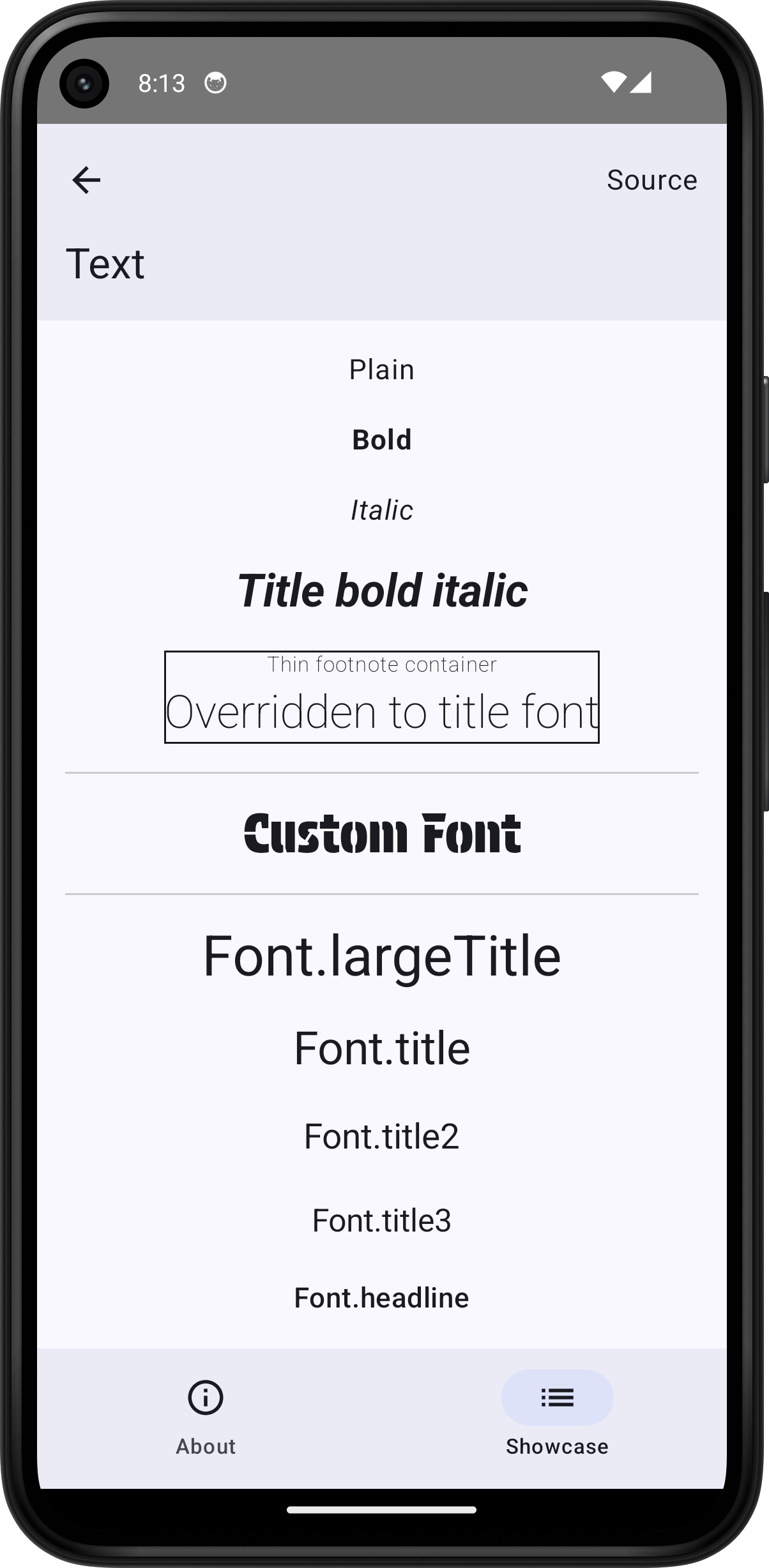
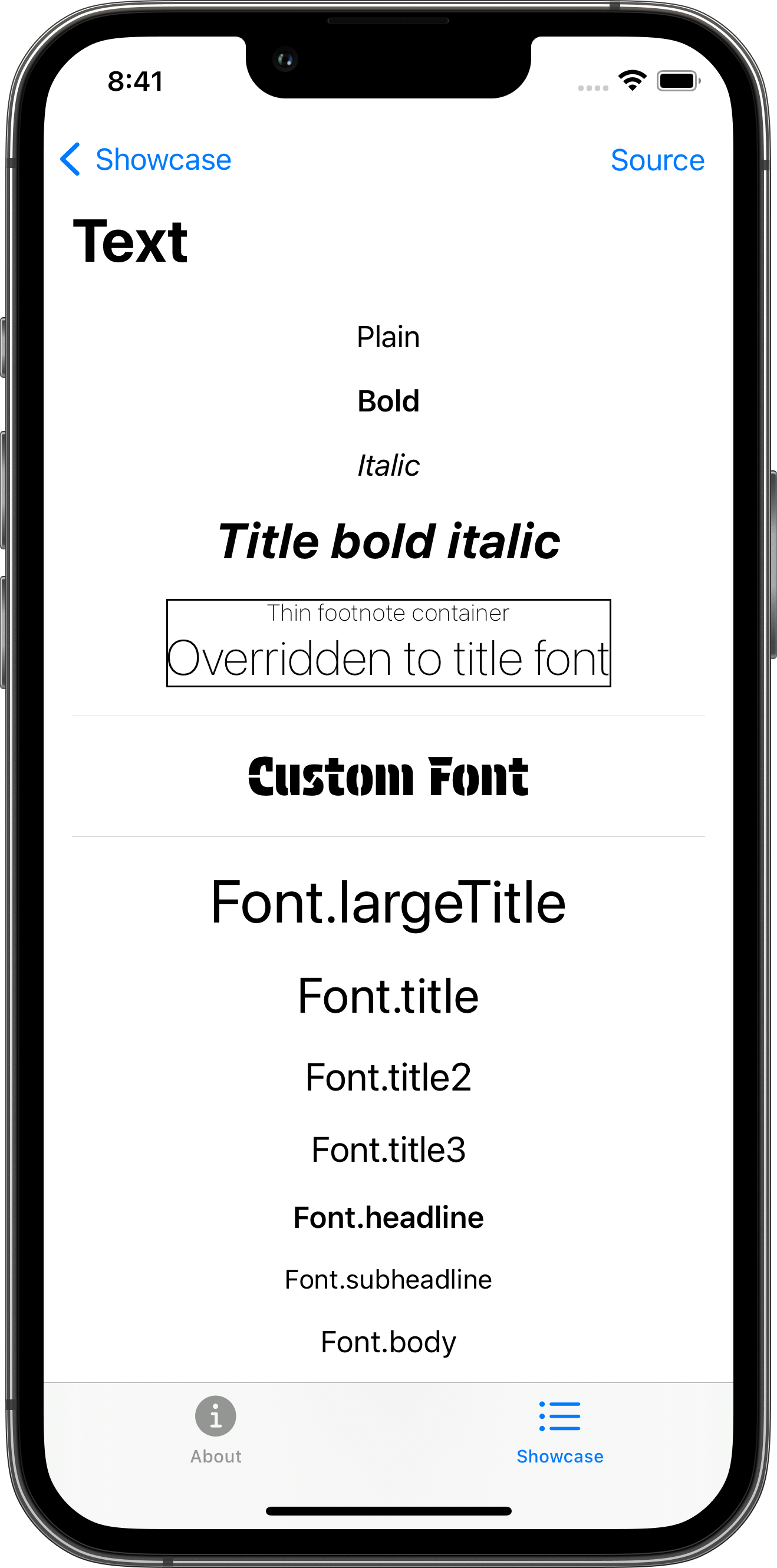
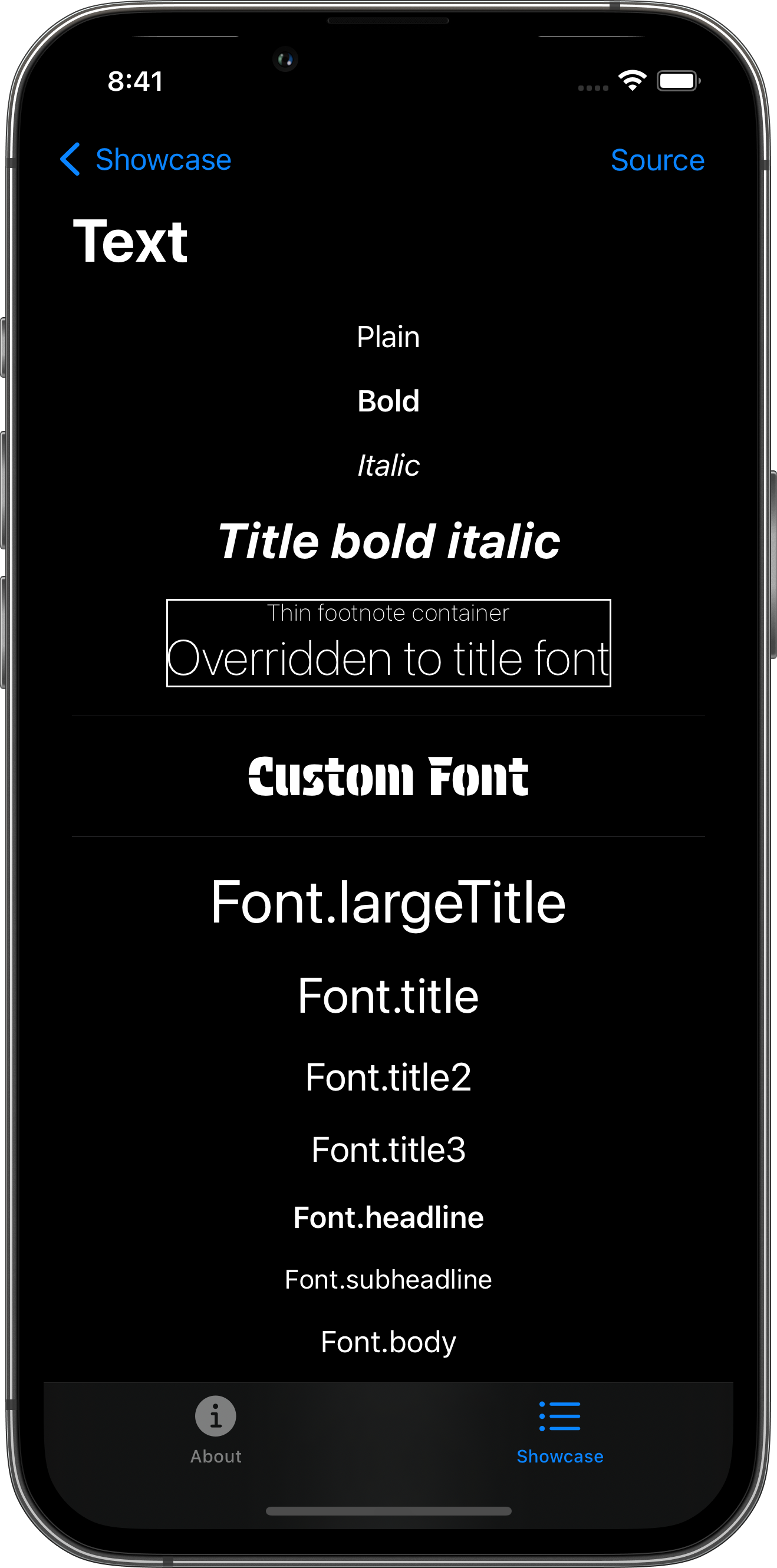
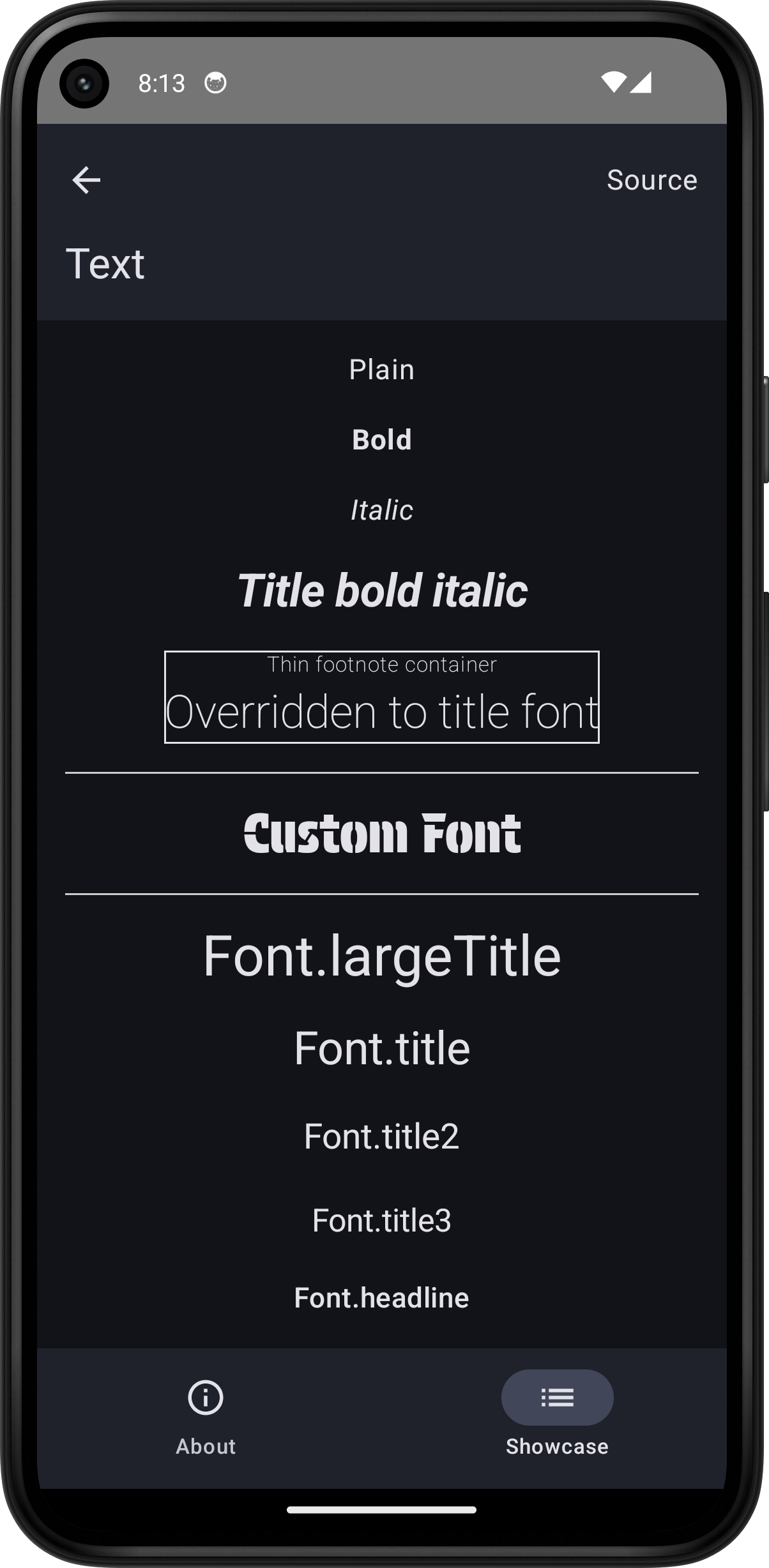
import SwiftUI
struct TextPlayground: View {    var body: some View {        ScrollView {            VStack(spacing: 16) {                Text("Plain")                Text("Bold").bold()                Text("Italic").italic()                Text("Title bold italic").font(.title).bold().italic()                VStack {                    Text("Thin footnote container")                    Text("Overridden to title font").font(.title)                }                .font(.footnote).fontWeight(.thin)                .border(.primary)
                Divider()
                Text("Custom Font")                    .font(Font.custom("Protest Guerrilla", size: 30.0)) // protest_guerrilla.ttf
                Divider()
                Text("Font.largeTitle").font(.largeTitle)                Text("Font.title").font(.title)                Text("Font.title2").font(.title2)                Text("Font.title3").font(.title3)                Text("Font.headline").font(.headline)                Text("Font.subheadline").font(.subheadline)                Text("Font.body").font(.body)                Text("Font.callout").font(.callout)                Text("Font.footnote").font(.footnote)                Text("Font.caption").font(.caption)                Text("Font.caption2").font(.caption2)
                Divider()
                Text("Wrap: This is some long text that should wrap when it exceeds the width of its frame")                    .frame(width: 200)                    .border(Color.blue)                Text(".lineLimit(1): This is some long text that should wrap when it exceeds the width of its frame")                    .lineLimit(1)                    .frame(width: 200)                    .border(Color.blue)            }            .padding()        }        .toolbar {            PlaygroundSourceLink(file: "TextPlayground.swift")        }    }}