
TabView
Skip support for SwiftUI.TabView ↗ on Android. Consult the SkipUI module for a complete list of supported SwiftUI.
The following example screens and source code is from SkipUI’s
Showcase sample app
TabViewPlayground.swift ↗
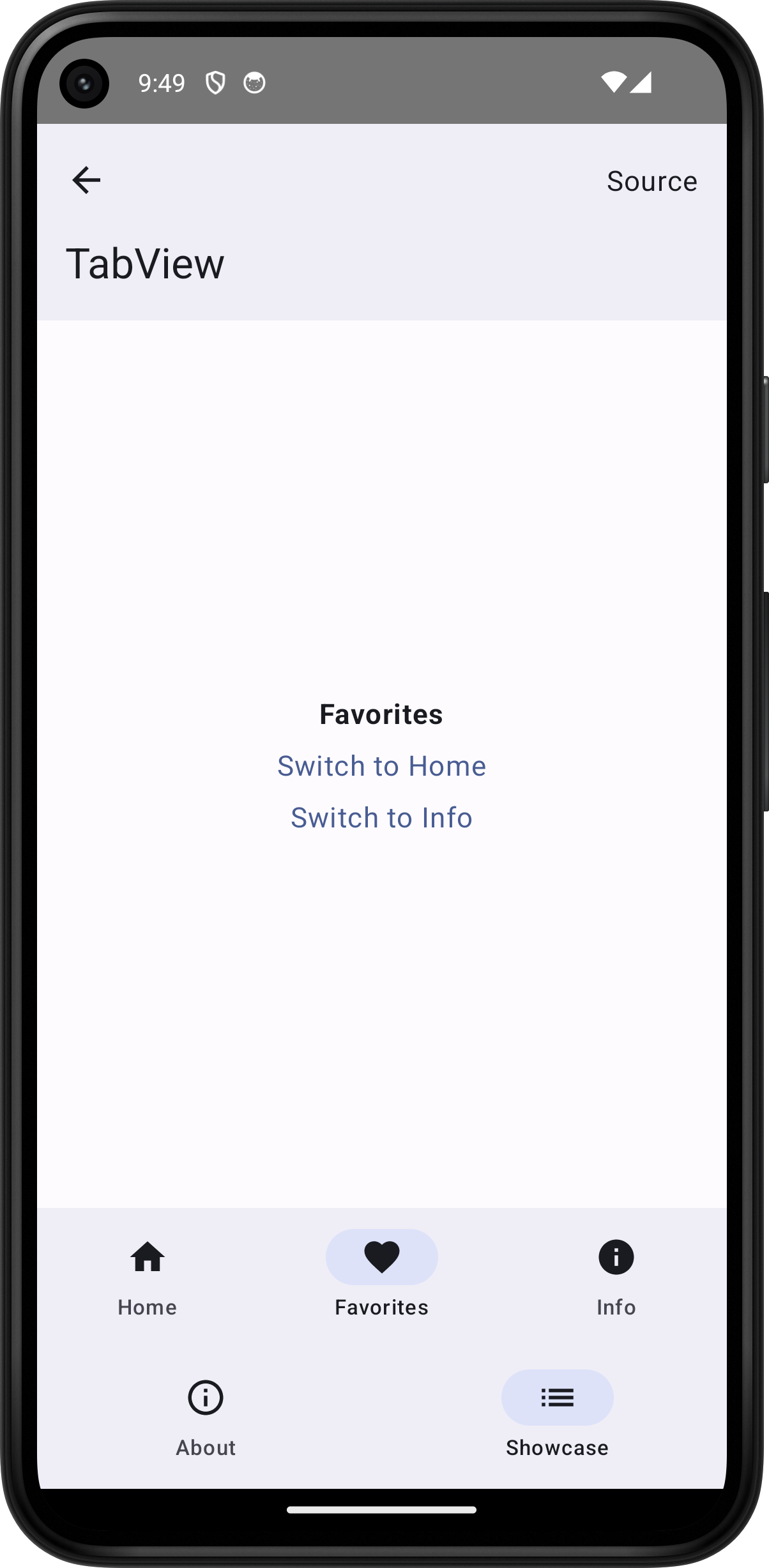
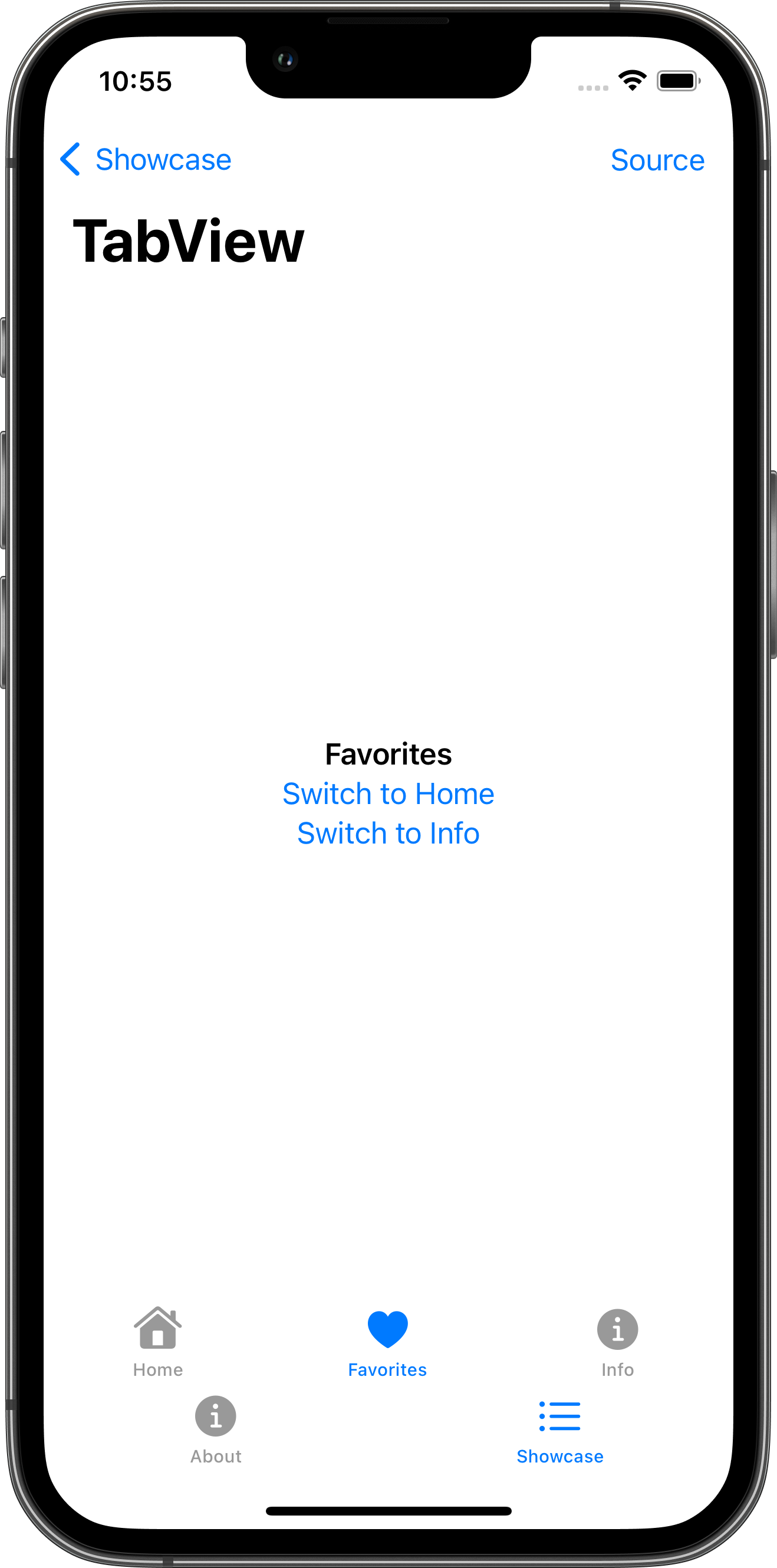
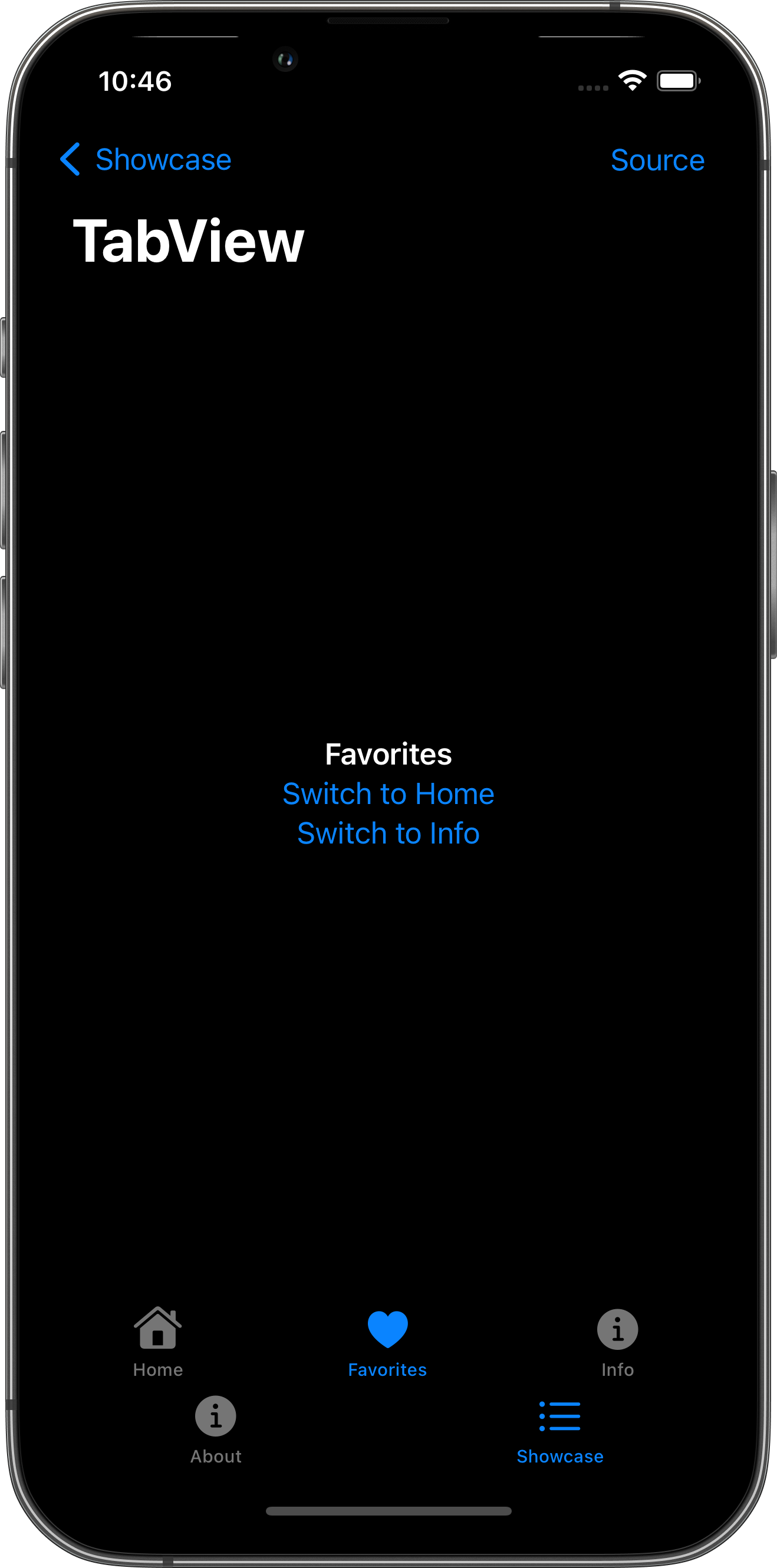
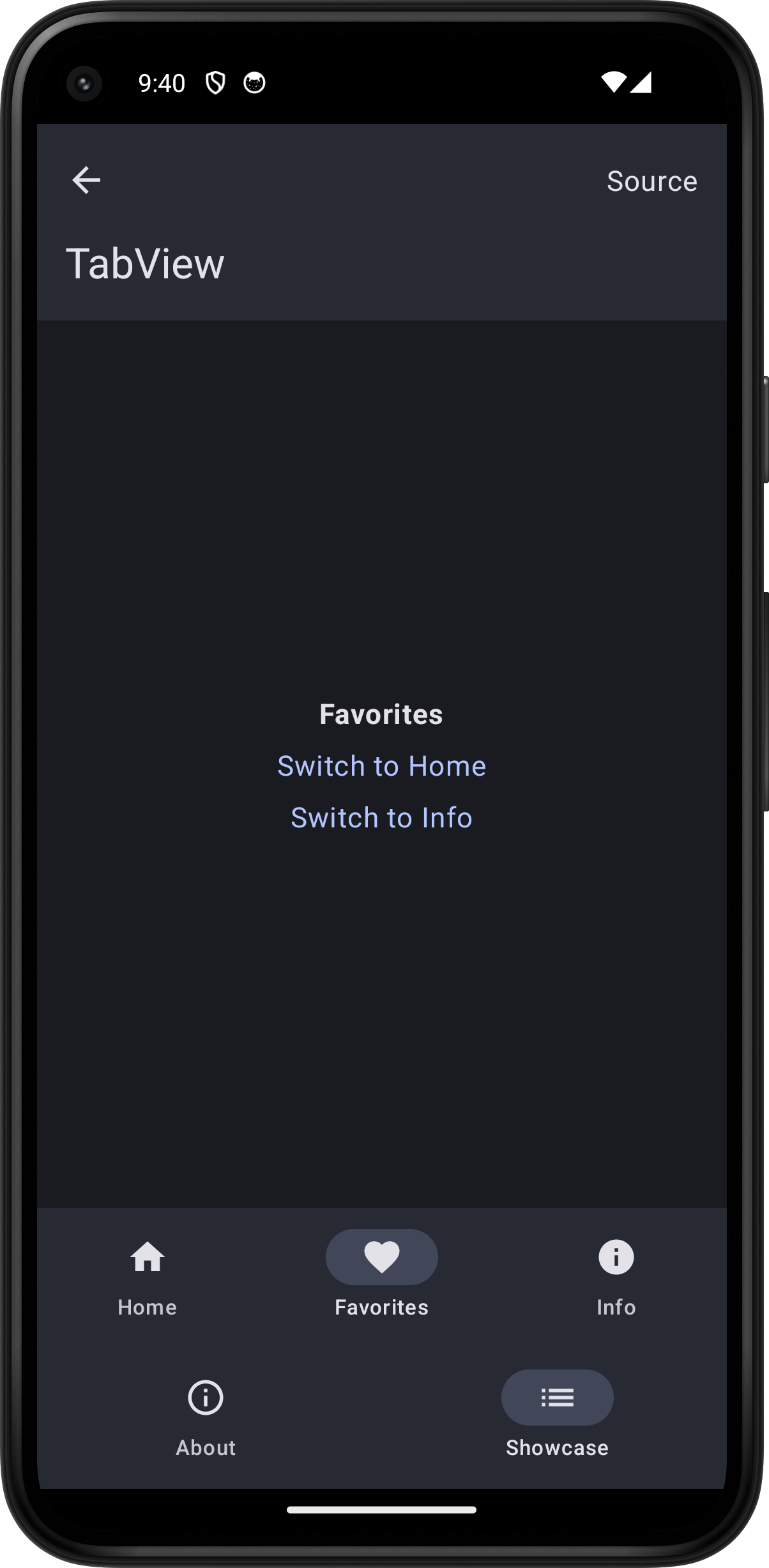
import SwiftUI
struct TabViewPlayground: View {    @State var selectedTab = "Home"
    var body: some View {        TabView(selection: $selectedTab) {            TabPlaygroundContentView(label: "Home", selectedTab: $selectedTab)                .tabItem { Label("Home", systemImage: "house.fill") }                .tag("Home")            TabPlaygroundContentView(label: "Favorites", selectedTab: $selectedTab)                .tabItem { Label("Favorites", systemImage: "heart.fill") }                .tag("Favorites")            TabPlaygroundContentView(label: "Info", selectedTab: $selectedTab)                .tabItem { Label("Info", systemImage: "info.circle.fill") }                .tag("Info")        }        .toolbar {            PlaygroundSourceLink(file: "TabViewPlayground.swift")        }    }}
struct TabPlaygroundContentView: View {    let label: String    @Binding var selectedTab: String
    var body: some View {        VStack {            Text(label).bold()            if label != "Home" {                Button("Switch to Home") {                    selectedTab = "Home"                }            }            if label != "Favorites" {                Button("Switch to Favorites") {                    selectedTab = "Favorites"                }            }            if label != "Info" {                Button("Switch to Info") {                    selectedTab = "Info"                }            }        }    }}