
Stack
Skip support for SwiftUI Stacks ↗ on Android. Consult the SkipUI module for a complete list of supported SwiftUI.
The following example screens and source code is from SkipUI’s
Showcase sample app
StackPlayground.swift ↗
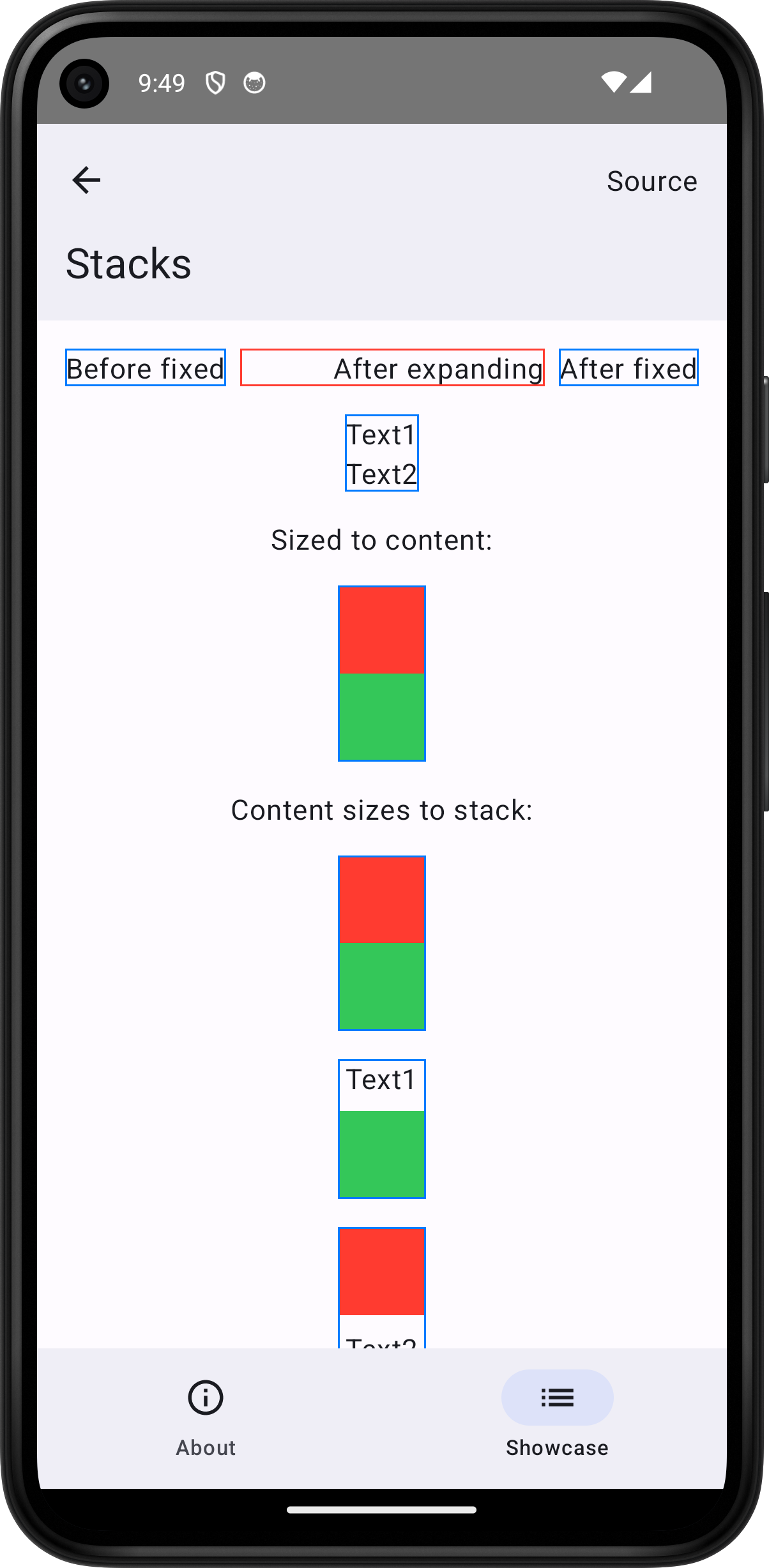
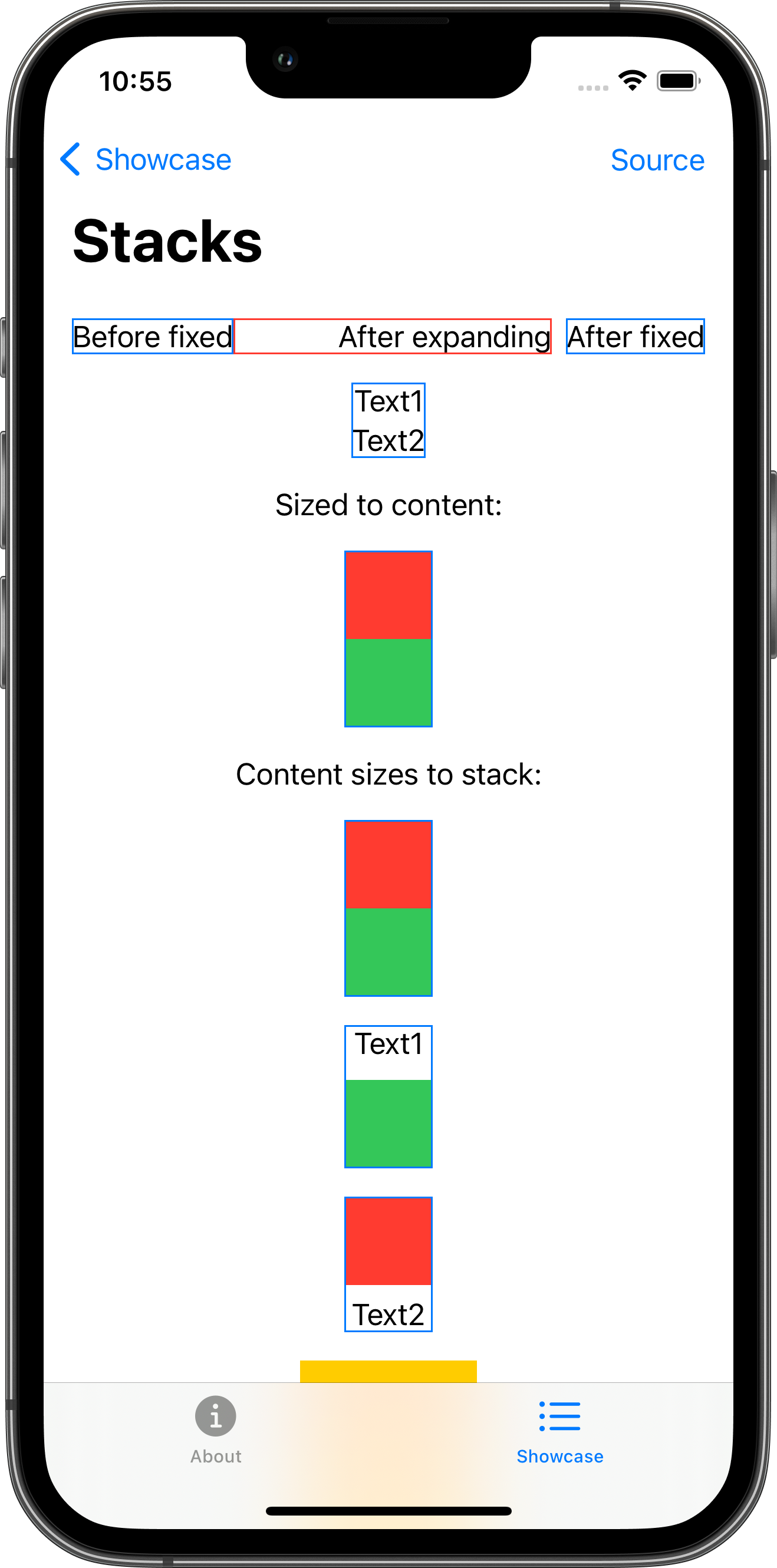
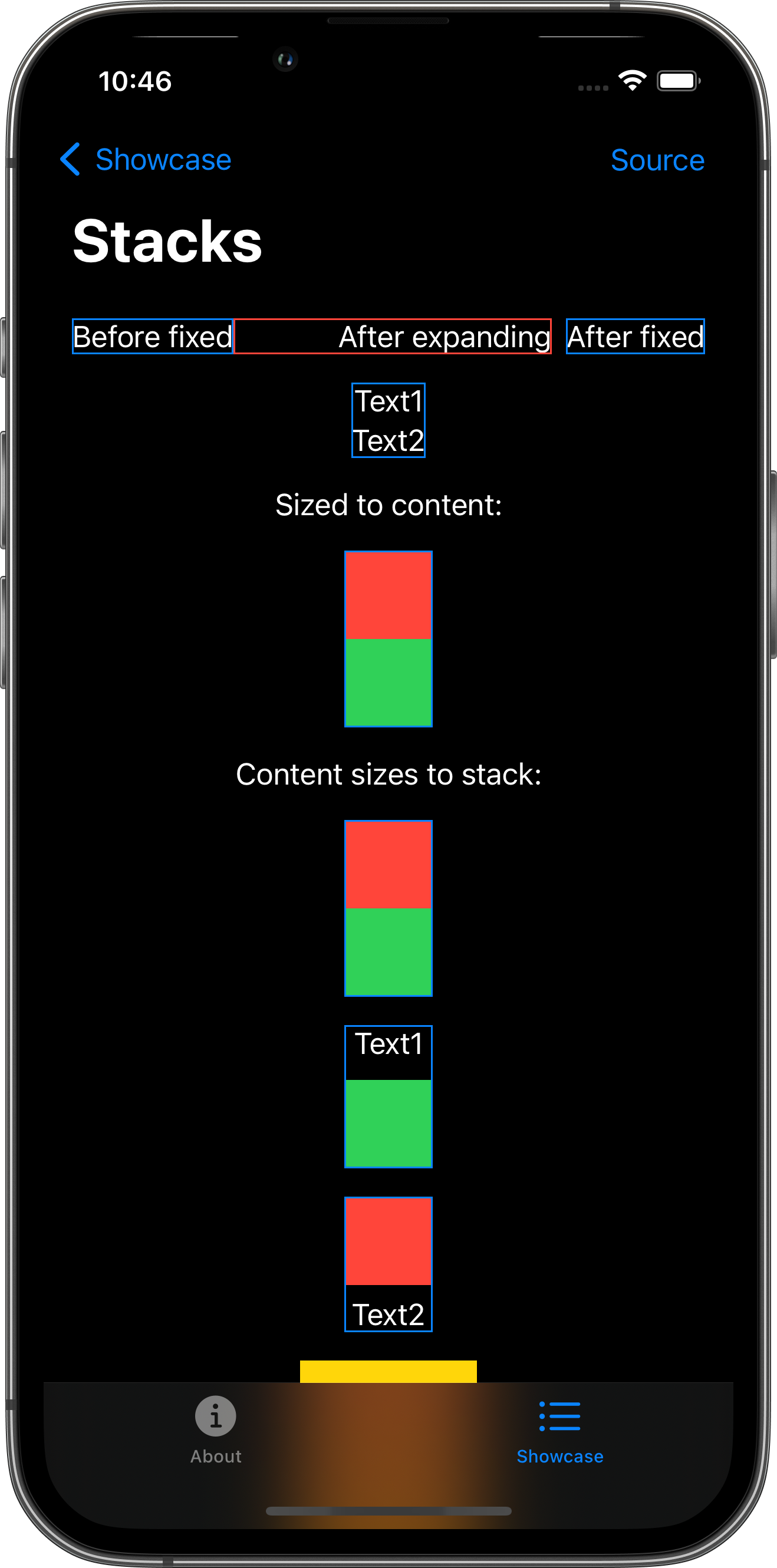
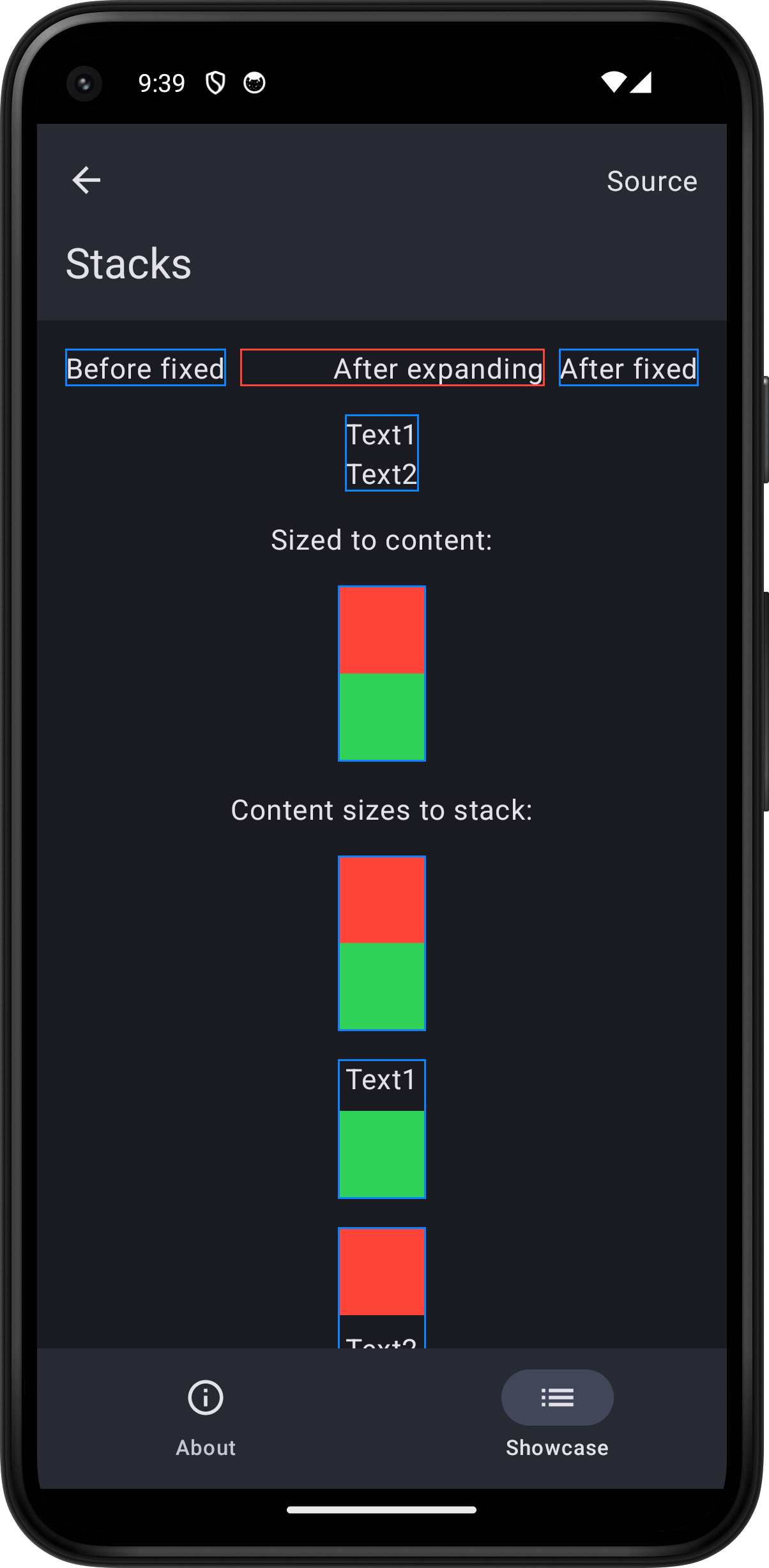
import SwiftUI
struct StackPlayground: View {    var body: some View {        ScrollView {            VStack(spacing: 16.0) {                HStack {                    Text("Before fixed")                        .border(Color.blue)                    HStack {                        Spacer()                        Text("After expanding")                    }                    .border(Color.red)                    Text("After fixed")                        .border(Color.blue)                }                VStack {                    Text("Text1")                    Text("Text2")                }                .border(Color.blue)                Text("Sized to content:")                VStack(spacing: 0.0) {                    Color.red.frame(width: 50.0, height: 50.0)                    Color.green.frame(width: 50.0, height: 50.0)                }                .border(Color.blue)                Text("Content sizes to stack:")                VStack(spacing: 0.0) {                    Color.red                    Color.green                }                .frame(width: 50.0, height: 100.0)                .border(Color.blue)                VStack {                    Text("Text1")                    Color.green.frame(width: 50.0, height: 50.0)                }                .border(Color.blue)                VStack {                    Color.red.frame(width: 50.0, height: 50.0)                    Text("Text2")                }                .border(Color.blue)                VStack(content: horizontalStripes)                    .background(.yellow)                    .frame(width: 100.0, height: 100.0)                HStack(content: verticalStripes)                    .background(.yellow)                    .frame(width: 100.0, height: 100.0)                ZStack {                    Color.yellow                    Color.red.padding(25.0)                }                .frame(width: 100.0, height: 100.0)            }            .padding()        }        .toolbar {            PlaygroundSourceLink(file: "StackPlayground.swift")        }    }
    // Note: these functions are also a test that we can pass functions to SwiftUI content view builders.
    @ViewBuilder private func horizontalStripes() -> some View {        Spacer()        Color.red.frame(height: 20.0)        Spacer()        Color.red.frame(height: 20.0)        Spacer()    }
    @ViewBuilder private func verticalStripes() -> some View {        Spacer()        Color.red.frame(width: 20.0)        Spacer()        Color.red.frame(width: 20.0)        Spacer()    }}