
Keyboard
Skip support for SwiftUI.View.keyboardType ↗ on Android. Consult the SkipUI module for a complete list of supported SwiftUI.
The following example screens and source code is from SkipUI’s
Showcase sample app
KeyboardPlayground.swift ↗
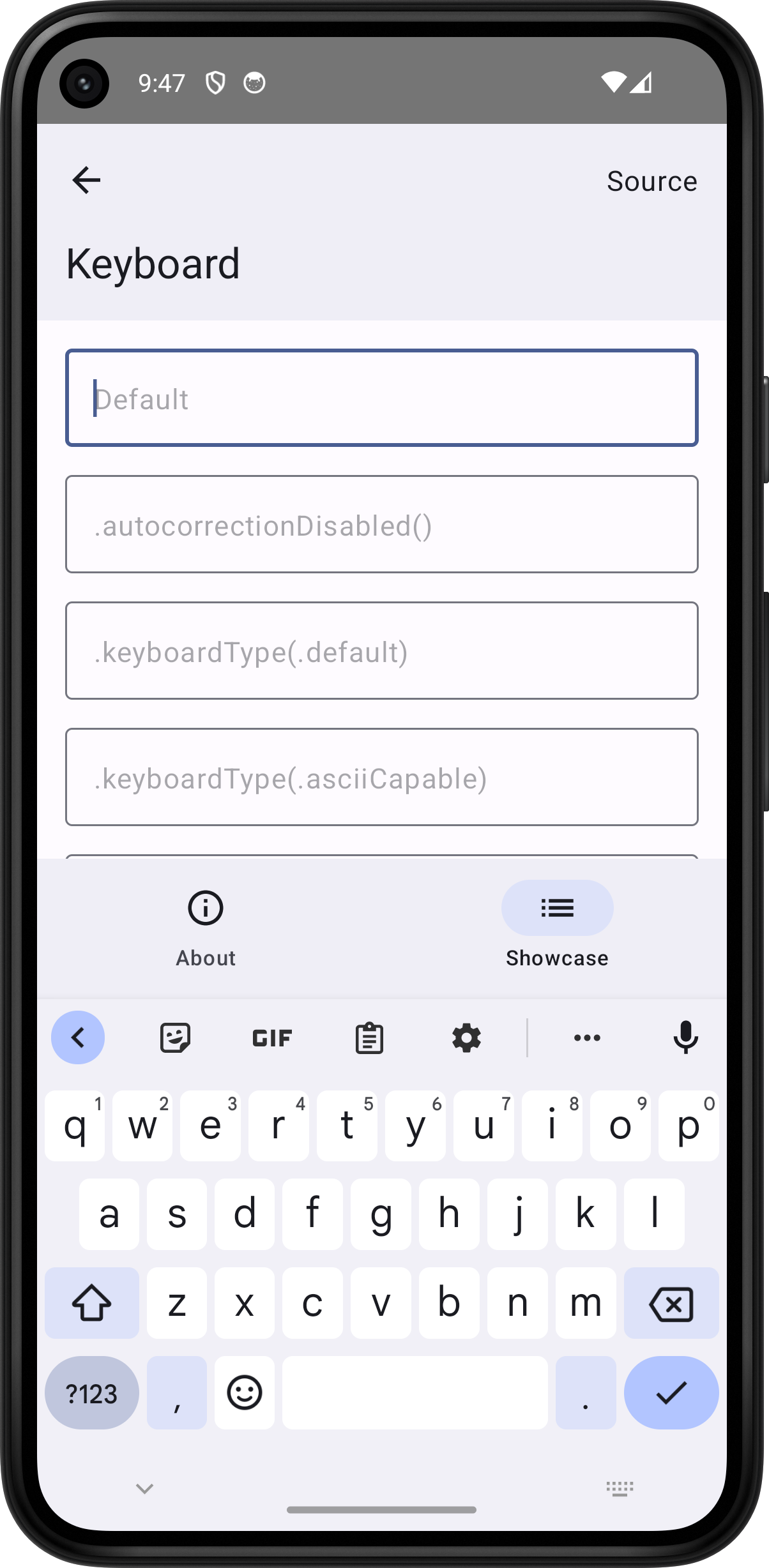
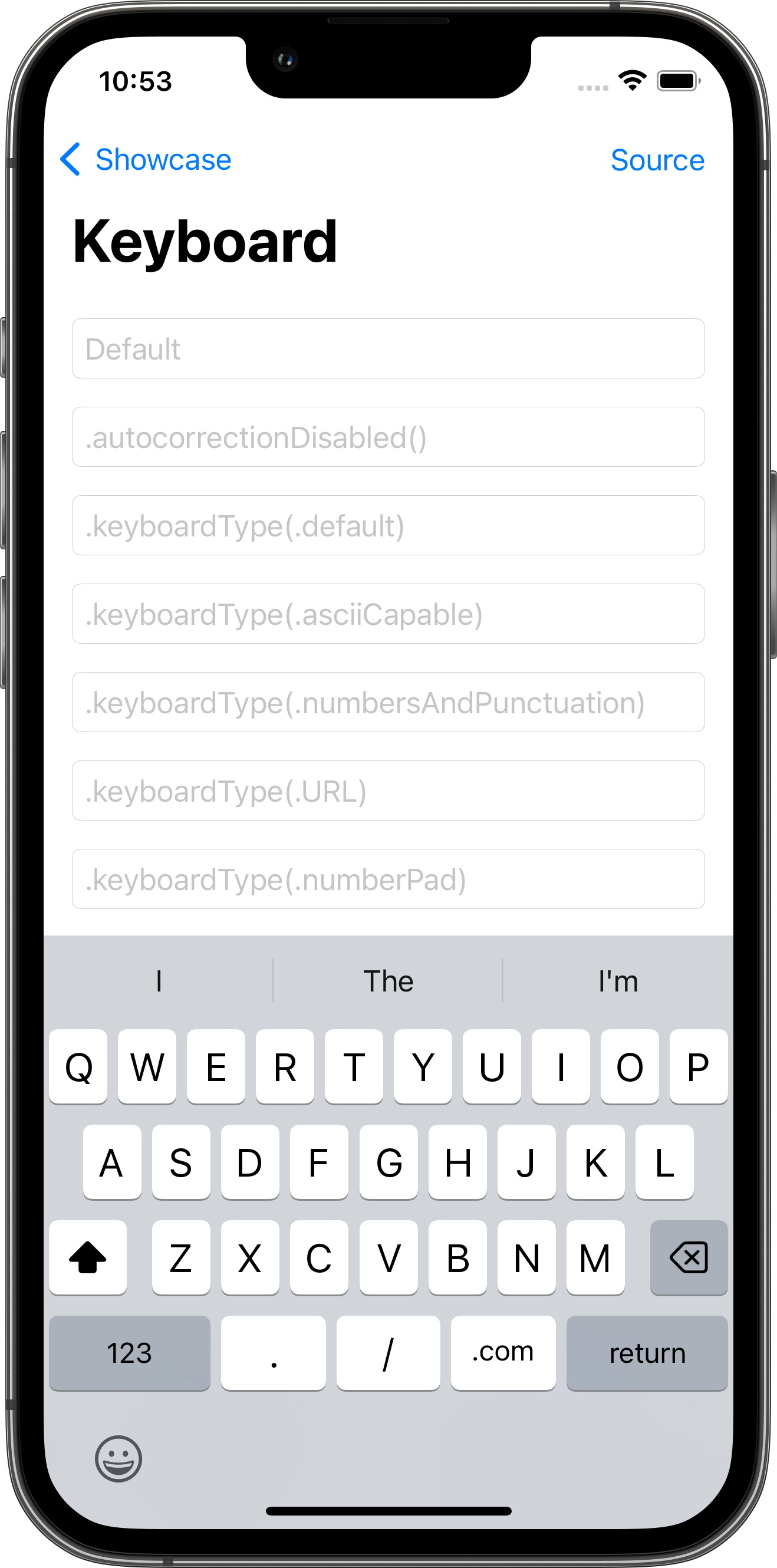
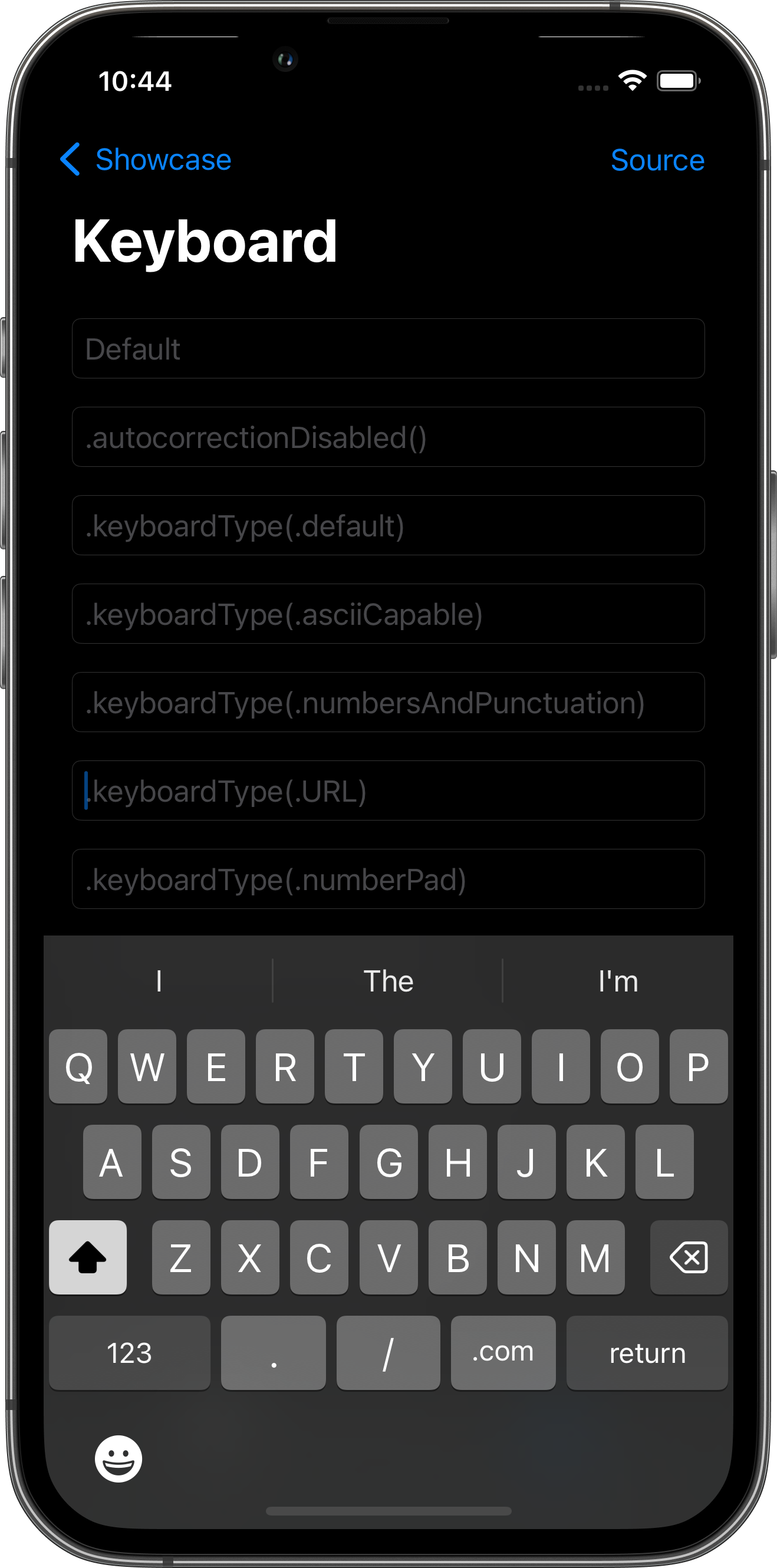
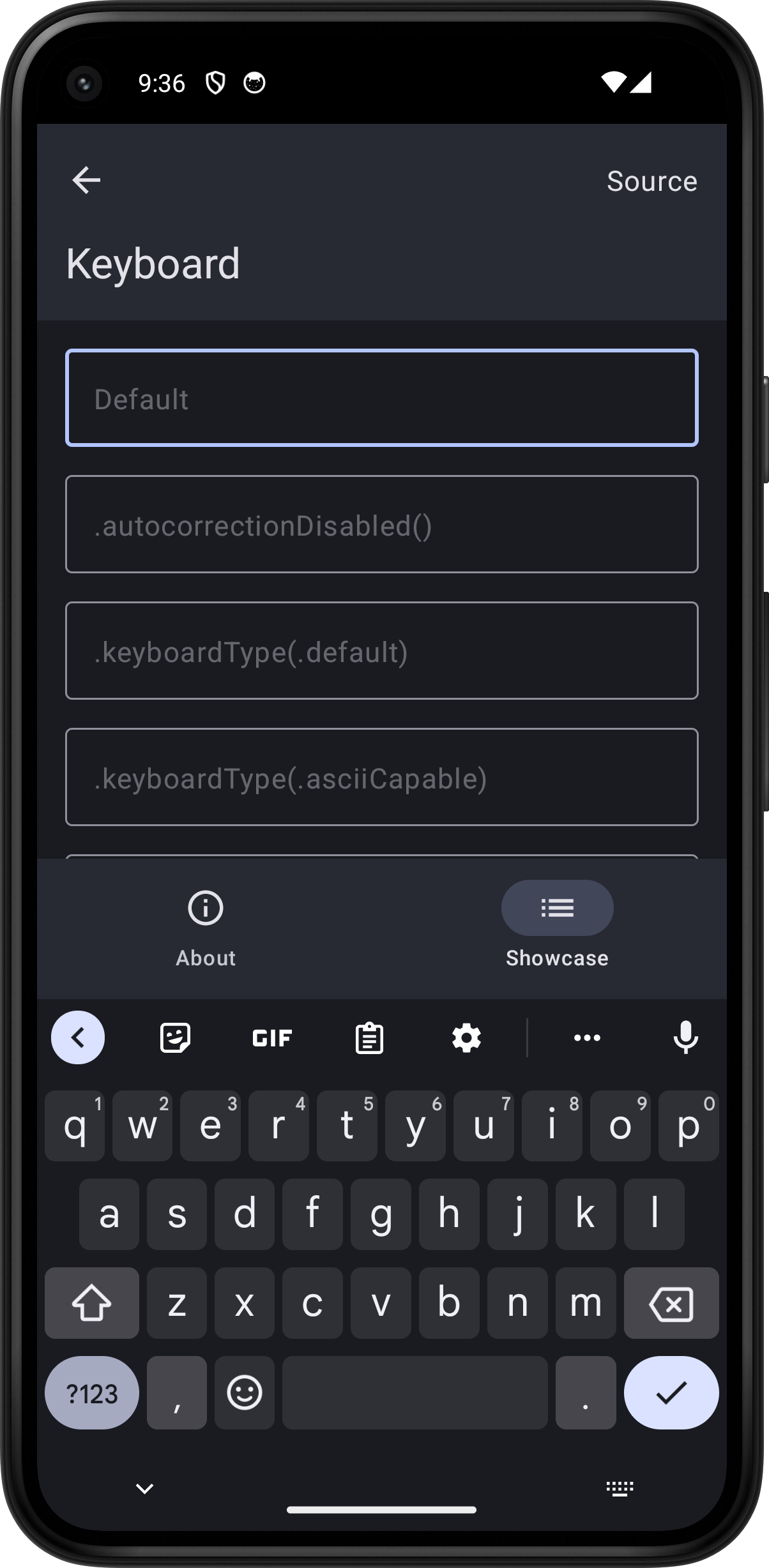
import SwiftUI
struct KeyboardPlayground: View {    @State var text = ""
    var body: some View {        ScrollView {            VStack(spacing: 16.0) {                TextField("Default", text: $text)                TextField(".autocorrectionDisabled()", text: $text)                    .autocorrectionDisabled()                #if os(macOS)                #else                ForEach(keyboardTypes, id: \.0) {                    TextField(".keyboardType(.\($0.0))", text: $text)                        .keyboardType($0.1)                }                #endif                ForEach(submitLabels, id: \.0) {                    TextField(".submitLabel(.\($0.0))", text: $text)                        .submitLabel($0.1)                }                #if os(macOS)                #else                ForEach(textInputAutocapitalizations, id: \.0) {                    TextField(".textInputAutocapitalization(.\($0.0))", text: $text)                        .textInputAutocapitalization($0.1)                }                TextField("Combination", text: $text)                    .submitLabel(.next)                    .autocorrectionDisabled()                    .textInputAutocapitalization(.words)                #endif            }            .textFieldStyle(.roundedBorder)            .padding()        }        .toolbar {            PlaygroundSourceLink(file: "KeyboardPlayground.swift")        }    }
    #if os(macOS)    #else    private var keyboardTypes: [(String, UIKeyboardType)] {        return [            ("default", UIKeyboardType.default),            ("asciiCapable", UIKeyboardType.asciiCapable),            ("numbersAndPunctuation", UIKeyboardType.numbersAndPunctuation),            ("URL", UIKeyboardType.URL),            ("numberPad", UIKeyboardType.numberPad),            ("phonePad", UIKeyboardType.phonePad),            ("namePhonePad", UIKeyboardType.namePhonePad),            ("emailAddress", UIKeyboardType.emailAddress),            ("decimalPad", UIKeyboardType.decimalPad),            ("twitter", UIKeyboardType.twitter),            ("webSearch", UIKeyboardType.webSearch),            ("asciiCapableNumberPad", UIKeyboardType.asciiCapableNumberPad),            ("alphabet", UIKeyboardType.alphabet)        ]    }    #endif
    private var submitLabels: [(String, SubmitLabel)] {        return [            ("done", SubmitLabel.done),            ("go", SubmitLabel.done),            ("send", SubmitLabel.send),            ("join", SubmitLabel.join),            ("route", SubmitLabel.route),            ("search", SubmitLabel.search),            ("return", SubmitLabel.return),            ("next", SubmitLabel.next),            ("continue", SubmitLabel.continue)        ]    }
    #if os(macOS)    #else    private var textInputAutocapitalizations: [(String, TextInputAutocapitalization)] {        return [            ("never", TextInputAutocapitalization.never),            ("words", TextInputAutocapitalization.words),            ("sentences", TextInputAutocapitalization.sentences),            ("characters", TextInputAutocapitalization.characters)        ]    }    #endif}