
Image
Skip support for SwiftUI.Image ↗ on Android. Consult the SkipUI module for a complete list of supported SwiftUI.
The following example screens and source code is from SkipUI’s
Showcase sample app
ImagePlayground.swift ↗
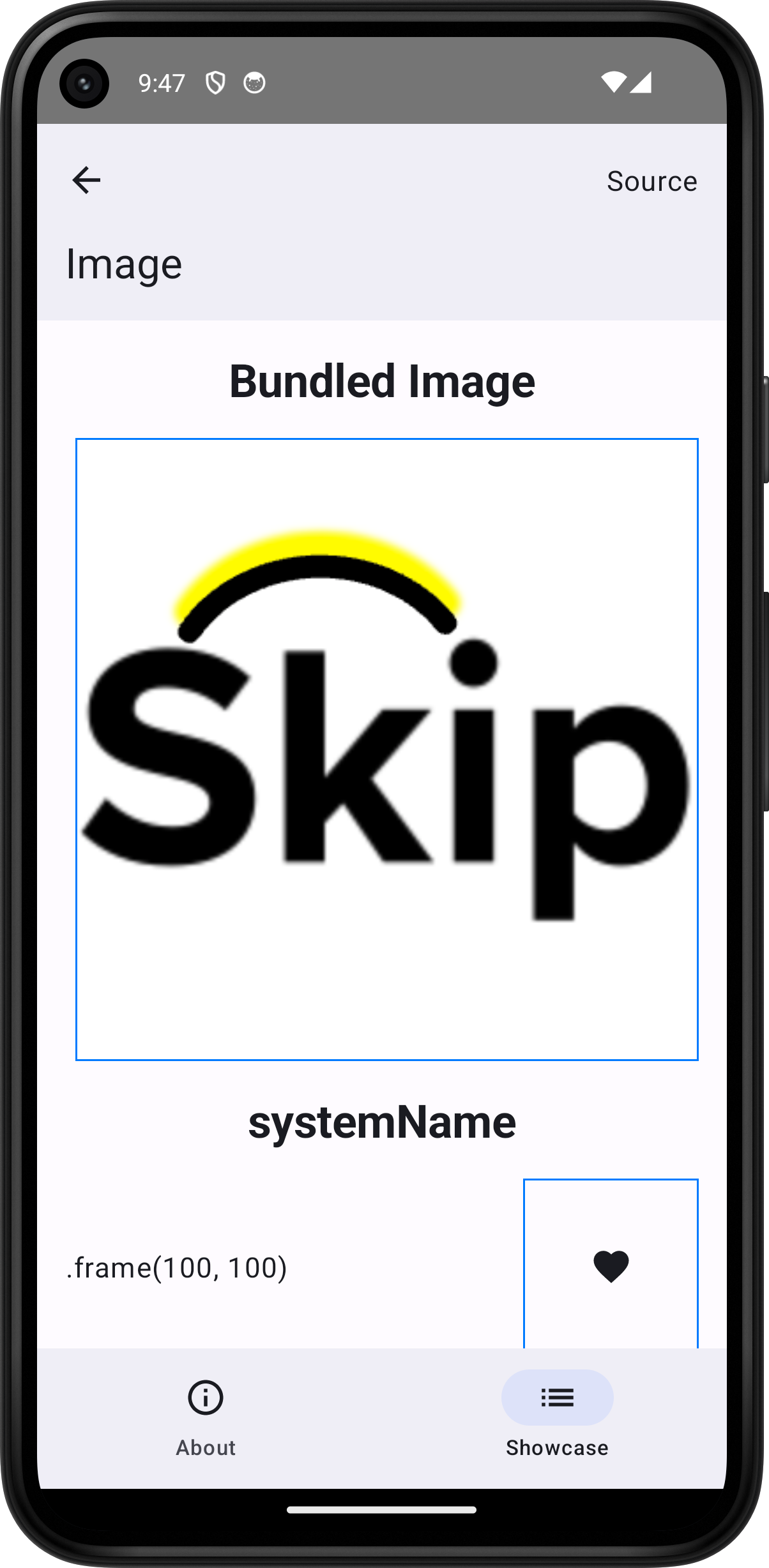
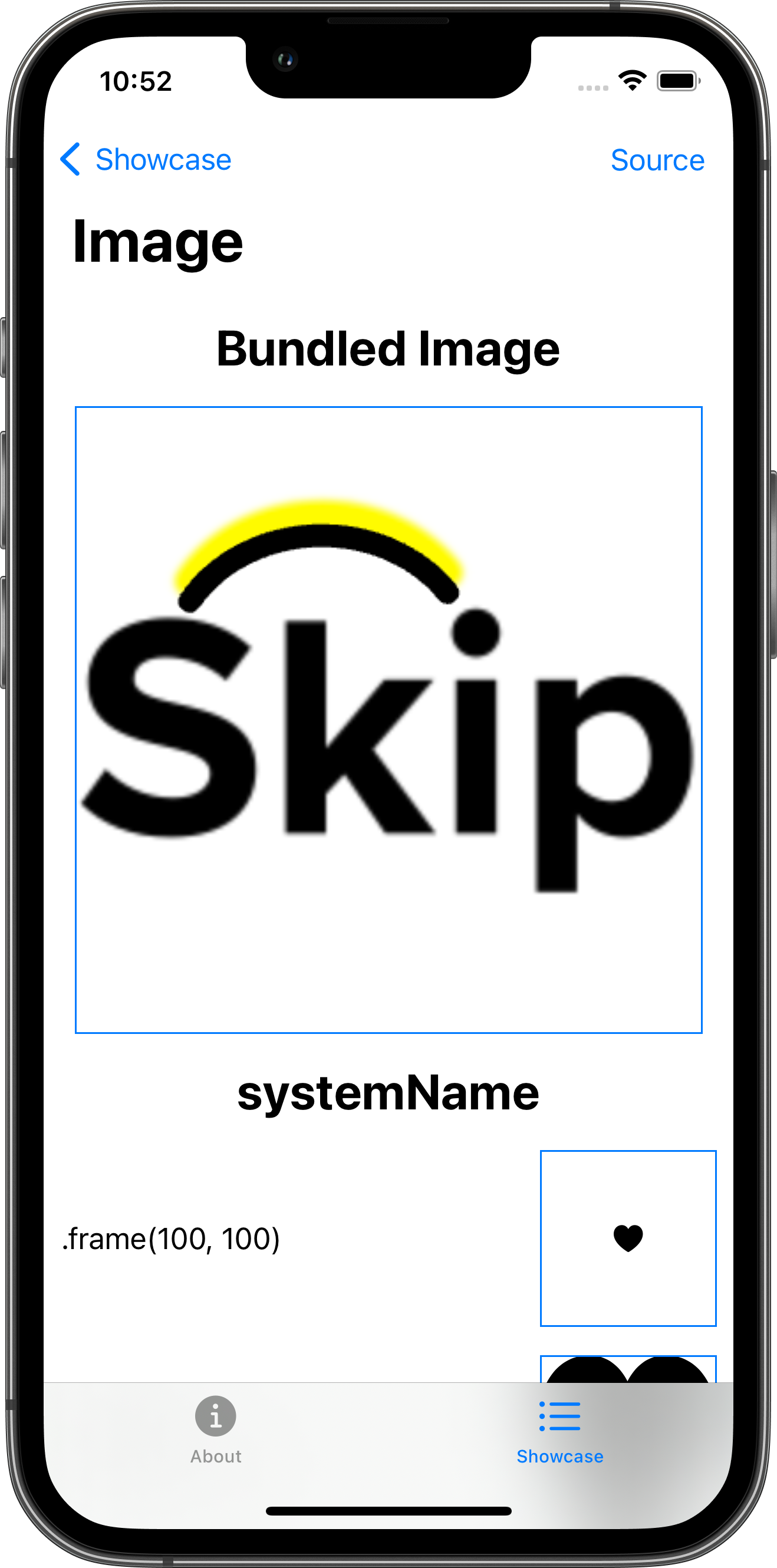
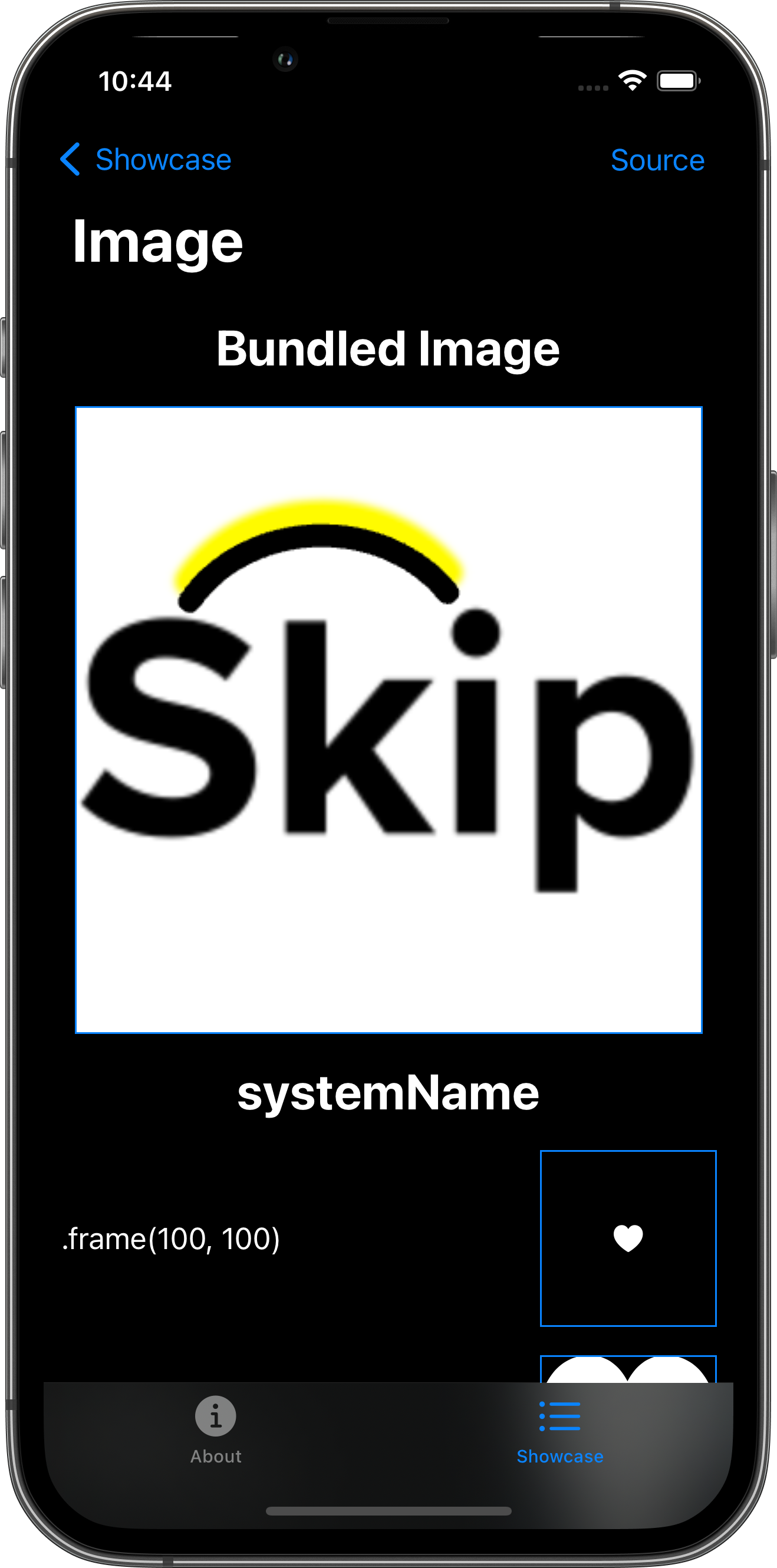
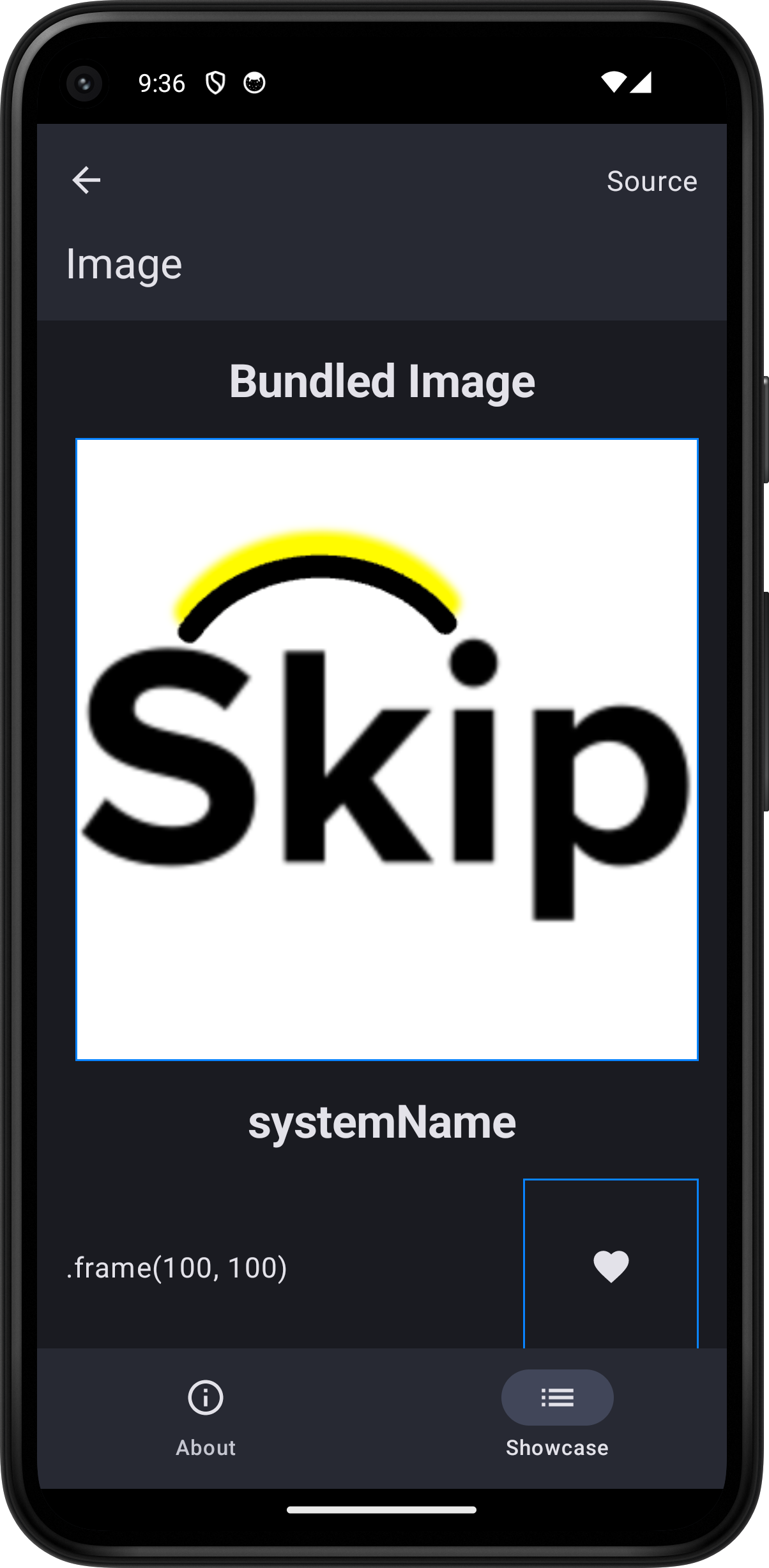
import Foundationimport SwiftUI
struct ImagePlayground: View {    let systemNameSample = "heart.fill"    let remoteImageResourceURL: URL? = URL(string: "https://picsum.photos/id/237/200/300")
    // iOS: file://…/Application/…/Showcase.app/skipapp-showcase_Showcase.bundle/skip-logo.png    // Android: asset:/showcase/module/Resources/skip-logo.png    let localImageResourceURL: URL? = Bundle.module.url(forResource: "skip-logo", withExtension: "png")
    var body: some View {        ScrollView {            VStack(spacing: 16.0) {                Text("Bundled Image").font(.title).bold()                HStack {                    Spacer()                    AsyncImage(url: localImageResourceURL)                        .border(.blue)                    Spacer()                }
                Text("systemName").font(.title).bold()                HStack {                    Text(".frame(100, 100)")                    Spacer()                    Image(systemName: systemNameSample)                        .frame(width: 100.0, height: 100.0)                        .border(Color.blue)                }                HStack {                    Text(".resizable\n.frame(100, 100)")                    Spacer()                    Image(systemName: systemNameSample)                        .resizable()                        .frame(width: 100.0, height: 100.0)                        .border(Color.blue)                }                HStack {                    Text(".resizable()\n.scaleToFill\n.frame(100, 100)\n.clipped")                    Spacer()                    Image(systemName: systemNameSample)                        .resizable()                        .scaledToFill()                        .frame(width: 100.0, height: 100.0)                        .clipped()                        .border(Color.blue)                }                HStack {                    Text(".resizable()\n.scaleToFit\n.frame(100, 100)")                    Spacer()                    Image(systemName: systemNameSample)                        .resizable()                        .scaledToFit()                        .frame(width: 100.0, height: 100.0)                        .border(Color.blue)                }                HStack {                    Text(".resizable()\n.aspectRatio(0.33, .fill)\n.frame(100, 100)\n.clipped")                    Spacer()                    Image(systemName: systemNameSample)                        .resizable()                        .aspectRatio(0.33, contentMode: .fill)                        .frame(width: 100.0, height: 100.0)                        .clipped()                        .border(Color.blue)                }                HStack {                    Text(".resizable()\n.aspectRatio(0.33, .fit)\n.frame(100, 100)")                    Spacer()                    Image(systemName: systemNameSample)                        .resizable()                        .aspectRatio(0.33, contentMode: .fit)                        .frame(width: 100.0, height: 100.0)                        .border(Color.blue)                }                HStack {                    Text(".resizable()\n.aspectRatio(3, .fit)\n.frame(100, 100)\n.foregroundStyle(.red)")                    Spacer()                    Image(systemName: systemNameSample)                        .resizable()                        .aspectRatio(3.0, contentMode: .fit)                        .frame(width: 100.0, height: 100.0)                        .foregroundStyle(.red)                        .border(Color.blue)                }
                Text("AsyncImage").font(.title).bold()                HStack {                    Spacer()                    AsyncImage(url: remoteImageResourceURL)                        .border(Color.blue)                }                HStack {                    Text("scale: 2.0")                    Spacer()                    AsyncImage(url: remoteImageResourceURL, scale: 2.0)                        .border(Color.blue)                }                HStack {                    Text(".frame(100, 100)")                    Spacer()                    AsyncImage(url: remoteImageResourceURL)                        .frame(width: 100.0, height: 100.0)                        .border(Color.blue)                }                HStack {                    Text(".frame(100, 100)\nclipped")                    Spacer()                    AsyncImage(url: remoteImageResourceURL)                        .frame(width: 100.0, height: 100.0)                        .clipped()                        .border(Color.blue)                }                HStack {                    Text(".resizable()\n.frame(100, 100)")                    Spacer()                    AsyncImage(url: remoteImageResourceURL) { image in                        image.resizable()                    } placeholder: {                    }                    .frame(width: 100.0, height: 100.0)                    .border(Color.blue)                }                HStack {                    Text(".resizable()\n.scaleToFill\n.frame(100, 100)\n.clipped")                    Spacer()                    AsyncImage(url: remoteImageResourceURL) { image in                        image.resizable()                    } placeholder: {                    }                    .scaledToFill()                    .frame(width: 100.0, height: 100.0)                    .clipped()                    .border(Color.blue)                }                HStack {                    Text(".resizable()\n.scaleToFit\n.frame(100, 100)")                    Spacer()                    AsyncImage(url: remoteImageResourceURL) { image in                        image.resizable()                    } placeholder: {                    }                    .scaledToFit()                    .frame(width: 100.0, height: 100.0)                    .border(Color.blue)                }                HStack {                    Text(".resizable()\n.aspectRatio(0.33, .fill)\n.frame(100, 100)\n.clipped")                    Spacer()                    AsyncImage(url: remoteImageResourceURL) { image in                        image.resizable()                    } placeholder: {                    }                    .aspectRatio(0.33, contentMode: .fill)                    .frame(width: 100.0, height: 100.0)                    .clipped()                    .border(Color.blue)                }                HStack {                    Text(".resizable()\n.aspectRatio(0.33, .fit)\n.frame(100, 100)")                    Spacer()                    AsyncImage(url: remoteImageResourceURL) { image in                        image.resizable()                    } placeholder: {                    }                    .aspectRatio(0.33, contentMode: .fit)                    .frame(width: 100.0, height: 100.0)                    .border(Color.blue)                }                HStack {                    Text(".resizable()\n.aspectRatio(3, .fit)\n.frame(100, 100)")                    Spacer()                    AsyncImage(url: remoteImageResourceURL) { image in                        image.resizable()                    } placeholder: {                    }                    .aspectRatio(3.0, contentMode: .fit)                    .frame(width: 100.0, height: 100.0)                    .border(Color.blue)                }                HStack {                    Text("No URL")                    Spacer()                    AsyncImage(url: nil)                        .border(Color.blue)                }                HStack {                    Text("No URL\n.frame(100, 100)")                    Spacer()                    AsyncImage(url: nil)                        .frame(width: 100.0, height: 100.0)                        .border(Color.blue)                }                HStack {                    Text("Custom placeholder")                    Spacer()                    AsyncImage(url: nil) { image in                        EmptyView()                    } placeholder: {                        ProgressView()                    }                    .frame(width: 100.0, height: 100.0)                    .border(Color.blue)                }                HStack {                    Text("Custom closure")                    Spacer()                    AsyncImage(url: nil) { phase in                        switch phase {                        case .empty:                            ProgressView()                        case .failure:                            Color.red                        case .success:                            EmptyView()                        @unknown default:                            EmptyView()                        }                    }                    .frame(width: 100.0, height: 100.0)                    .border(Color.blue)                }            }            .padding()        }        .toolbar {            PlaygroundSourceLink(file: "ImagePlayground.swift")        }    }}