
Gesture
Skip support for SwiftUI.Gesture ↗ on Android. Consult the SkipUI module for a complete list of supported SwiftUI.
The following example screens and source code is from SkipUI’s
Showcase sample app
GesturePlayground.swift ↗
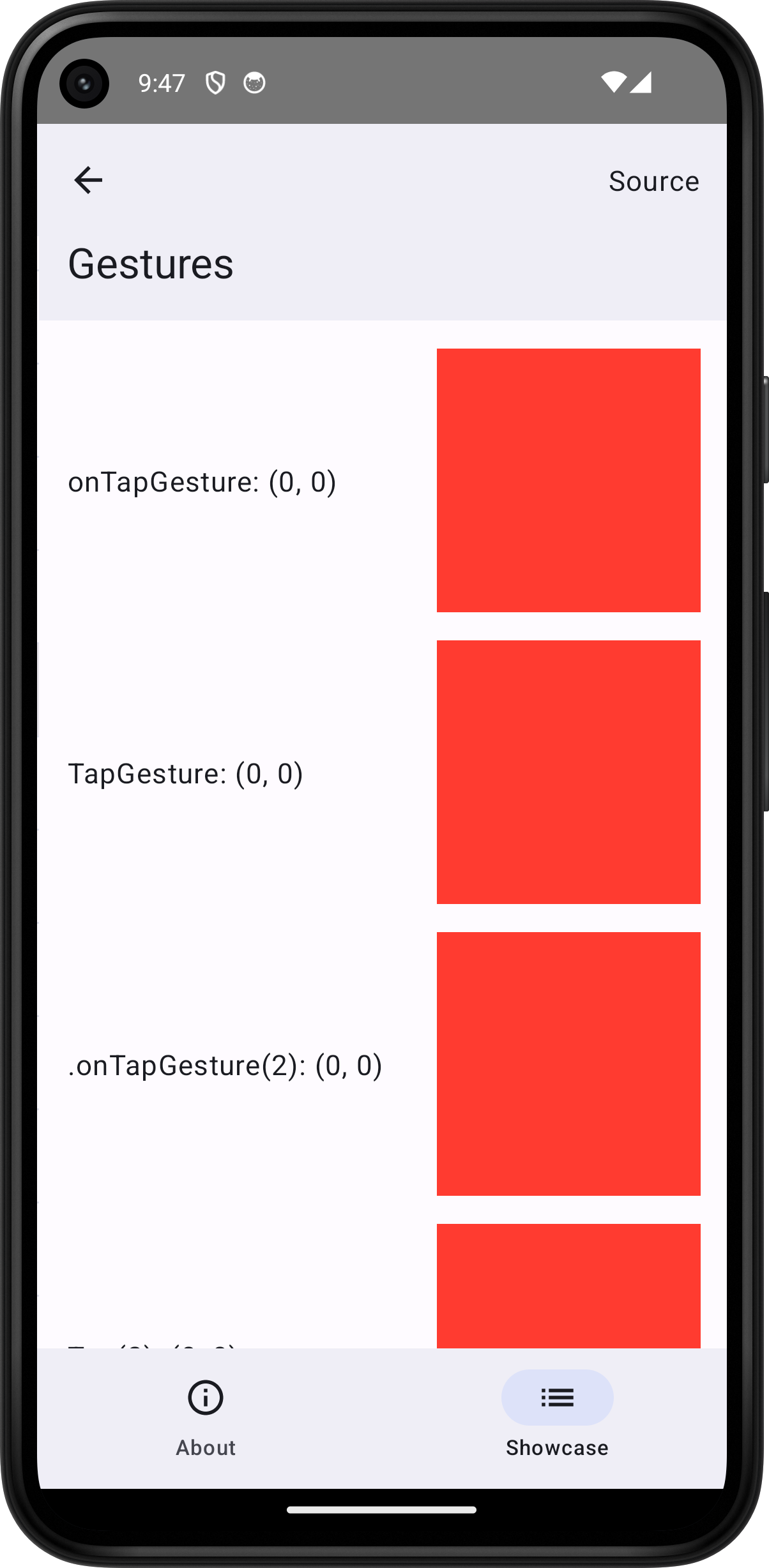
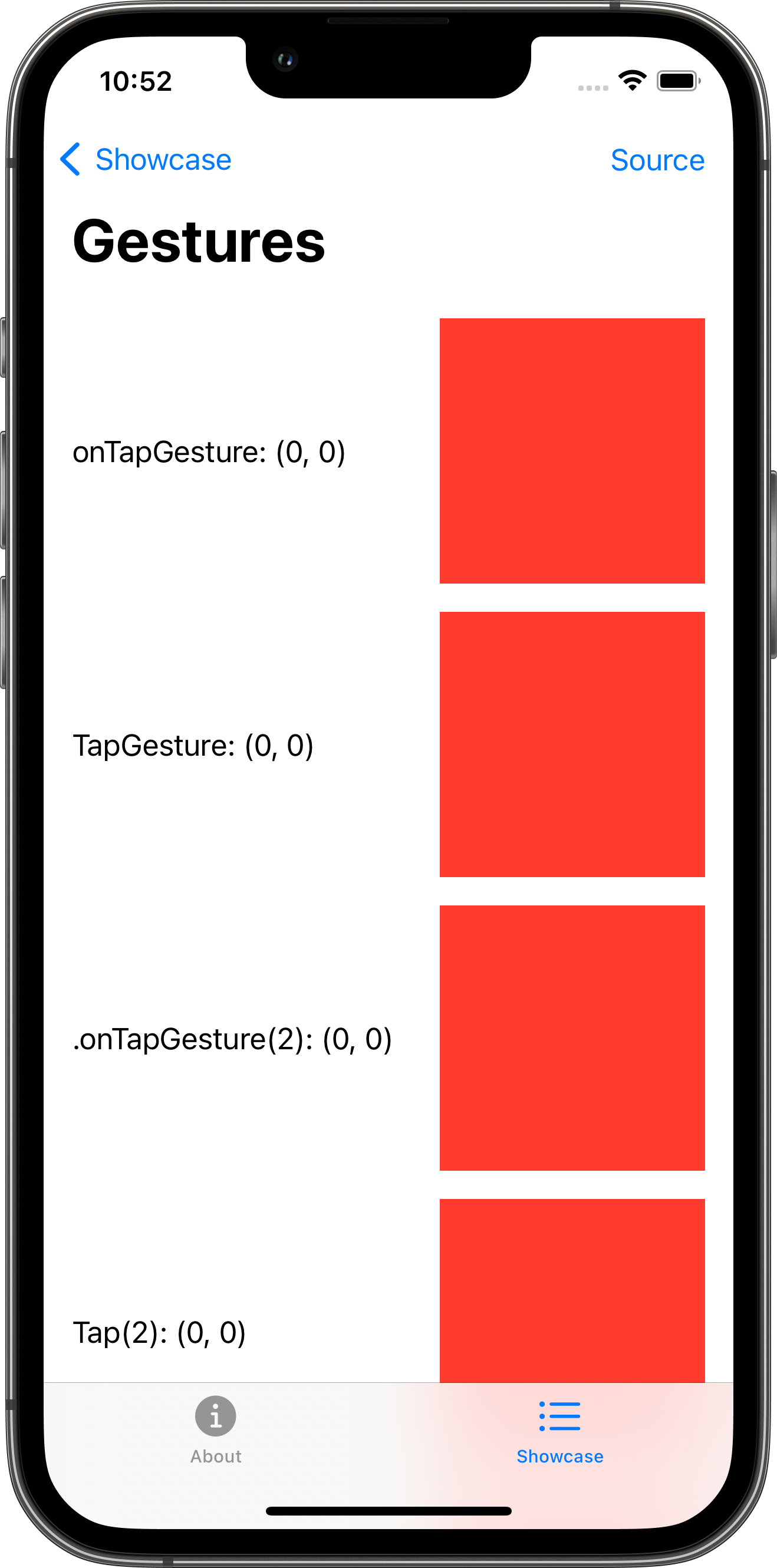
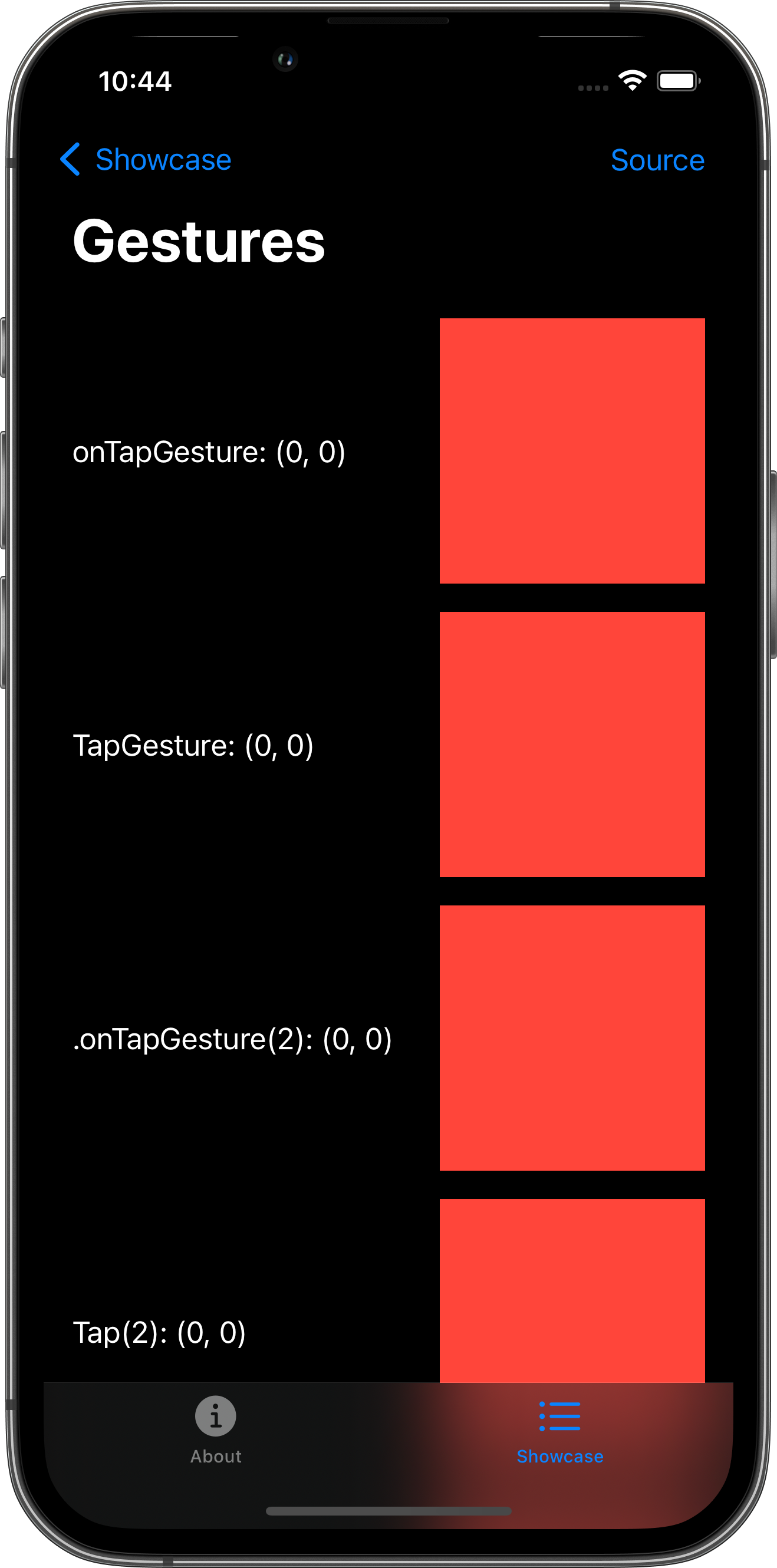
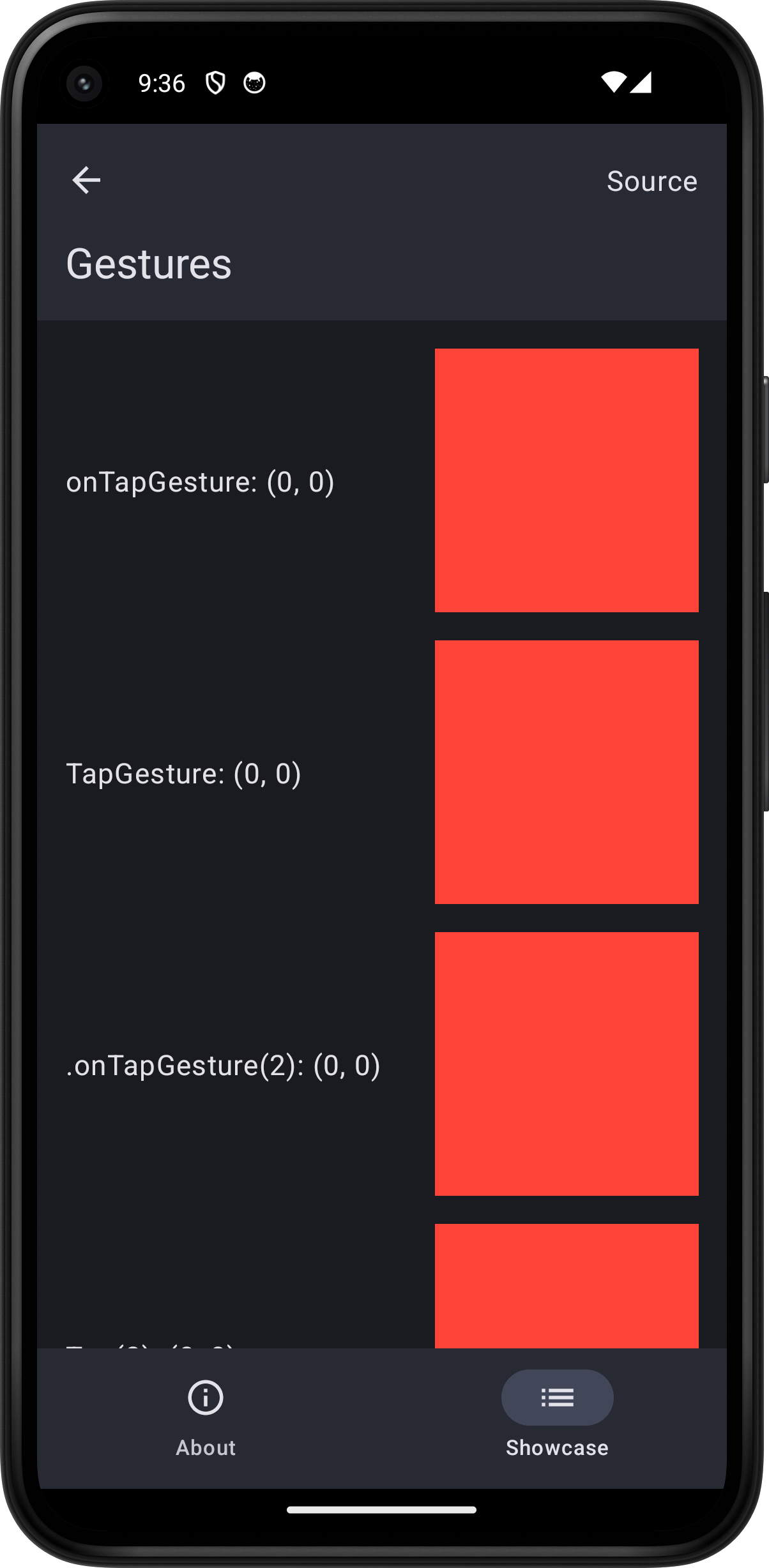
import SwiftUI
struct GesturePlayground: View {    @State var tapPosition: CGPoint = .zero    @State var doubleTapPosition: CGPoint = .zero    @State var longPressCount = 0    @State var dragOffset: CGSize = .zero
    @State var combinedTapPosition: CGPoint = .zero    @State var combinedDoubleTapPosition: CGPoint = .zero    @State var combinedLongPressCount = 0    @State var combinedDragOffset: CGSize = .zero
    var body: some View {        ScrollView {            VStack(spacing: 16.0) {                HStack {                    Text("onTapGesture: (\(Int(tapPosition.x)), \(Int(tapPosition.y)))")                    Spacer()                    Color.red                        .frame(width: 150.0, height: 150.0)                        .onTapGesture {                            tapPosition = $0                        }                }                HStack {                    Text("TapGesture: (\(Int(tapPosition.x)), \(Int(tapPosition.y)))")                    Spacer()                    Color.red                        .frame(width: 150.0, height: 150.0)                        .gesture(                            TapGesture()                                .onEnded { _ in tapPosition = CGPoint(x: -1.0, y: -1.0) }                        )                }                HStack {                    Text(".onTapGesture(2): (\(Int(doubleTapPosition.x)), \(Int(doubleTapPosition.y)))")                    Spacer()                    Color.red                        .frame(width: 150.0, height: 150.0)                        .onTapGesture(count: 2) {                            doubleTapPosition = $0                        }                }                HStack {                    Text("Tap(2): (\(Int(doubleTapPosition.x)), \(Int(doubleTapPosition.y)))")                    Spacer()                    Color.red                        .frame(width: 150.0, height: 150.0)                        .gesture(                            TapGesture(count: 2)                                .onEnded { _ in doubleTapPosition = CGPoint(x: -1.0, y: -1.0) }                        )                }                HStack {                    Text(".onLongPressGesture: \(longPressCount)")                    Spacer()                    Color.red                        .frame(width: 150.0, height: 150.0)                        .onLongPressGesture {                            longPressCount += 1                        } onPressingChanged: { val in                            logger.log("LongPress onChanged: \(val)")                        }                }                HStack {                    Text("LongPress: \(longPressCount)")                    Spacer()                    Color.red                        .frame(width: 150.0, height: 150.0)                        .gesture(                            LongPressGesture()                                .onChanged { val in logger.log("LongPress onChanged: \(val)") }                                .onEnded { _ in longPressCount += 1 }                        )                }                HStack {                    Text("Drag")                    Spacer()                    Color.red                        .frame(width: 150.0, height: 150.0)                        .offset(dragOffset)                        .gesture(                            DragGesture()                                .onChanged { val in dragOffset = val.translation }                                .onEnded { _ in dragOffset = .zero }                        )                }                HStack {                    VStack(alignment: .leading) {                        Text("Tap: (\(Int(combinedTapPosition.x)), \(Int(combinedTapPosition.y)))")                        Text("Double tap: (\(Int(combinedDoubleTapPosition.x)), \(Int(combinedDoubleTapPosition.y)))")                        Text("Long press: \(combinedLongPressCount)")                        Text("Drag")                    }                    Spacer()                    Color.red                        .frame(width: 150.0, height: 150.0)                        .offset(combinedDragOffset)                        .gesture(                            DragGesture()                                .onChanged { val in combinedDragOffset = val.translation }                                .onEnded { _ in combinedDragOffset = .zero }                        )                        .onTapGesture(count: 2) {                            combinedDoubleTapPosition = $0                        }                        .onTapGesture {                            combinedTapPosition = $0                        }                        .onLongPressGesture {                            combinedLongPressCount += 1                        }                }                HStack {                    Text("Disabled tap: (\(Int(tapPosition.x)), \(Int(tapPosition.y)))")                    Spacer()                    Color.red                        .frame(width: 150.0, height: 150.0)                        .onTapGesture {                            tapPosition = $0                        }                        .disabled(true)                }            }            .padding()        }        .toolbar {            PlaygroundSourceLink(file: "GesturePlayground.swift")        }    }}