
Button
Skip support for SwiftUI.Button ↗ on Android. Consult the SkipUI module for a complete list of supported SwiftUI.
The following example screens and source code is from SkipUI’s
Showcase sample app
ButtonPlayground.swift ↗
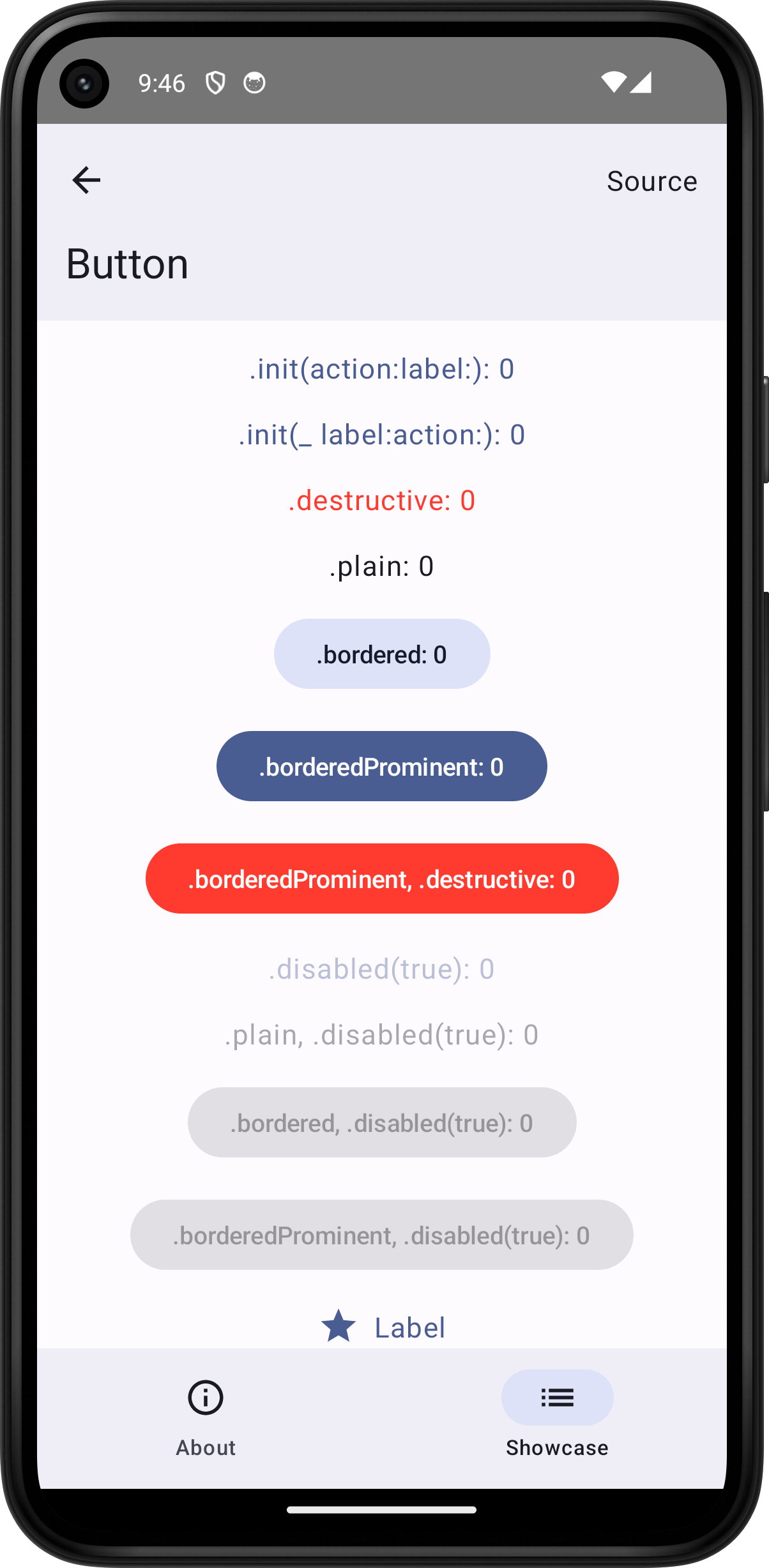

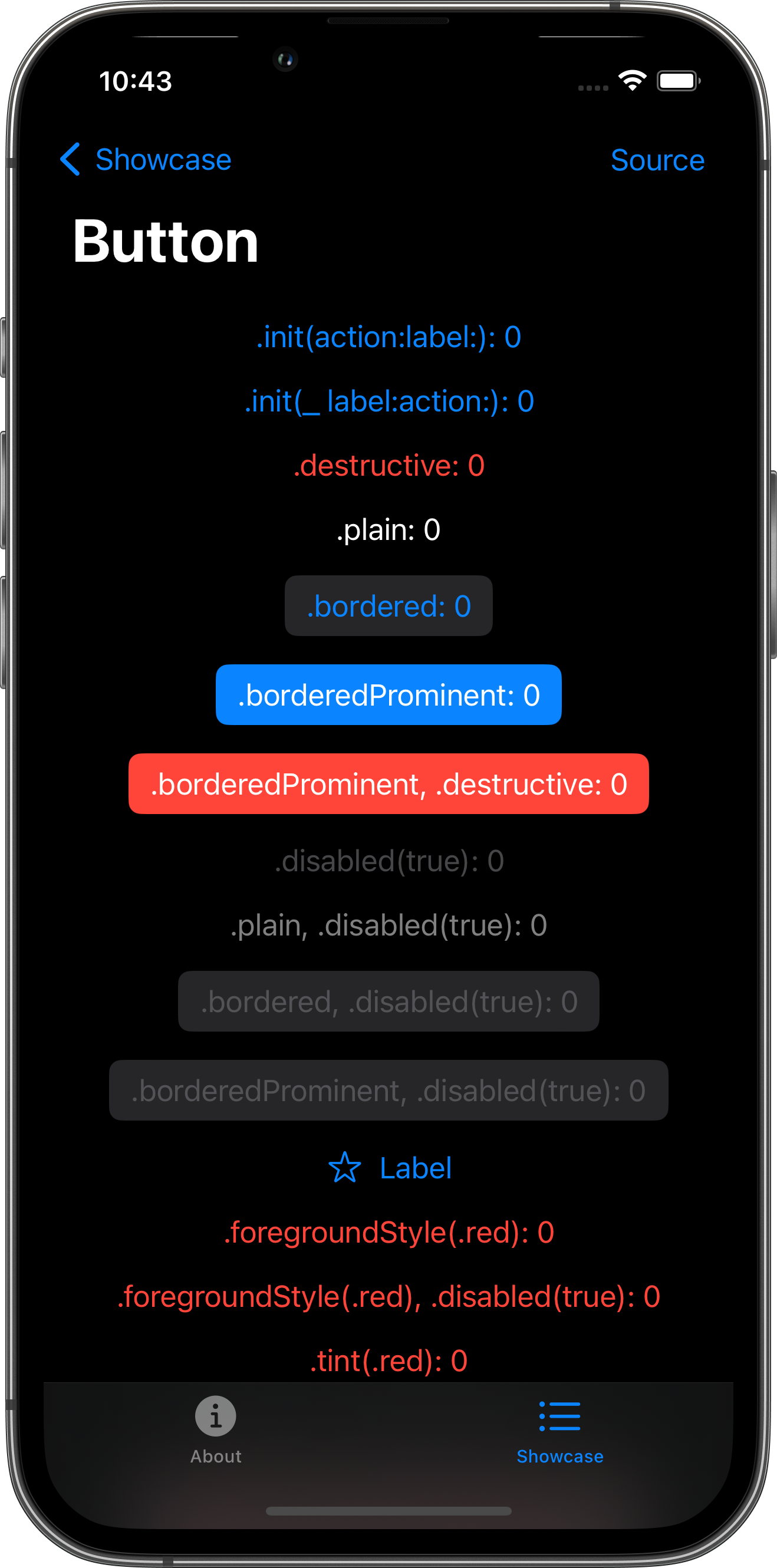
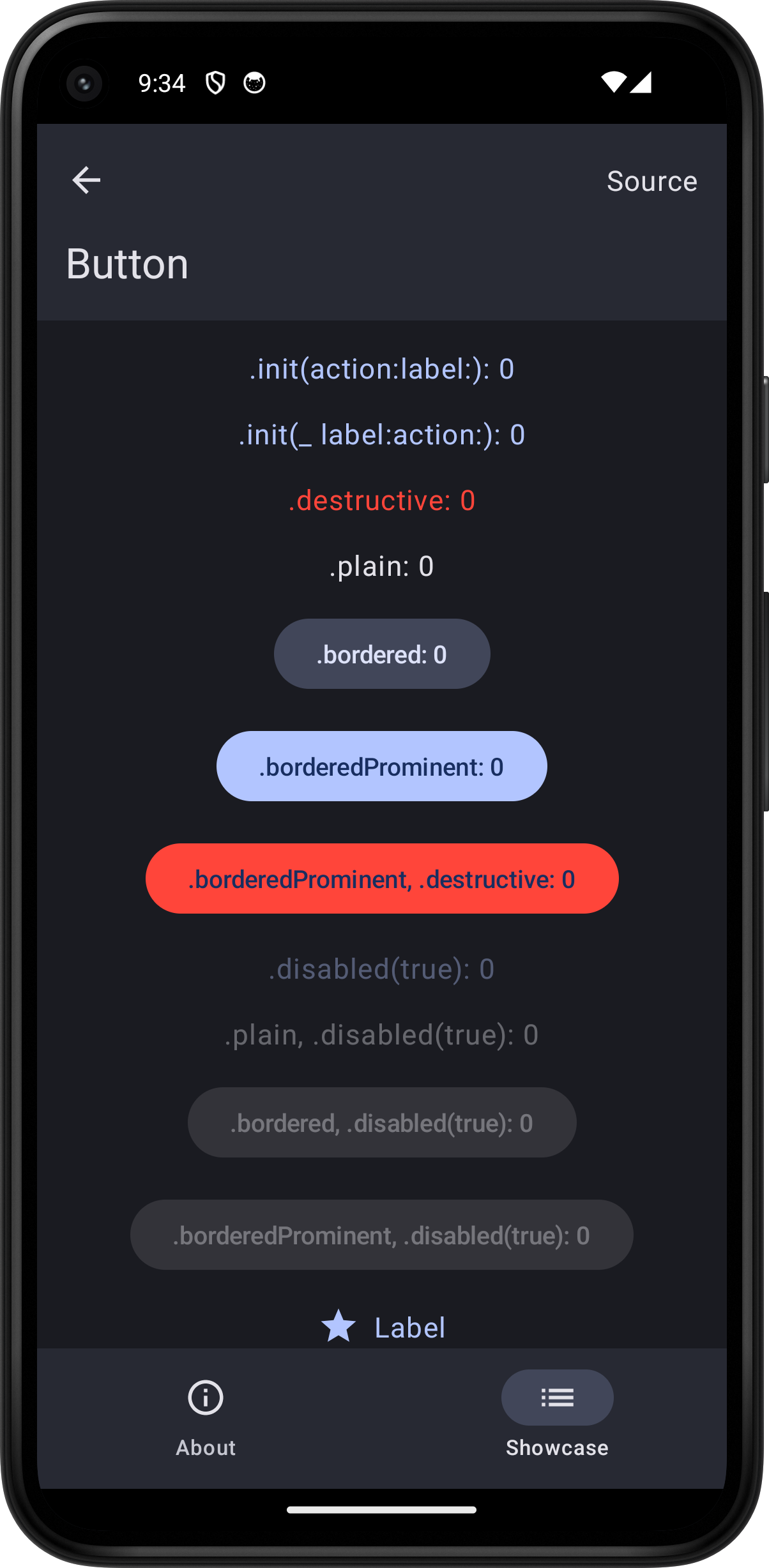
import SwiftUI
struct ButtonPlayground: View {    @State var tapCount = 0
    var body: some View {        ScrollView {            VStack(spacing: 16.0) {                Button(action: { tapCount += 1 }) {                    Text(".init(action:label:): \(tapCount)")                }                Button(".init(_ label:action:): \(tapCount)") {                    tapCount += 1                }                Button(".destructive: \(tapCount)", role: .destructive) {                    tapCount += 1                }                Button(".plain: \(tapCount)") {                    tapCount += 1                }                .buttonStyle(.plain)                Button(".bordered: \(tapCount)") {                    tapCount += 1                }                .buttonStyle(.bordered)                Button(".borderedProminent: \(tapCount)") {                    tapCount += 1                }                .buttonStyle(.borderedProminent)                Button(".borderedProminent, .destructive: \(tapCount)", role: .destructive) {                    tapCount += 1                }                .buttonStyle(.borderedProminent)                Button(".disabled(true): \(tapCount)") {                    tapCount += 1                }                .disabled(true)                Button(".plain, .disabled(true): \(tapCount)") {                    tapCount += 1                }                .buttonStyle(.plain)                .disabled(true)                Button(".bordered, .disabled(true): \(tapCount)") {                    tapCount += 1                }                .buttonStyle(.bordered)                .disabled(true)                Button(".borderedProminent, .disabled(true): \(tapCount)") {                    tapCount += 1                }                .buttonStyle(.borderedProminent)                .disabled(true)                Button {                    tapCount += 1                } label: {                    Label("Label", systemImage: "star")                }                Button(".foregroundStyle(.red): \(tapCount)") {                    tapCount += 1                }                .foregroundStyle(.red)                Button(".foregroundStyle(.red), .disabled(true): \(tapCount)") {                    tapCount += 1                }                .foregroundStyle(.red).disabled(true)                Button(".tint(.red): \(tapCount)") {                    tapCount += 1                }                .tint(.red)                Button(".tint(.red), .disabled(true): \(tapCount)") {                    tapCount += 1                }                .tint(.red).disabled(true)                Button(".bordered, .foregroundStyle(.red): \(tapCount)") {                    tapCount += 1                }                .buttonStyle(.bordered)                .foregroundStyle(.red)                Button(".bordered, .tint(.red): \(tapCount)") {                    tapCount += 1                }                .buttonStyle(.bordered)                .tint(.red)                Button(".borderedProminent, .foregroundStyle(.red): \(tapCount)") {                    tapCount += 1                }                .buttonStyle(.borderedProminent)                .foregroundStyle(.red)                Button(".borderedProminent, .tint(.red): \(tapCount)") {                    tapCount += 1                }                .buttonStyle(.borderedProminent)                .tint(.red)            }            .padding()        }        .toolbar {            PlaygroundSourceLink(file: "ButtonPlayground.swift")        }    }}