The Flutter Kerfuffle
News recently broke ↗ that Google is laying off members of the Dart and Flutter teams. At the same time that Microsoft is ending Xamarin support ↗, many Flutter users are left wondering about the future of the technology stack on which they’ve built their apps.
For what it’s worth, we don’t buy into the speculation that Flutter is about the be killed off. While we believe that Skip has the correct approach to cross-platform mobile development, Flutter is an excellent product with a devoted community. A recent post ↗ by an insider notes that the Google layoffs were broad and didn’t single out the Flutter and Dart teams. Nevertheless, this episode emphasizes the need to always consider the ejectability of the core technologies you use.
Ejectability
Section titled “Ejectability”“And every one who hears these sayings of Mine and does not do them will be likened to a foolish man who built his house on the sand.”
A software framework is said to be ejectable if you can remove it without completely breaking your app. Ejectability is not binary: having to remove a given framework might only require you to excise certain features, and some frameworks are easier to replace in our apps than others.
Unfortunately, most cross-platform development tools are not ejectable to any degree. If official Flutter support were end-of-lifed, there would not be any path for Flutter codebases to migrate to another technology stack. Dart ↗ is a nice language and Widgets ↗ are cool, but Apple is not about to transition from Swift ↗ and SwiftUI ↗, nor Android from Kotlin ↗ and Jetpack Compose ↗. Languages like Dart and Javascript will forever be “alien” on both iOS and Android, just as Swift and Kotlin will be the primary, supported, and vendor-recommended languages for the foreseeable future.
Flutter apps would continue to work, and the community would likely maintain the Flutter engine and libraries for quite some time. But the pace of integration with the latest Android and iOS features would slow, and businesses who care about the long-term prospects for their apps would look to move on. Unfortunately, their only option would be something seasoned developers avoid for good reason ↗: a complete re-write.
To be clear, we do not believe that Flutter support is going to end any time soon, and the same goes for other popular cross-platform solutions like React Native. But you should also not take the decision to use these frameworks lightly, because they are not ejectable. If support unexpectedly ends - or if a new Apple or Android platform or feature arrives that these non-native frameworks are not able to integrate with - you have no off-ramp.
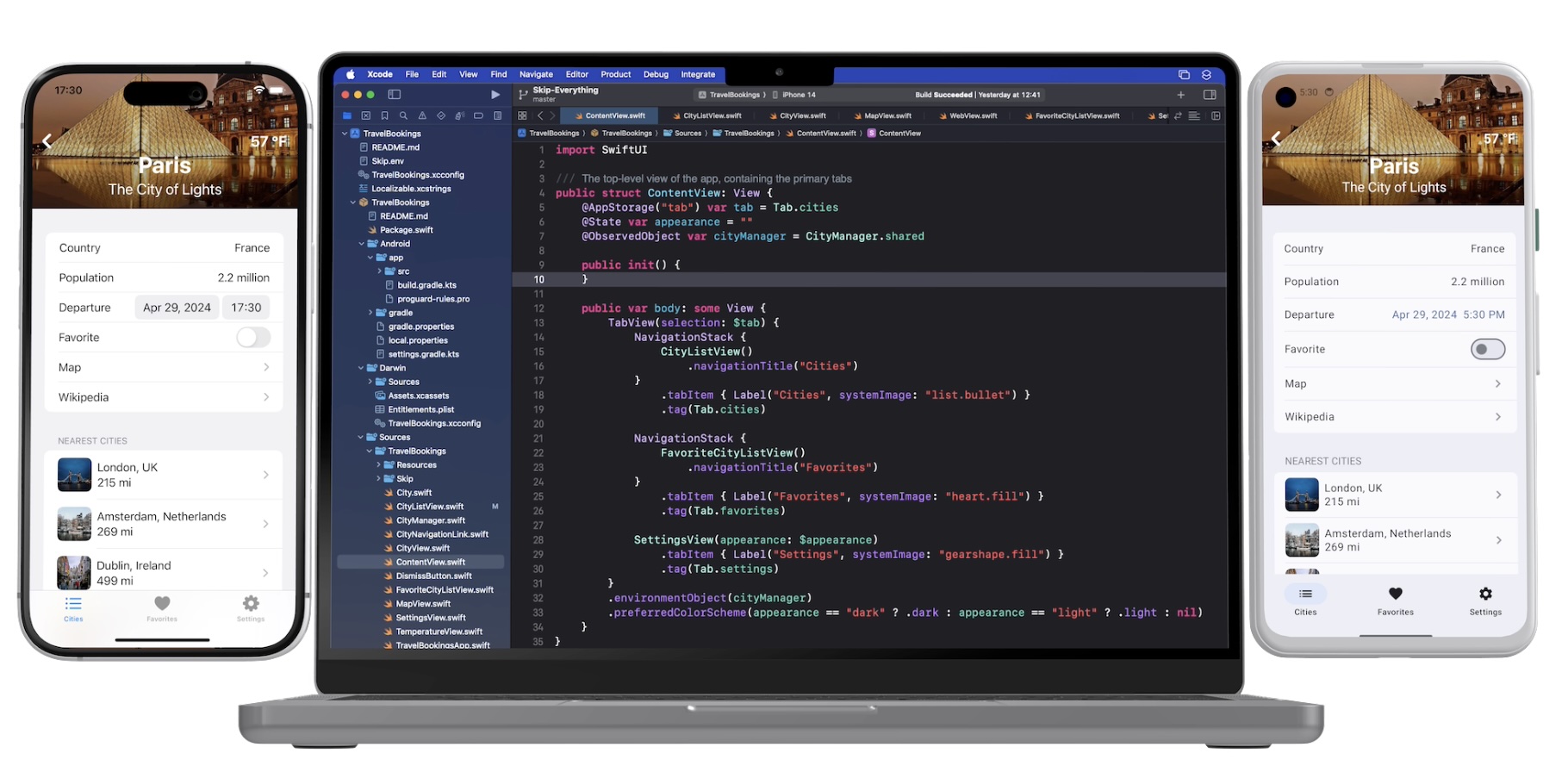
Skip’s approach to cross-platform development is fundamentally different. You work in a single codebase, but Skip creates fully native apps for each platform: Swift and SwiftUI on iOS, and Kotlin and Compose on Android. This is in keeping with the plainly-stated, unambiguous advice from the platform vendors themselves:
SwiftUI is the preferred app-builder technology -Apple ↗
Jetpack Compose is Android’s recommended modern toolkit -Google ↗
How it Works
Section titled “How it Works”A cross-platform Skip app is a modern iOS app. Your shared code is written in Xcode using Swift and SwiftUI. For example, here is a simple weather model:
import Foundation
struct Weather : Decodable { let latitude: Double let longitude: Double let time: Double let timezone: String}
extension Weather { /// Fetches the weather from the open-meteo API static func fetch(latitude: Double, longitude: Double) async throws -> Weather { let url = URL(string: "https://api.open-meteo.com/v1/forecast?latitude=\(latitude)&longitude=\(longitude)¤t_weather=true")!
var request = URLRequest(url: url) let (data, response) = try await URLSession.shared.data(for: request) return try JSONDecoder().decode(Weather.self, from: data) }}At build time, the Skip tool integrates with Xcode to transpile your iOS codebase into a native Android app written in Kotlin.
As you can see in the sample above, your Swift code does not require any dependencies on Skip. Even integrating Android customization into your app is accomplished without Skip libraries. If you remove all traces of Skip, your iOS app will continue to build and run in Xcode exactly as before.
On the Android side, the Kotlin source code and artifacts that Skip generates are yours, regardless of whether you continue to use Skip. Unlike the iOS app, the translated Android app does rely on Skip libraries to mirror the Foundation, SwiftUI and other Apple APIs that your iOS code likely uses. These libraries, however, are free and open source ↗. Critically, they are not a “runtime” or “engine”. You can continue to use them - or not - without hampering your ability to expand the app and integrate new Android features.
Here is the Kotlin that Skip generates from the sample weather model above. It is not significantly different than Kotlin you’d write by hand. It is longer than the source Swift only because Kotlin does not have built-in JSON decoding, so Skip must add it. (SwiftUI code translated to Skip’s Compose-based UI library for Android is much less idiomatic. If you stopped using Skip you’d likely want to migrate to pure Compose over time, but there would be no immediate need to do so.)
import skip.foundation.*
internal class Weather: Decodable { internal val latitude: Double internal val longitude: Double internal val time: Double internal val timezone: String
constructor(latitude: Double, longitude: Double, time: Double, timezone: String) { this.latitude = latitude this.longitude = longitude this.time = time this.timezone = timezone }
constructor(from: Decoder) { val container = from.container(keyedBy = CodingKeys::class) this.latitude = container.decode(Double::class, forKey = CodingKeys.latitude) this.longitude = container.decode(Double::class, forKey = CodingKeys.longitude) this.time = container.decode(Double::class, forKey = CodingKeys.time) this.timezone = container.decode(String::class, forKey = CodingKeys.timezone) }
companion object: DecodableCompanion<Weather> { /// Fetches the weather from the open-meteo API internal suspend fun fetch(latitude: Double, longitude: Double): Weather = Async.run l@{ val url = URL(string = "https://api.open-meteo.com/v1/forecast?latitude=${latitude}&longitude=${longitude}¤t_weather=true")
var request = URLRequest(url = url) val (data, response) = URLSession.shared.data(for_ = request) return@l JSONDecoder().decode(Weather::class, from = data) }
override fun init(from: Decoder): Weather = Weather(from = from)
private fun CodingKeys(rawValue: String): CodingKeys? { return when (rawValue) { "latitude" -> CodingKeys.latitude "longitude" -> CodingKeys.longitude "time" -> CodingKeys.time "timezone" -> CodingKeys.timezone else -> null } } }
private enum class CodingKeys(override val rawValue: String, @Suppress("UNUSED_PARAMETER") unusedp: Nothing? = null): CodingKey, RawRepresentable<String> { latitude("latitude"), longitude("longitude"), time("time"), timezone("timezone"); }}You can see more examples of the Swift-to-Kotlin translation in our Transpilation Reference.
Skip is fully ejectable. When you eject Skip, you are left with a native iOS app and a native Android app, both using their respective platform vendor-recommended technologies. You can immediately continue to iterate on these apps, with no rewrites and no pause in your ability to integrate new platform features.
Conclusion
Section titled “Conclusion”We believe that Flutter’s future is secure, despite what some commentary has speculated. You should, however, carefully consider ejectability alongside the many other factors that go into choosing the cross-platform framework that’s right for your business needs.