
A SwiftUI Block Blast Game in Skip Showcase
Easter Eggs in software are hidden delights, small features that are orthogonal to the core purpose of the product but which spark a little surprise and joy. Before they lost their collective senses of humor and whimsey, big tech companies routinely1 included easter eggs in their products, such as a flight simulator in a spreadsheet or a pinball game in a word processor.
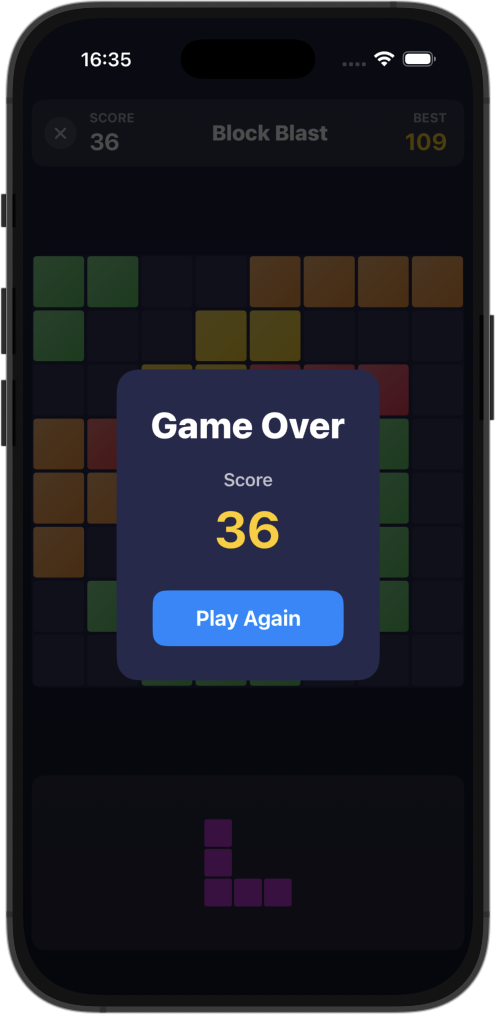
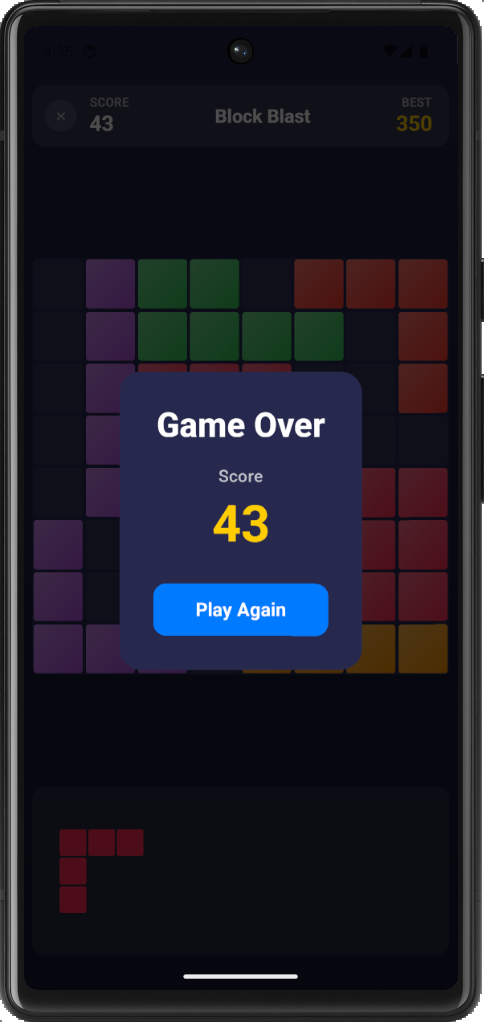
Just in time for Easter, the Skip Showcase app has released version 2.3.6 to both the Apple App Store ↗ and Google Play Store ↗. This version contains a hidden gem: a completely native Swift and SwiftUI “Block Blast” style puzzle game.
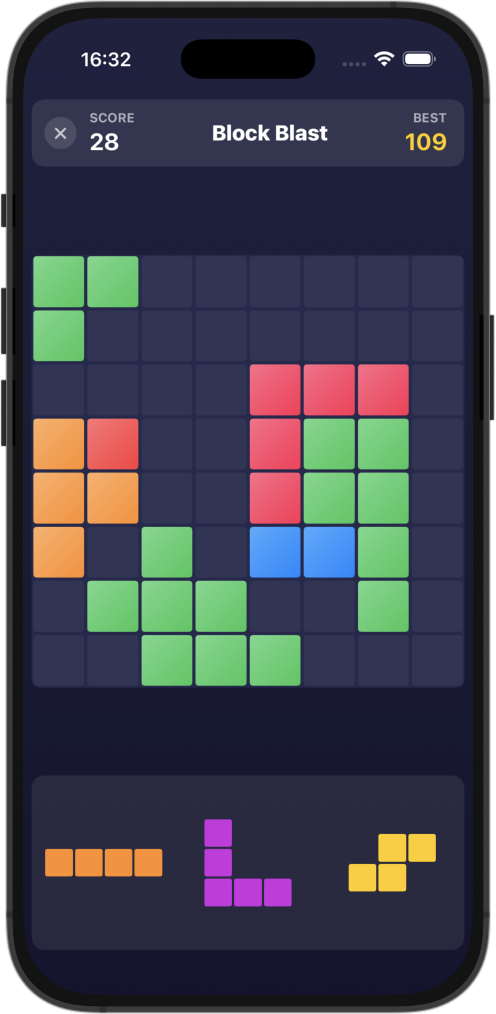
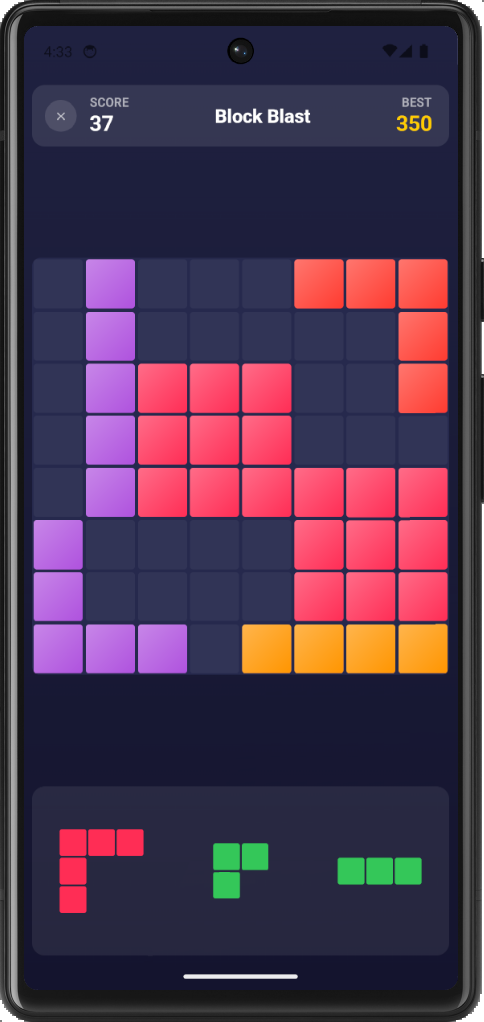
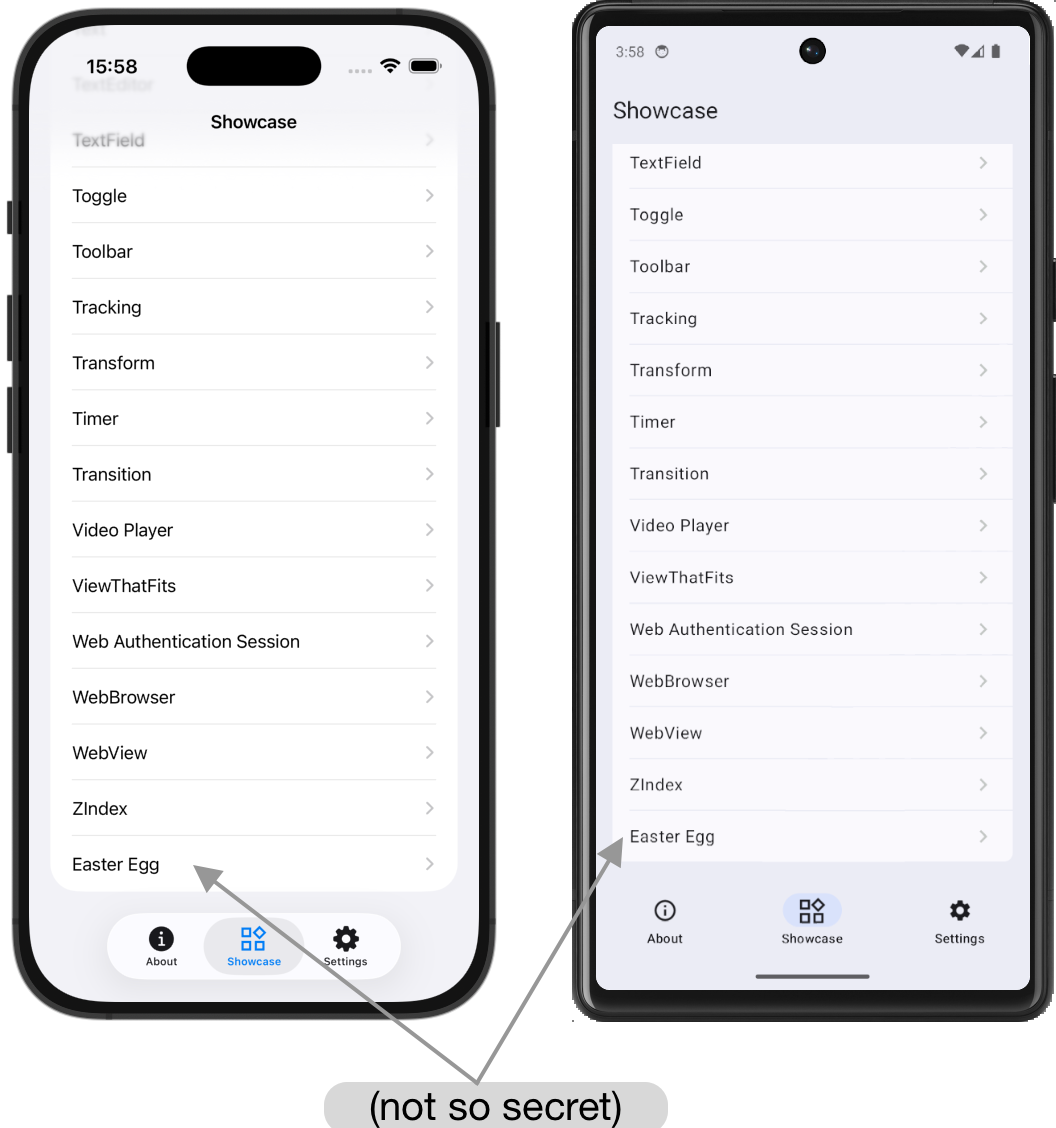
Easter eggs were historically activated via some secret gesture and sequence of actions that can only be stumbled upon by chance or learned about via word of mouth. As it turns out, modern app store policies frown on these sorts of hidden features (c.f. the aforementioned dearth of humor and whimsey), so our Block Blast game is rather conspicuously labelled “Easter Egg” at the bottom of the Showcase tab’s list of playgrounds.
Games in SwiftUI
Section titled “Games in SwiftUI”Cross-platform gaming has historically been the provenance of specialized SDKs such a Godot2, Unity3, or Unreal4. However, for casual games like board or puzzle games, these full-fledged engines can be overkill: you can just build it yourself with the view and gesture primitives that SwiftUI provides.
Our implementation of the Block Blast game is done in under 1,000 lines of pure Swift: see GamePlayground.swift ↗ for the whole thing. This code works out of the box on iOS, and on Android it builds with the newly-released Swift SDK for Android5, using Skip Fuse to translate the SwiftUI into SkipUI’s Jetpack Compose on Android and handle all the details of packaging and running the app. Shapes, gestures, haptic feedback, high score persistence, and everything: all done in straightforward declarative SwiftUI, exactly the same on Android as it is on iOS.
Now, do we think that the next Grand Theft Auto ought be written in SwiftUI? Probably not. But for a large segment of casual games and game-like experiences, Xcode and SwiftUI may be all that you need. And augmenting your project with Skip will enable you to bring it to Android and triple the market reach of your app!


Footnotes
Section titled “Footnotes”-
Easter Eggs in Software — https://en.wikipedia.org/wiki/Easter_egg_(media)#Software ↗ ↩
-
Godot Game Engine — https://en.wikipedia.org/wiki/Godot_(game_engine) ↗ ↩
-
Unity Game Engine — https://en.wikipedia.org/wiki/Unity_(game_engine) ↗ ↩
-
Unreal Game Engine — https://en.wikipedia.org/wiki/Unreal_Engine ↗ ↩
-
Swift 6.3 released with Android SDK — https://www.swift.org/blog/swift-6.3-released/#android ↗ ↩