
Shadow
이 콘텐츠는 아직 번역되지 않았습니다.
Skip support for SwiftUI.View.shadow ↗ on Android. Consult the SkipUI module for a complete list of supported SwiftUI.
The following example screens and source code is from SkipUI’s
Showcase sample app
ShadowPlayground.swift ↗
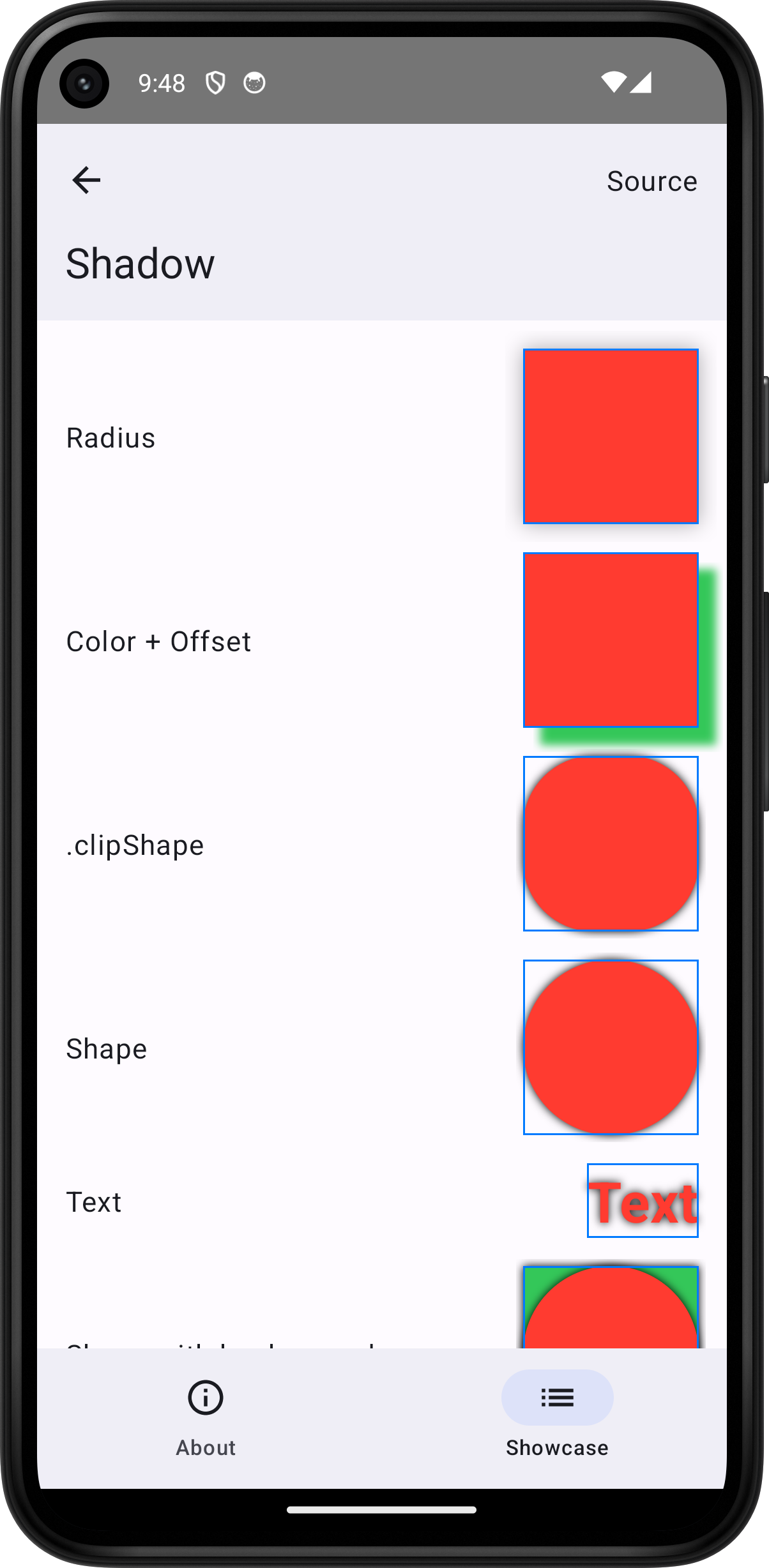
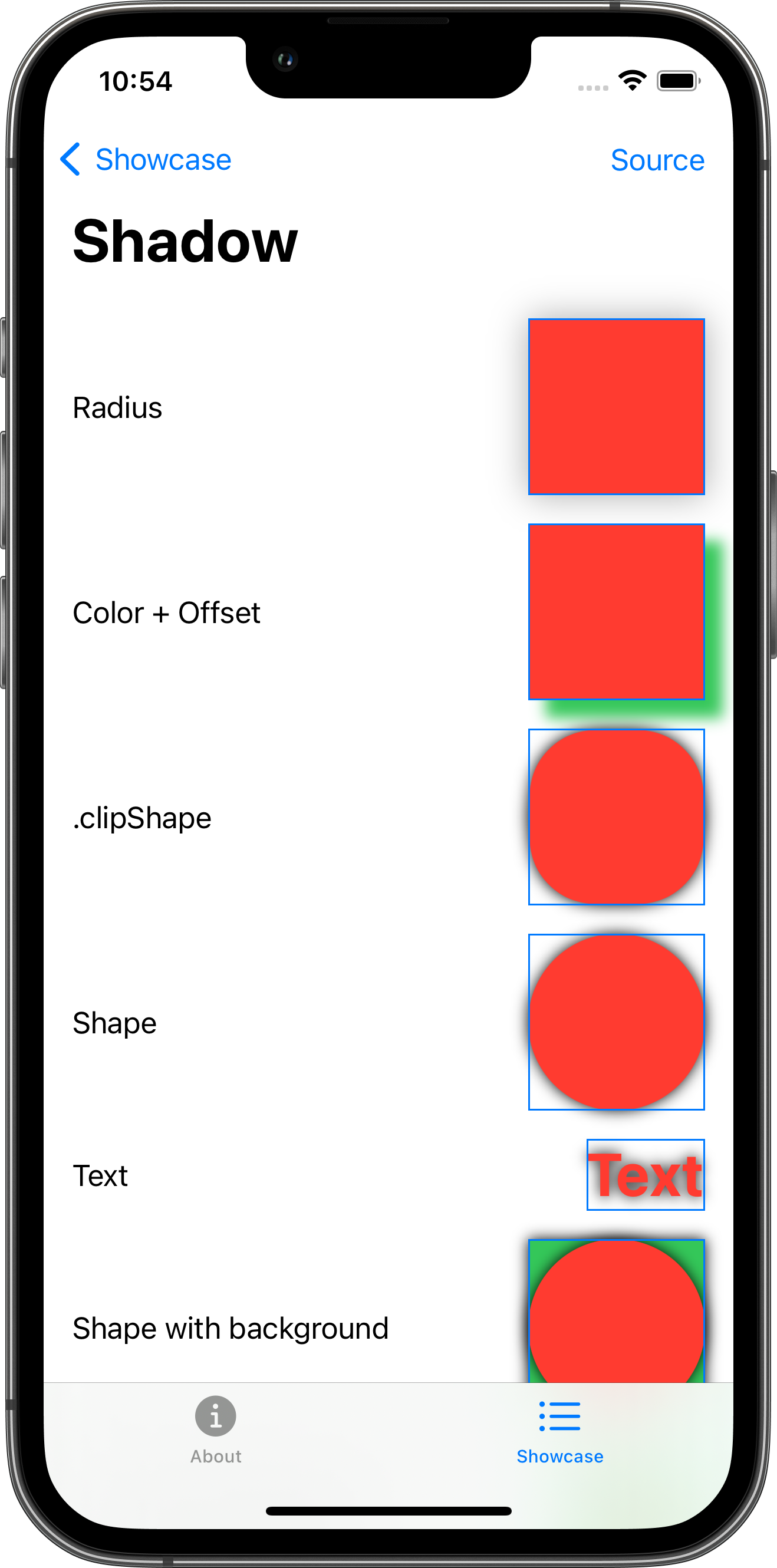
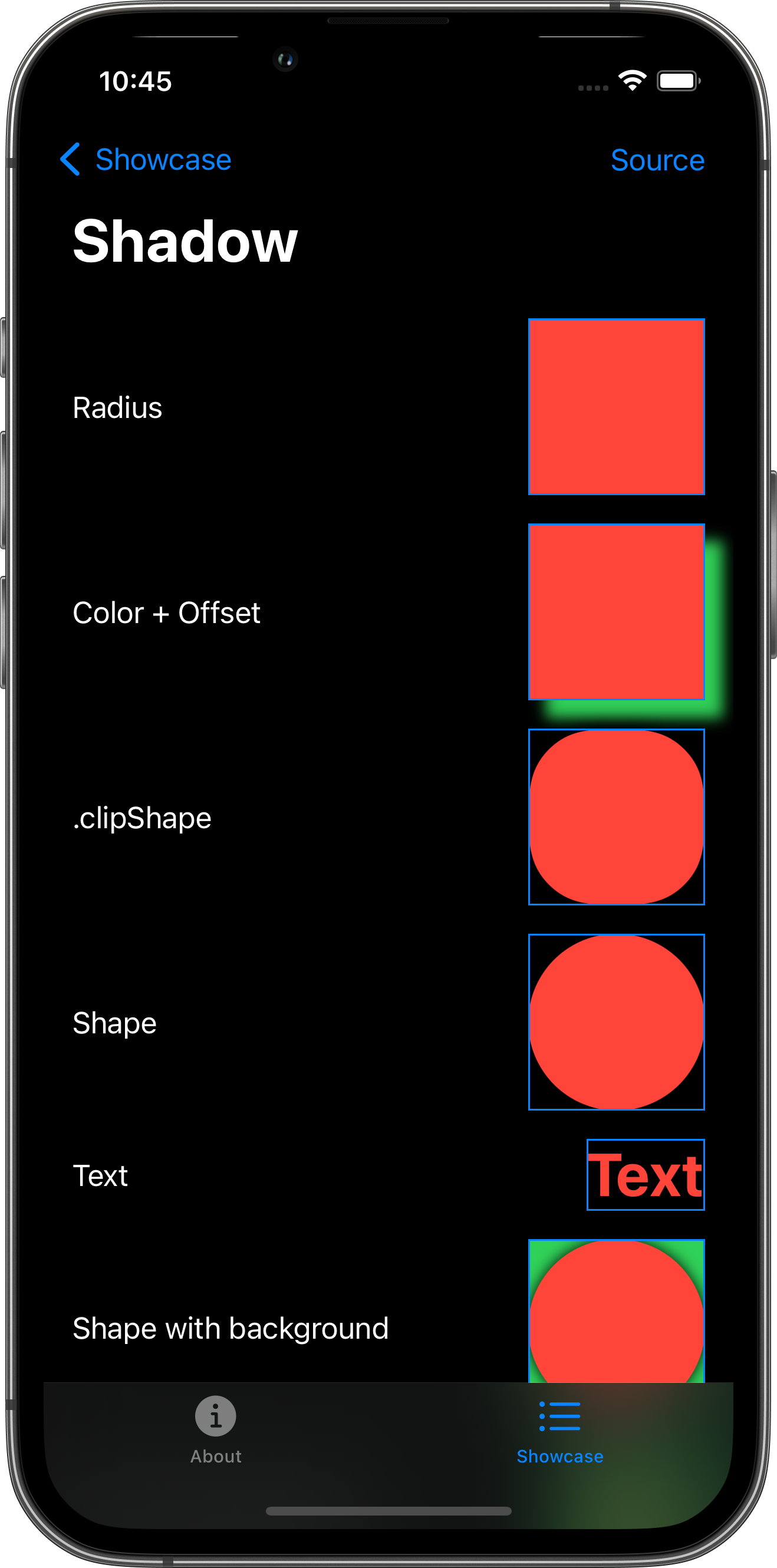
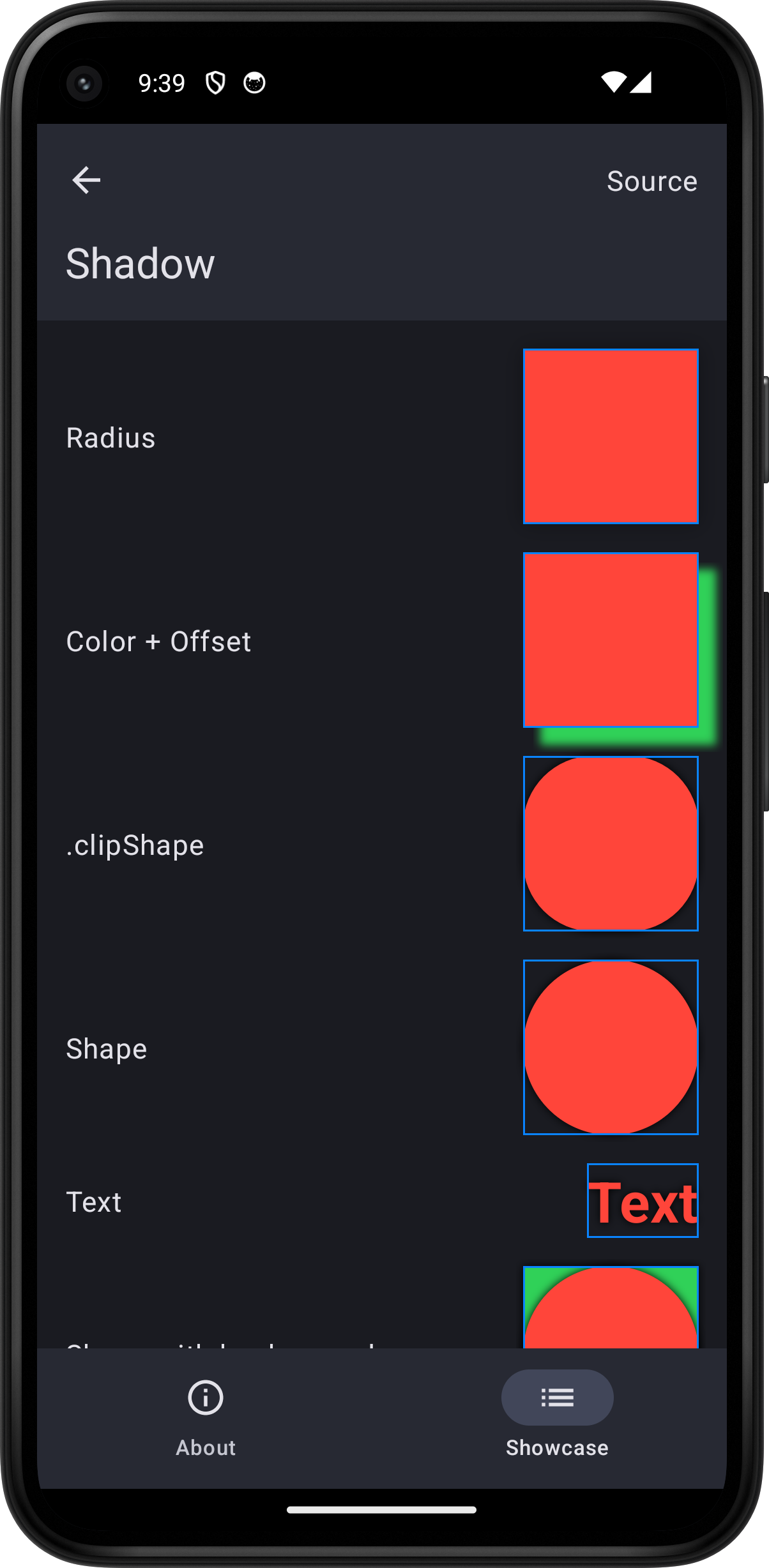
import SwiftUI
struct ShadowPlayground: View {    var body: some View {        ScrollView {            VStack(spacing: 16.0) {                HStack {                    Text("Radius")                    Spacer()                    Color.red                        .frame(width: 100.0, height: 100.0)                        .shadow(radius: 10.0)                        .border(.blue)                }                HStack {                    Text("Color + Offset")                    Spacer()                    Color.red                        .frame(width: 100.0, height: 100.0)                        .shadow(color: .green, radius: 4.0, x: 10.0, y: 10.0)                        .border(.blue)                }                HStack {                    Text(".clipShape")                    Spacer()                    Color.red                        .frame(width: 100.0, height: 100.0)                        .clipShape(RoundedRectangle(cornerRadius: 40.0))                        .shadow(color: .black, radius: 4.0)                        .border(.blue)                }                HStack {                    Text("Shape")                    Spacer()                    Circle()                        .fill(.red)                        .frame(width: 100.0, height: 100.0)                        .shadow(color: .black, radius: 4.0)                        .border(.blue)                }                HStack {                    Text("Text")                    Spacer()                    Text("Text").font(.largeTitle).bold()                        .foregroundStyle(.red)                        .shadow(color: .black, radius: 4.0)                        .border(.blue)                }                HStack {                    Text("Shape with background")                    Spacer()                    Circle()                        .fill(.red)                        .frame(width: 100.0, height: 100.0)                        .shadow(color: .black, radius: 4.0)                        .background {                            Color.green.shadow(color: .black, radius: 4.0)                        }                        .border(.blue)                }                HStack {                    Text("Text with background")                    Spacer()                    Text("Text").font(.largeTitle).bold()                        .foregroundStyle(.red)                        .padding(8.0)                        .shadow(color: .black, radius: 4.0)                        .background {                            Color.green.shadow(color: .black, radius: 4.0)                        }                        .border(.blue)                }                HStack {                    Text("Shape with overlay")                    Spacer()                    Circle()                        .fill(.red)                        .frame(width: 100.0, height: 100.0)                        .shadow(color: .black, radius: 4.0)                        .overlay {                            Text("Overlay").font(.largeTitle)                                .foregroundStyle(.green)                                .shadow(color: .black, radius: 4.0)                        }                        .border(.blue)                }                HStack {                    Text("Container")                    Spacer()                    VStack {                        Text("Top")                        Text("Bottom")                    }                    .padding(8.0)                    .shadow(color: .black, radius: 4.0)                    .border(.blue)                }                HStack {                    Text("Button")                    Spacer()                    Button("Tap") {                        logger.log("Tap")                    }                    .buttonStyle(.bordered)                    .shadow(color: .black, radius: 4.0)                    .border(.blue)                }                Toggle("Toggle", isOn: .constant(true))                    .shadow(color: .black, radius: 4.0)                    .border(.blue)                HStack {                    Text("Label")                    Spacer()                    Label("Title", systemImage: "heart.fill")                        .foregroundStyle(.red)                        .shadow(color: .black, radius: 4.0)                        .border(.blue)                }                HStack {                    Text("Image")                    Spacer()                    Image(systemName: "heart.fill")                        .foregroundStyle(.red)                        .shadow(color: .black, radius: 4.0)                        .border(.blue)                }            }            .padding()        }        .toolbar {            PlaygroundSourceLink(file: "ShadowPlayground.swift")        }    }}